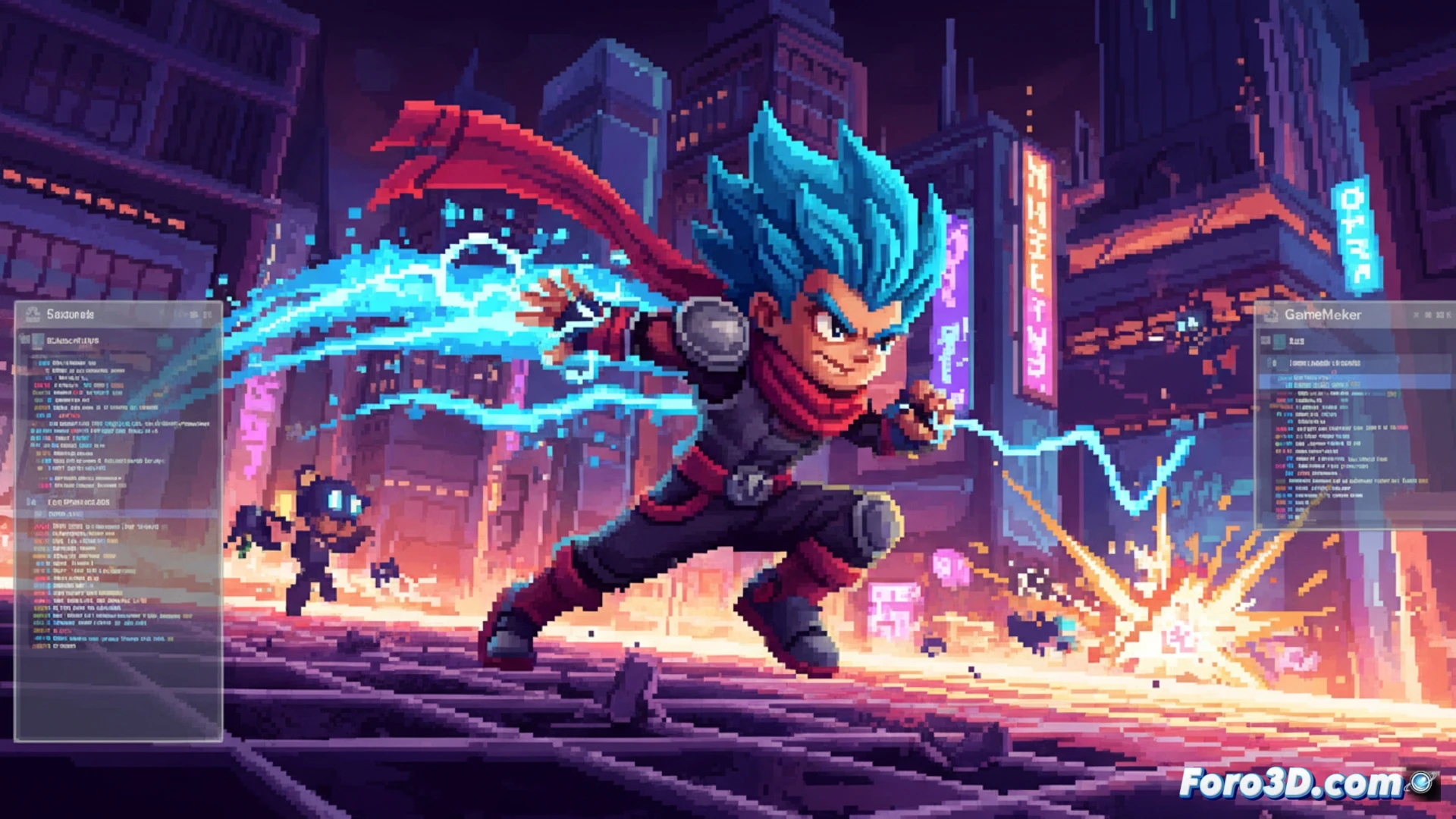
Berserk Boy is a clear example of how the GameMaker Studio engine can maximize modern pixel art, paying homage to the 16 and 32-bit era with titles like Mega Man X and Sonic. Its visual style stands out for highly saturated colors and extremely fast animations, accompanied by motion trail effects reminiscent of classic action games. In this article, we will analyze the development techniques that achieve this result, from creating sprites in Aseprite to optimizing real-time performance within GameMaker. 🎮
Sprite optimization and motion trails in Aseprite and GameMaker 🚀
To achieve that feeling of fluidity and speed, the Berserk Boy team uses a saturated but limited color palette, which reduces sprite weight and facilitates rendering in GameMaker. In Aseprite, they work with keyframes that are then manually interpolated, creating animations at 12 to 15 frames per second, but with very tight timing so the human eye perceives continuity. The trail effect is achieved using motion trail sprites that are drawn as temporary surfaces with decreasing opacity. In GameMaker, this is implemented using the draw_sprite_ext function with an alpha that decreases each step, and the character's previous positions are stored in a queue (ds_queue). To maintain performance, the queue length is limited to 8 or 10 entries and the use of high-resolution surfaces is avoided. Additionally, it is recommended to use the bm_add blend mode for trails, as it intensifies colors without saturating the screen buffer.
Lessons from the 90s for modern development 💡
Berserk Boy demonstrates that pixel art is not just nostalgia, but a smart technical choice. By limiting the palette and using small sprites (16x16 pixel tile size), the GPU load is reduced, allowing GameMaker to process multiple enemies and particles without frame drops. The reference to Sonic and Mega Man X is no coincidence: both titles used vibrant colors to visually guide the player, and Berserk Boy applies the same principle with controlled saturation effects. For indie developers, the key is to prioritize visual clarity over graphical complexity, and to use tools like Aseprite to create modular sprites that can be reused in different animations. This achieves a fast, clean, and functional style, ideal for 2D action games.
As an indie developer, what pixel art and fast animation techniques did you implement in Berserk Boy with GameMaker Studio to achieve such fluid combat without sacrificing the retro aesthetic?
(PS: shaders are like mayonnaise: if they break, you start all over again)