Subdividing geometry in Blender usually comes with a hassle: new vertices and edges get mixed with the originals, forcing you to filter manually with Checker Deselect or Select Inverse. The free Subdivide Select New add-on, created by Funkworks, solves this at its root: subdivide a face, a loop, or a ring, and it leaves only the newly created geometry selected.
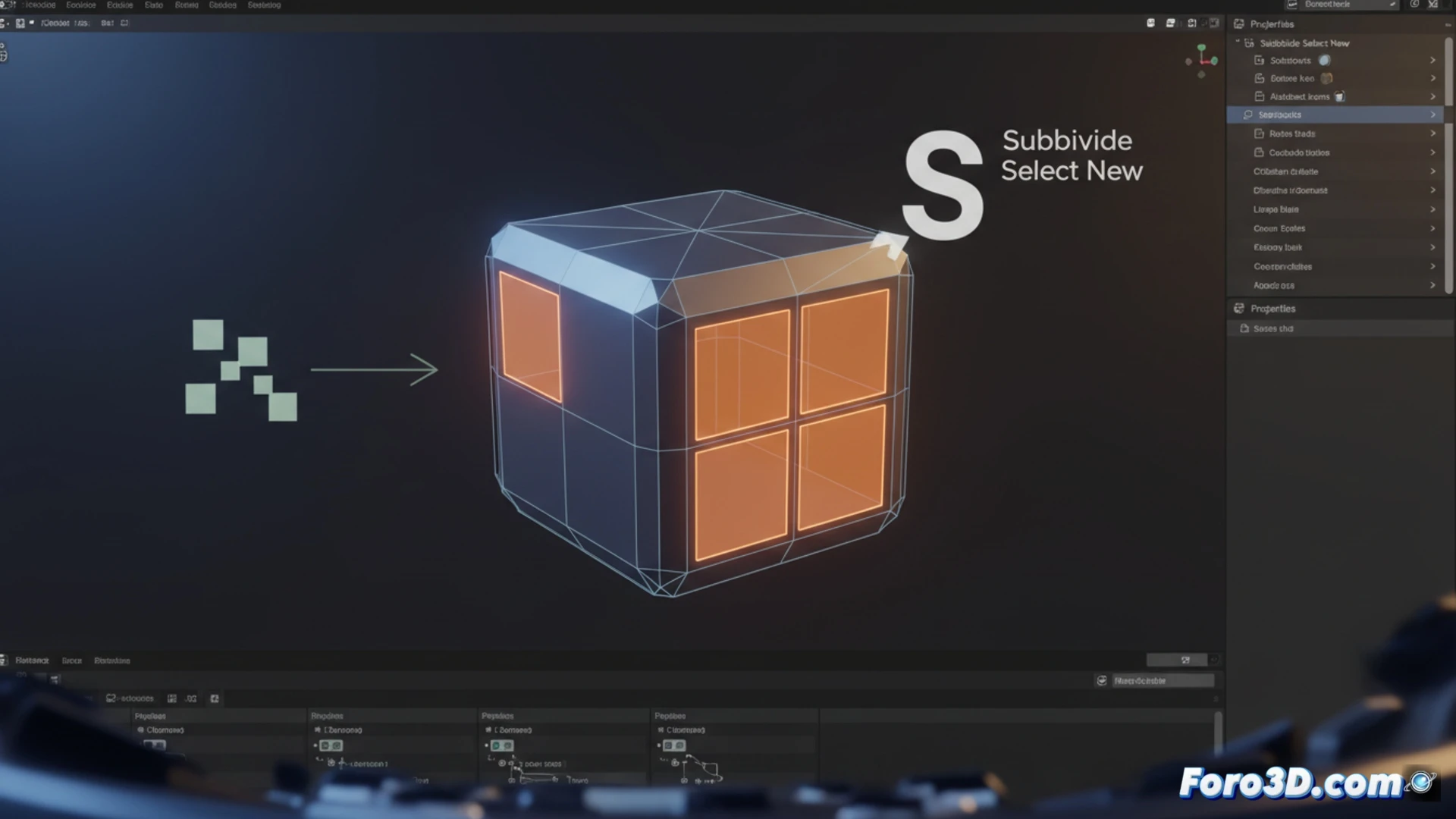
How automatic filtering of new geometry works 🛠️
The tool works directly in Edit Mode, accessible from the Mesh menu, the right-click context menu, or via the F3 key. When subdividing, the add-on identifies and selects exclusively the generated vertices and edges, leaving the original geometry unselected. This allows you to apply operations like beveling, sliding, or extruding on the new cuts without extra steps. It works on individual faces, edge loops, or face rings, streamlining precise modeling workflows.
Goodbye to the inverse selection dance 🎉
Finally, someone thought of those of us who spend more time deselecting than modeling. Before, subdividing was like ordering a pizza and having them bring you your neighbor's raw dough too. With this add-on, new vertices come to the party alone, and the originals stay home. Now we just need it to take out the trash and pay the rent too.