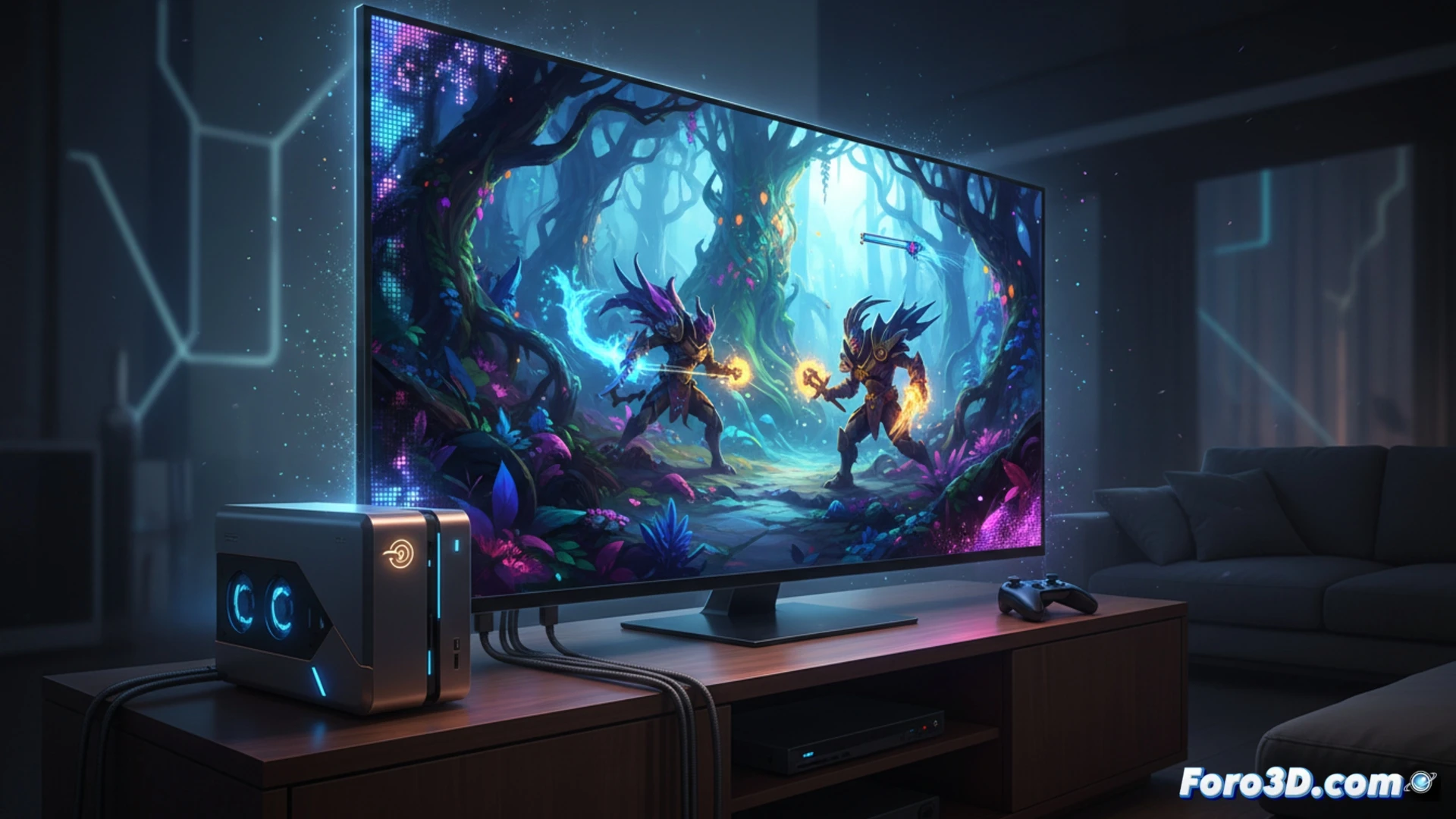
Before obsessing over 60 fps in 4K on your Steam Machine, it's worth checking what TV you have. A screen with mini LED or OLED improves colors and blacks, and a 120 Hz refresh rate is ideal for smooth gaming. But be careful: on Linux, HDMI 2.1 compatibility can be tricky. A good TV enhances graphics even if you lower the resolution.
Graphics hardware and HDMI limitations on Linux 🖥️
The Steam Machine's performance depends on its GPU and the Linux ecosystem. Although Vulkan and open-source drivers have improved, HDMI 2.1 support is not universal. This can limit the use of VRR or high refresh rates on newer TVs. If your TV doesn't recognize the correct signal, you'll need to check the settings or use DisplayPort with an adapter. The quality of the screen is as important as the console.
The drama of explaining to your brother-in-law that HDMI is to blame 😅
You arrive with your brand new Steam Machine, connect it to the 120 Hz TV, and... everything runs at 30 fps. Your brother-in-law says it's Linux's fault, but the problem is that the HDMI 2.1 cable you bought from a cheap store isn't up to the task. While he spouts platitudes about consoles, you adjust the resolution to 1440p and the game runs smoothly. In the end, the TV is good, but the ecosystem is a bit finicky.