The development of Supermarket Simulator represents a fascinating case study within the niche of everyday simulators. Built on the Unity engine, this project requires a precise balance between visual realism and real-time performance. The key to success lies in visual inventory management and interior lighting, two pillars that transform an empty space into a modern and functional store. We analyze the workflow between Blender and Unity to achieve this result.
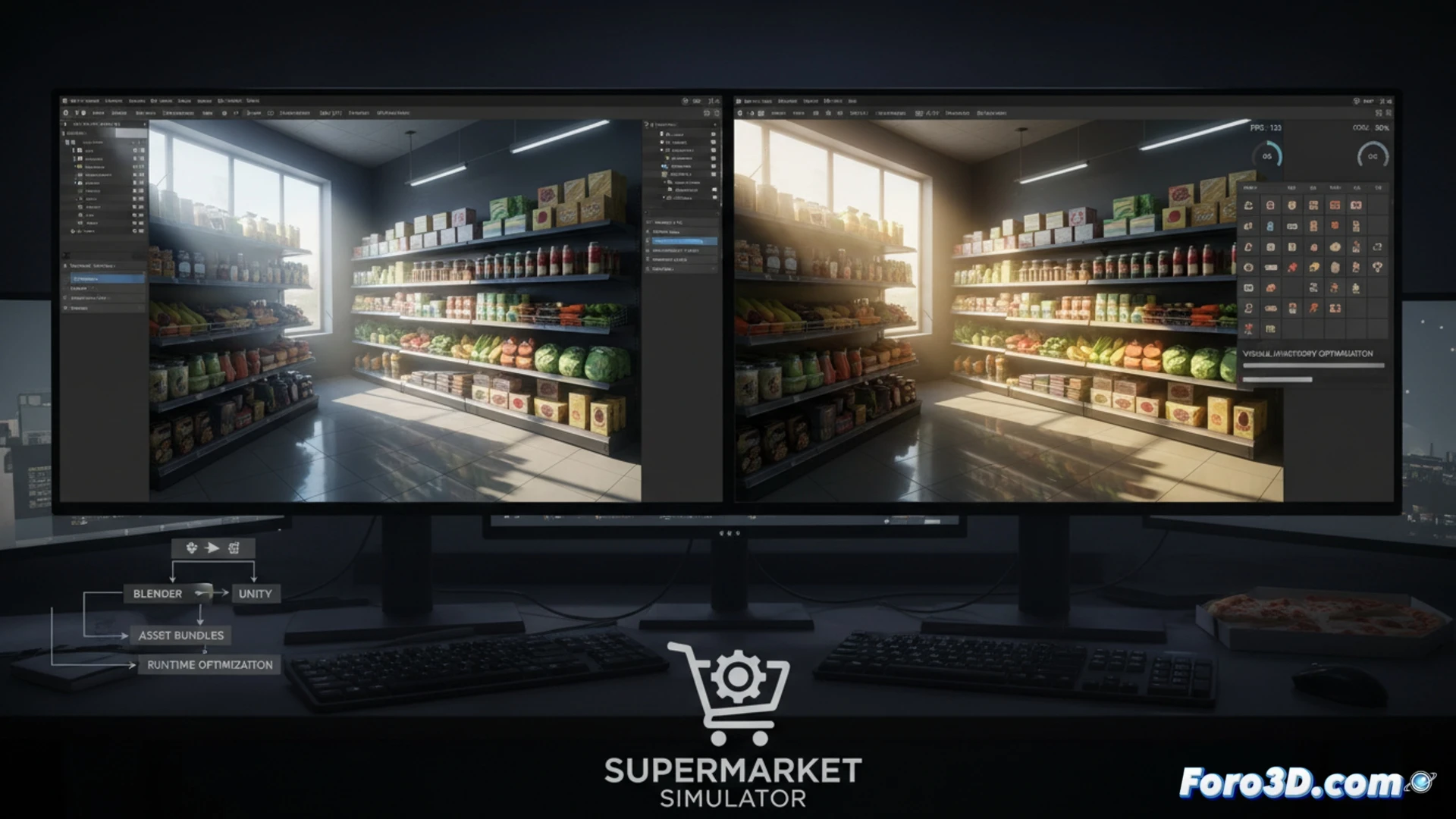
Technical workflow: asset modeling and lighting systems 🛠️
The process begins in Blender, where shelves, aisles, and individual products are modeled with optimized geometry. For a realistic supermarket, it is crucial to create packaging variations (boxes, bottles, cans) using normal maps and high-resolution textures that are compressed into the ASTC format for Unity. Interior lighting is addressed with Light Probes and Reflection Probes, combining directional lights to simulate ceiling fluorescents with point lights in refrigerated displays. It is recommended to use Unity's Lightmap Baking system for static shadows, reducing real-time rendering costs. Visual inventory management is implemented through an object pooling system, where each product is a prefab that is activated or deactivated based on player demand, avoiding scene overload.
Tips for publishing your simulator on Steam 🎮
To launch a simulator of this type on Steam, optimization is critical. Use Unity's Profiler to identify draw call bottlenecks, especially when rendering hundreds of products. Implement LODs (Level of Detail) for distant shelves and consider using GPU Instancing for repeated objects. Additionally, the management interface must be responsive; avoid using heavy Canvases and opt for UI Toolkit. Finally, include a JSON save system so that player progress persists. A trailer showing the day-to-night transition with changes in interior lighting will be your best calling card.
As a developer who has worked with everyday simulators, what optimization techniques do you consider most effective for maintaining stable performance in a supermarket with hundreds of interactive objects and real-time customers without sacrificing the visual quality of modeling and lighting?
(PS: shaders are like mayonnaise: if they break, you start all over again)