The development of Project: GGG, a top-down extraction shooter developed by Line Games and Action Square, represents a fascinating case study for the video game development niche. The decision to use Unreal Engine 5 for a top-down perspective title, combined with industrial environments and complex dynamic lighting, demands a very specific technical pipeline. This article breaks down the workflow between 3ds Max, Unreal Engine 5, and Photoshop, offering a practical guide for independent developers looking to optimize their assets without sacrificing real-time visual quality.
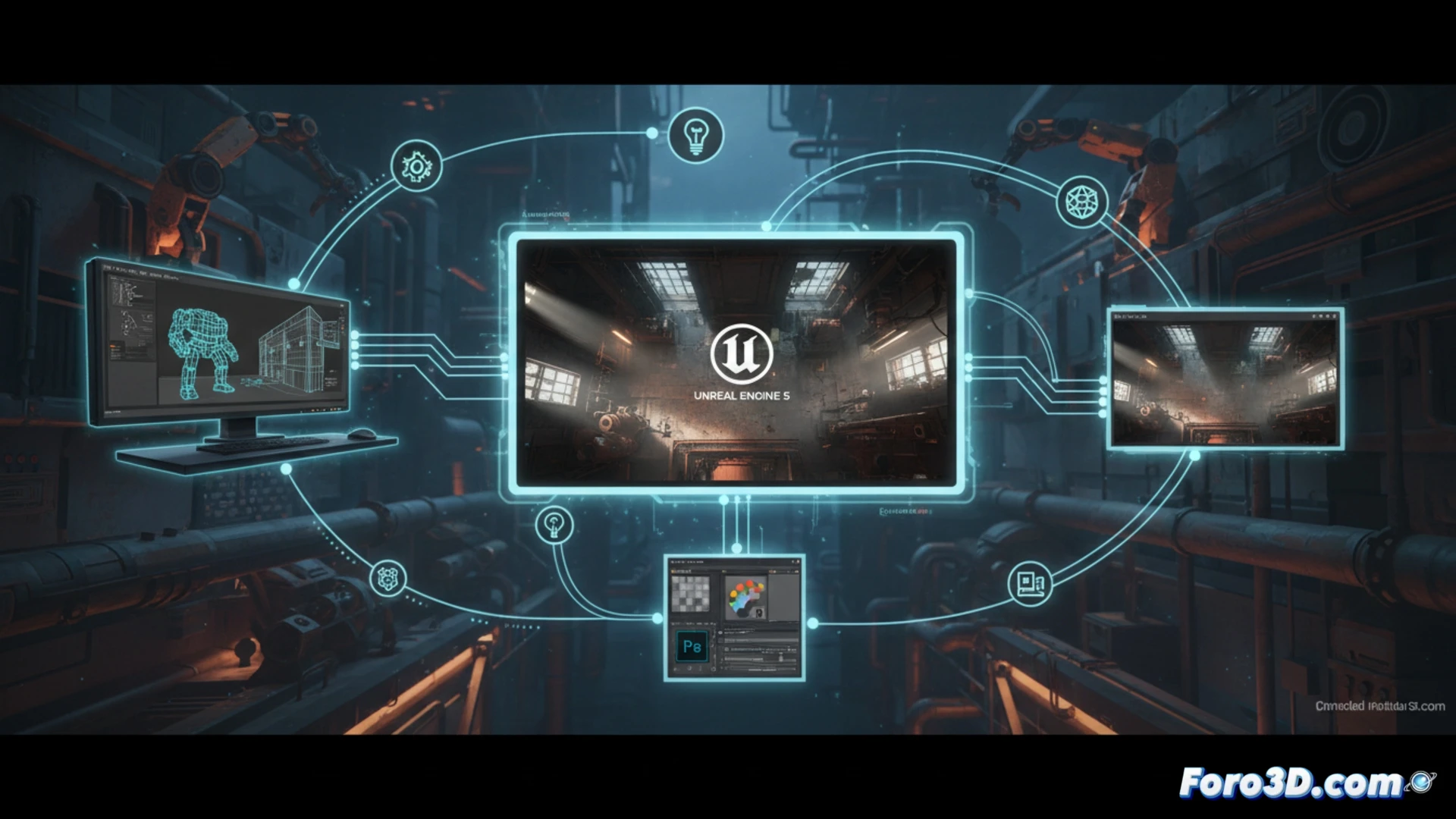
Integration of 3ds Max and UE5 for industrial environments 🏭
The creation of the industrial environments in Project: GGG begins in 3ds Max, where the priority is modularity. For a top-down shooter, the player sees the scene from above, which requires a different texturing and geometry approach than an FPS. In 3ds Max, base pieces like pipes, platforms, and containers are modeled with controlled polygon density. The trick is to use an aggressive LOD (Level of Detail) system from the start, since the top-down camera doesn't need microscopic details on vertical surfaces. Subsequently, export to Unreal Engine 5 is done via FBX, ensuring normals and UV maps are properly packed for the Nanite system. In UE5, dynamic lighting is achieved by combining Lumen with directional lights that mimic industrial spotlights, avoiding the horrendous shadow popping that ruins immersion in extraction titles. To optimize, it's recommended to use low-resolution textures in areas the player won't examine closely, such as hangar ceilings.
Photoshop and the extraction aesthetic 🎨
Photoshop plays a crucial role in defining the game's visual identity, not only for texturing but also for creating lighting masks and dirt decals. In an industrial environment, materials must convey wear and abandonment. The most effective technique is to paint ambient occlusion masks directly in Photoshop, using adjustment layers and blending modes like Multiply to simulate dust accumulation in corners. This allows Unreal Engine 5's dynamic lighting to interact realistically with the assets. For an independent developer, the advice is not to underestimate the power of alpha channels in base textures; a good hand-painted roughness mask in Photoshop can make a generic 3ds Max asset look unique under the changing light of an extraction match.
How did Project GGG's technical pipeline optimize the top-down shooter's performance in Unreal Engine 5 to handle the high density of projectiles and enemies in an extraction environment?
(PS: optimizing for mobile is like trying to fit an elephant into a Mini Cooper)