Setting up a NAS with RAID at home is no longer just for experts. With a 2.4% failure probability in the first year and up to 8% after the fifth, a mechanical hard drive can leave you without photos, documents, or downloaded series. A sensible home setup is a two-bay NAS with RAID 1, where data is duplicated in real time. If one drive fails, the other keeps everything intact.
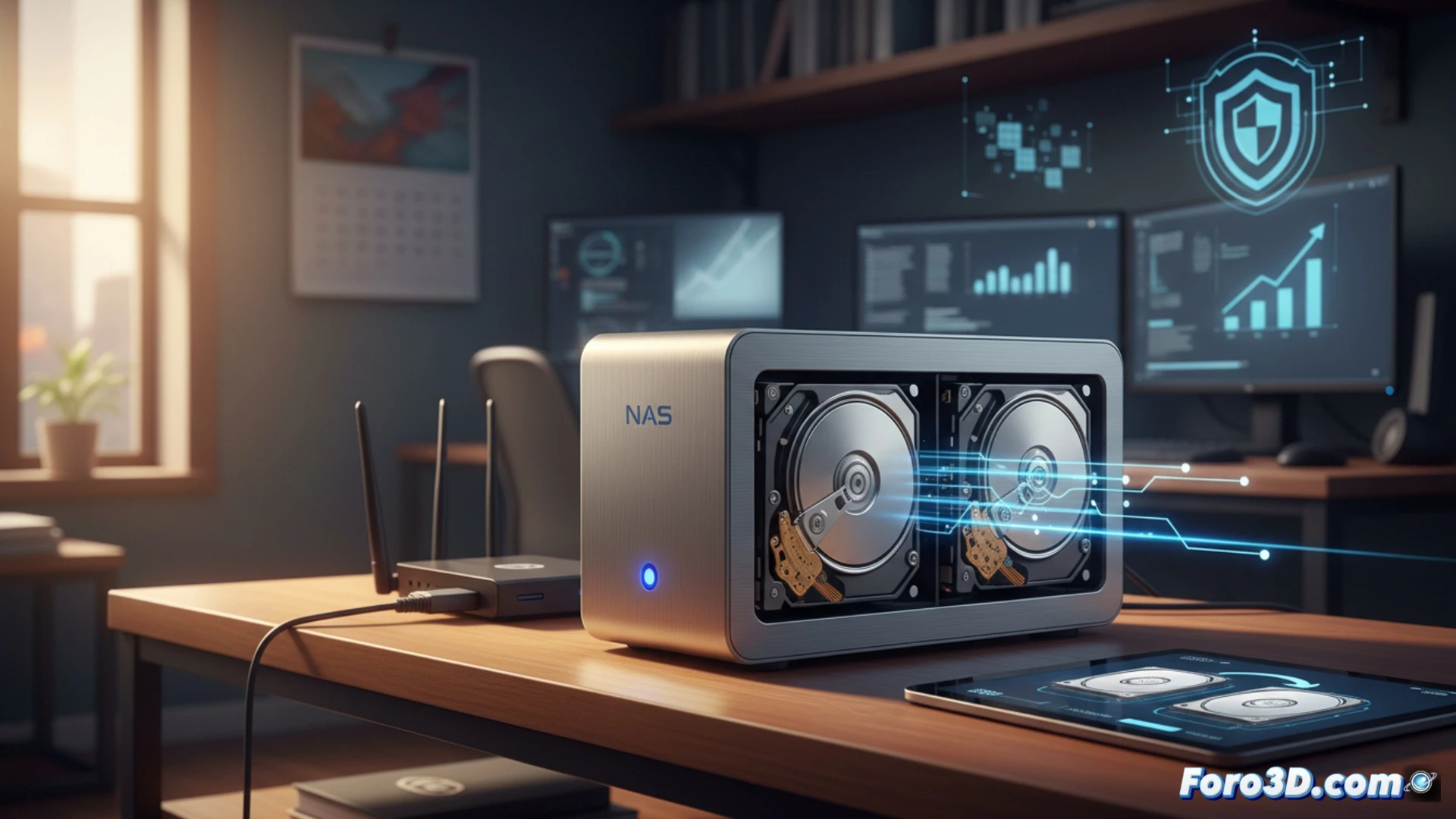
RAID 1 in two bays: operation and practical limits 🛡️
RAID 1 replicates information on two drives simultaneously. This means the usable space is half the total installed capacity: with two 4 TB drives, you only have 4 TB available. Read speed increases because the system can access both drives at once, but write speed remains at the performance of a single drive. It is not an external backup: if you accidentally delete a file, it is deleted on both. For that, you need periodic backups on another device or in the cloud.
The mirror that doesn't lie: when two drives fail at the same time ⚠️
Sure, RAID 1 saves you from a dead drive, but Murphy's law says that if you buy two drives from the same batch, they can fail together. It's like having two socks from the same pair: if one tears, the other is usually already holey. Also, if the NAS gets electrocuted or has coffee spilled on it, the mirror is useless. So, although RAID 1 is cool, don't forget that cheap can be expensive if you blindly trust redundancy.