Modeling a hot cup of coffee is a classic in 3D, but bringing it to life with rising steam requires an extra step. The key lies in a smoke simulation that mimics the real behavior of steam. Here's the process to achieve it, from basic modeling to animation, without unnecessary complications.
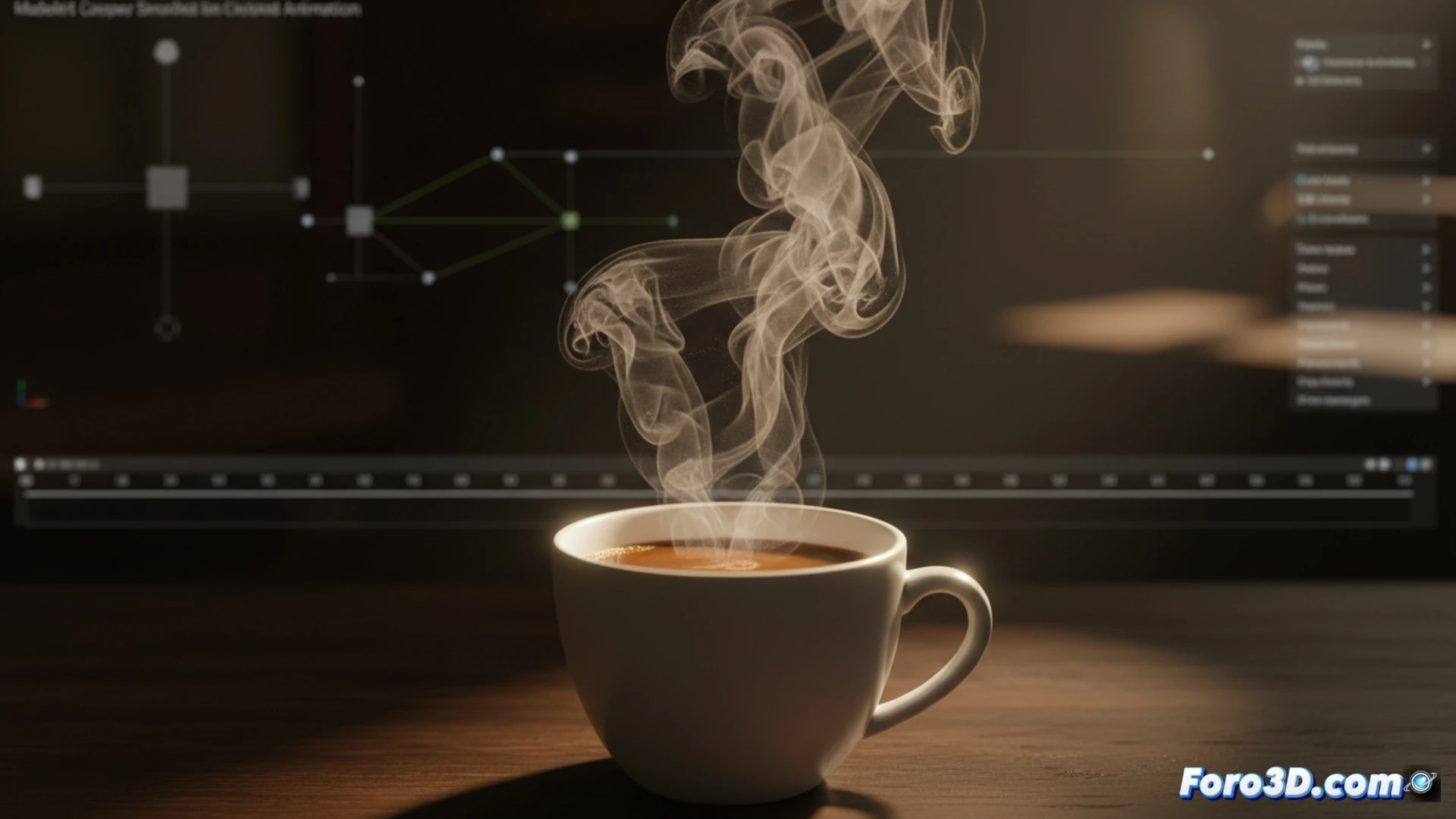
Technical process for steam simulation in Blender ☕
First, model the cup with a cylinder and an extruded handle, and the coffee as a slightly concave disk on the surface. Then, add a smoke domain that covers the entire cup. Set the smoke emitter from the coffee disk, adjusting the density to a low value (0.01) and the temperature to 2.0 so it rises. Use a particle flow with gentle vertical velocity (0.3 m/s) and low turbulence to avoid unrealistic swirls. Rendering with a division resolution of 64 gives an ethereal look without overloading the system.
When virtual coffee doesn't cool down or spill 😄
The funny thing about all this is that you spend hours tweaking the simulation so the steam rises elegantly, while your real coffee cools down beside you. And then, when rendering, the smoke looks more like a storm cloud than the mist of an espresso. But hey, at least you don't have to clean up virtual spills or worry about it getting cold: in the 3D world, the coffee is always at the perfect temperature for simulation, even though you already need another real one.