Achieving a satisfying animation loop in Blender can be a headache. With Geometry Nodes and the geometry proximity node, you can create seamless repeating movements, generating smooth transitions between objects or particles. The key is to use the loop modifier and adjust the interpolation curves so that the start and end are indistinguishable.
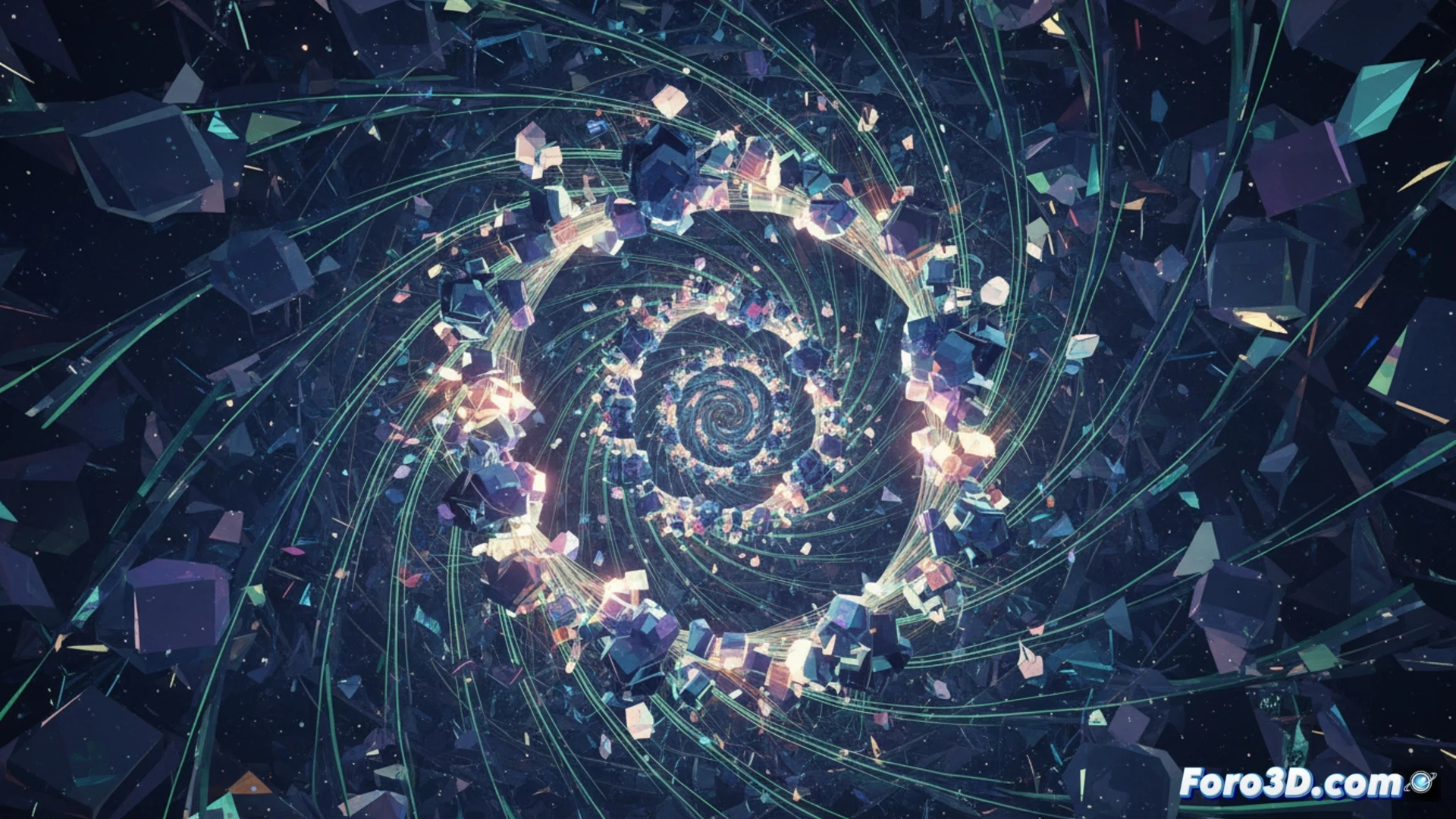
How to set up the proximity node for continuous loops 🌀
Connect a Geometry Proximity node to an Attribute Statistic to measure the distance between your object and a reference point. Then, use that value to control parameters like position, scale, or rotation in a Set Position node. For the loop, use a Map Range node that normalizes the distance between 0 and 1, and a Math node with the Ping-Pong operation to repeat the cycle without cuts. Adjust the curve in a Float Curve node to smooth the transition and avoid abrupt jumps.
When the perfect loop drives you crazy 😵
Sure, there's always a moment when you adjust the Ping-Pong node and discover that your animation looks like a waiter who doesn't know whether to serve or clear the tray. Geometric proximity measures distances, but it doesn't measure your patience when the loop gets out of sync due to a misplaced decimal. It's like trying to dance salsa with two left feet: in the end, the loop turns out fine, but you need a nap.