A silent error in your G-Code configuration can ruin a print or, worse still, damage your printer. It's the omission of the command that defines the coordinate system, leaving the machine in an ambiguous state. If the print head interprets the coordinates in relative mode (G91) when they should be absolute, it will try to move astronomical distances from its current position, with a high risk of violent collision against the endstops. The solution is simple but non-negotiable: explicitly define the mode at the beginning of every file.
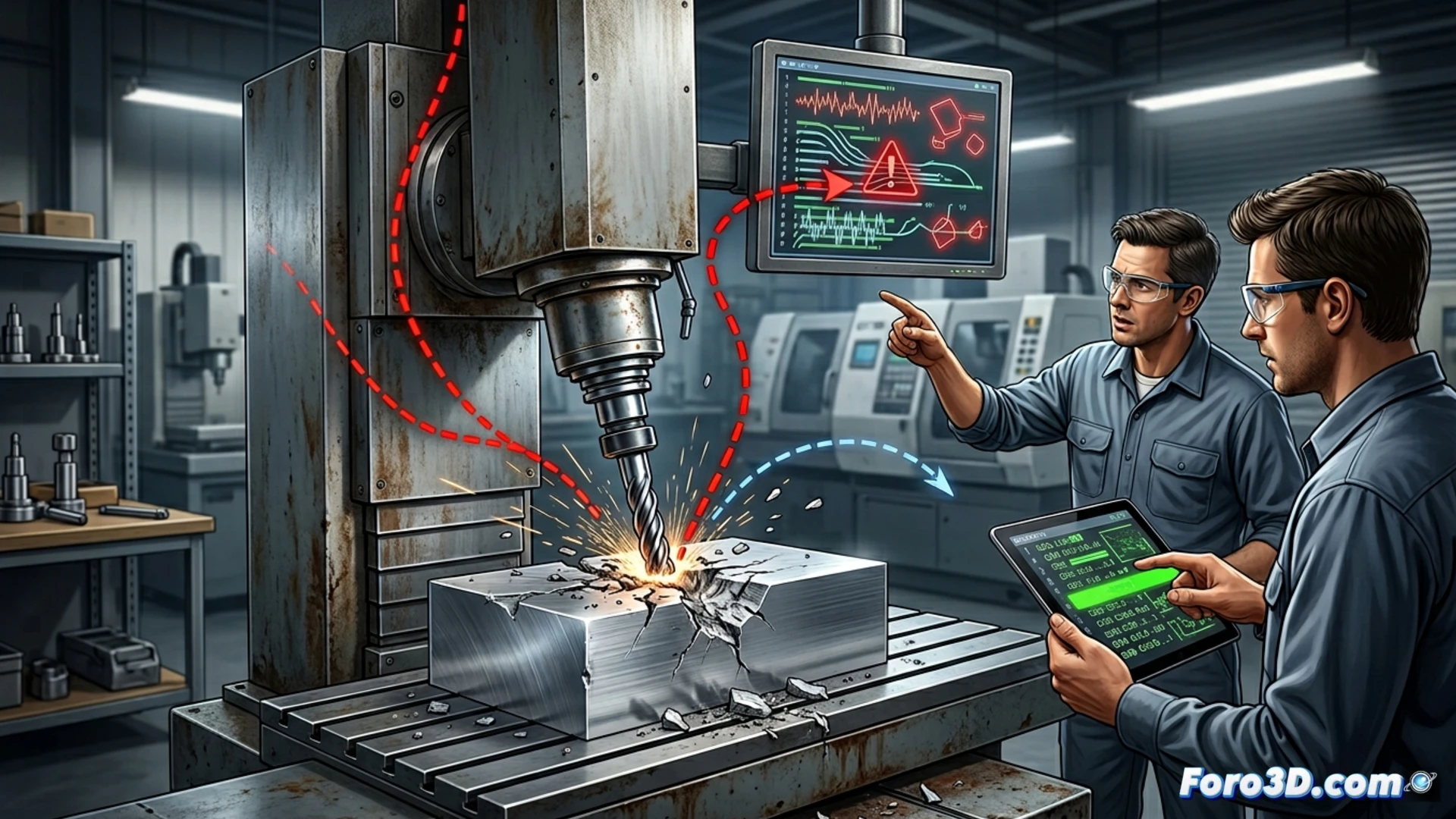
Understanding the technical difference: Absolute (G90) vs Relative (G91) ⚙️
In the G-Code language, G90 and G91 are modal commands that change the interpretation of all subsequent coordinates. G90 sets absolute mode: each X, Y, Z value refers to a fixed position in the print bed space (e.g., X0 Y0 is always the corner). G91 activates incremental or relative mode: each coordinate indicates the distance to move from the current position (e.g., X10 means "move forward 10 mm in X"). The problem arises when the slicer does not emit an initial command, and the printer inherits an unknown previous state, often G91. A command like G1 X100 Y100 could send the print head to an impossible location.
An essential practice for robust G-Code ✅
The conclusion is clear: never assume your printer's modal state. Make it an unbreakable habit to check or configure your slicer to always include the G90 command in the initial lines of the G-Code, right after the homing commands and before any displacement movement. This simple line acts as a guarantee, establishing a fixed and predictable reference point for the entire print. It's a minimal effort that prevents catastrophic failures and ensures your model prints exactly where it should.
How can you detect and correct the dangerous error of absolute coordinates (G90) and incremental (G91) that is damaging your 3D prints? 🤔
(P.S.: don't forget to level the bed, or your print will look like abstract art)