Google AI Studio is a platform for testing and tuning Gemini models. One of its features allows modifying the assistant's safety settings. This enables less restrictive behavior in creative or experimental responses, useful for developers who need to test the model's limits in controlled environments.
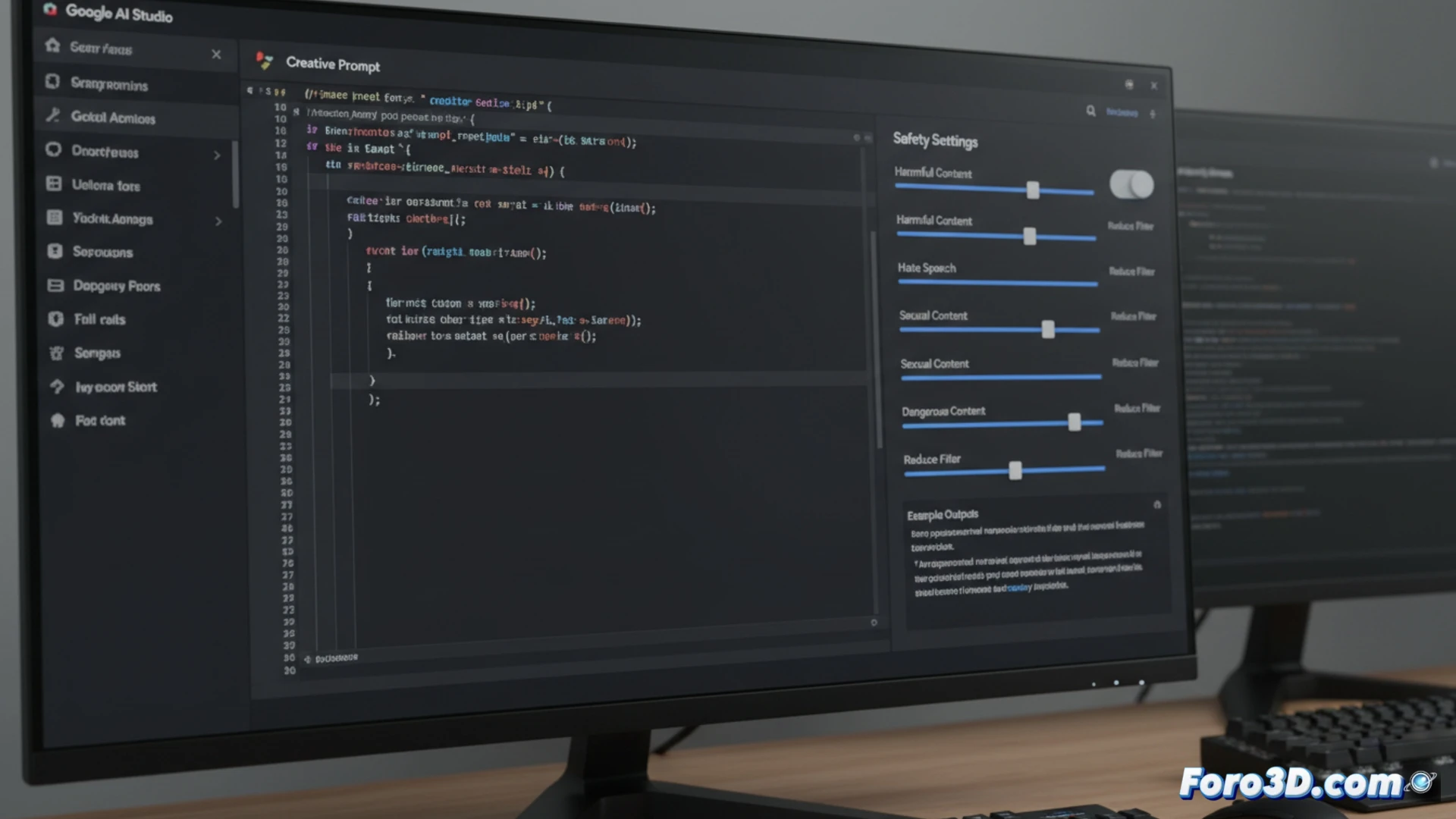
Safety Parameter Adjustment in the API 🛡️
In the AI Studio interface, when creating a prompt, you access the Safety settings tab. There, for each blocking category (such as Harassment or Dangerous content), you can change the threshold to Block none, Block few, Block some, or Block most. Selecting Block none or Block few instructs the model to ignore those guidelines. This configuration is then exported as code for the API.
When you want your AI to be a little more "wild" 🦁
This is the moment when, tired of Gemini getting scandalized by every request, you decide to unbuckle its seatbelt. You lower all the filters and, for an instant, feel the power of an irresponsible god. That said, after it explains without beating around the bush how to build a cabin with plastic spoons, you might understand why those filters were there in the first place.