Pure procedural scattering systems can generate uniform and repetitive results. For scenarios like a grass field or a rock bed, more direct artistic control is needed. An effective technique combines the power of Geometry Nodes with the precision of manual attribute painting. This allows defining zones of higher density or size in an organic way, integrating the best of both approaches: automation and artistic direction.
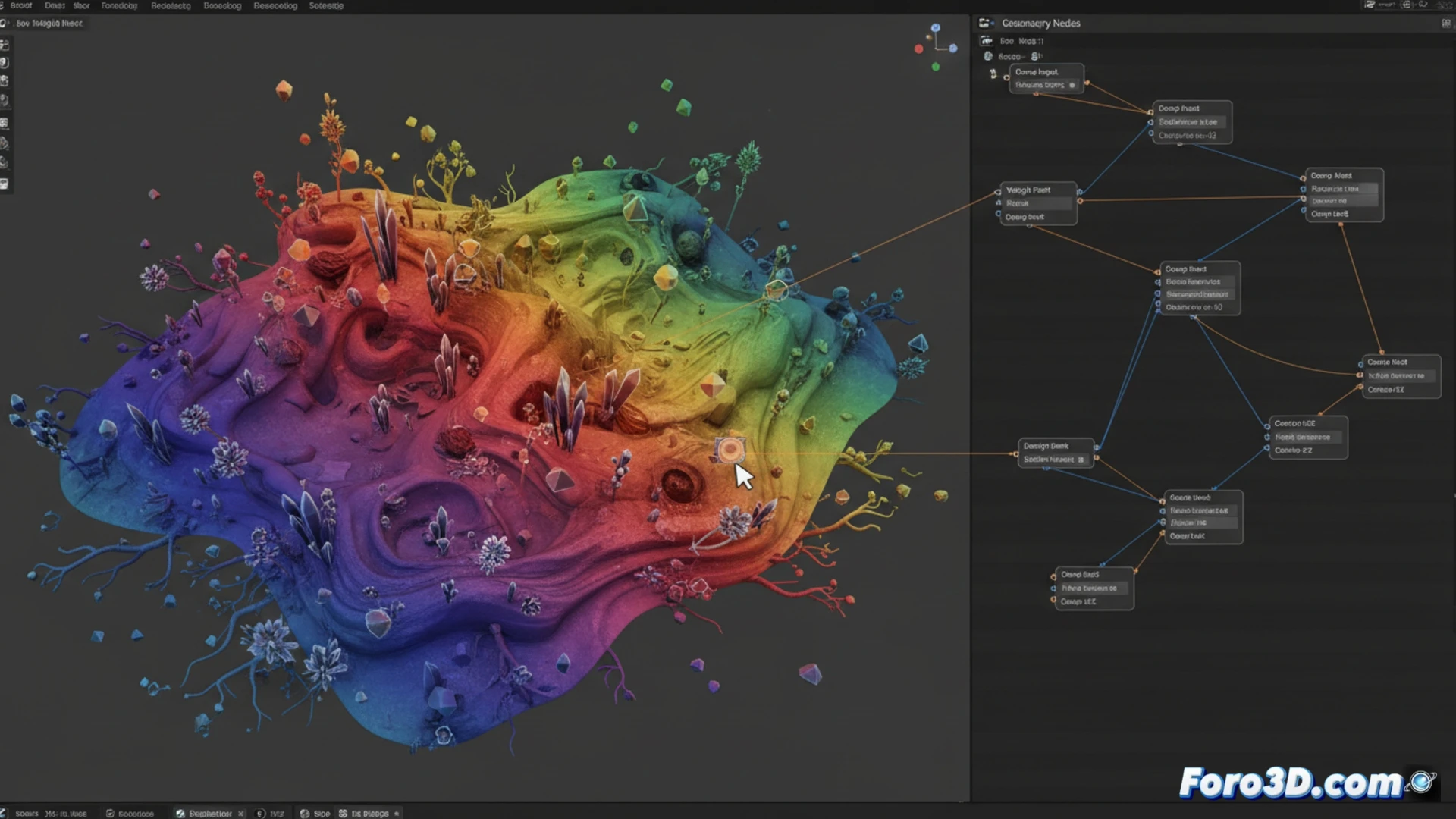
Technical implementation: painted attributes and nodes 🛠️
The process begins on the base mesh, creating two custom attributes: density and scale. Using Weight Paint mode, values are painted on the surface, where white represents the maximum value and black the minimum. In Geometry Nodes, these attributes are captured with the Capture Attribute or Sample Texture node. The scale attribute is connected directly to a Scale Instances node. For density, the painted value is used as a threshold in a Compare node, filtering the points generated by Distribute Points on Faces before instancing.
When the grass asks for a touch-up of lights and shadows 🌱
It's the moment when you realize that your procedural lawn has bald spots and areas of uncontrolled growth, like a garden abandoned by someone who only knew how to use the randomize key. Now, instead of arguing with noises and parameters, you take the weight brush like a divine landscaper, giving touches of green here and there. The irony is that, to make something look natural, in the end you have to paint it by hand, almost as if the algorithms needed a bit of artisanal help to not behave like robots.