Have you noticed grains or defects on the curved surfaces of your 3D prints, especially in high-resolution models? This common problem, known as stuttering or buffer underrun, is not a mechanical failure, but a software limitation. It occurs when the printer receives an avalanche of G1 commands that are too small and fast, saturating its motion buffer. The machine must make microscopic pauses to process the instruction queue, leaving visible marks. Fortunately, it has a direct solution by optimizing the G-code before printing.
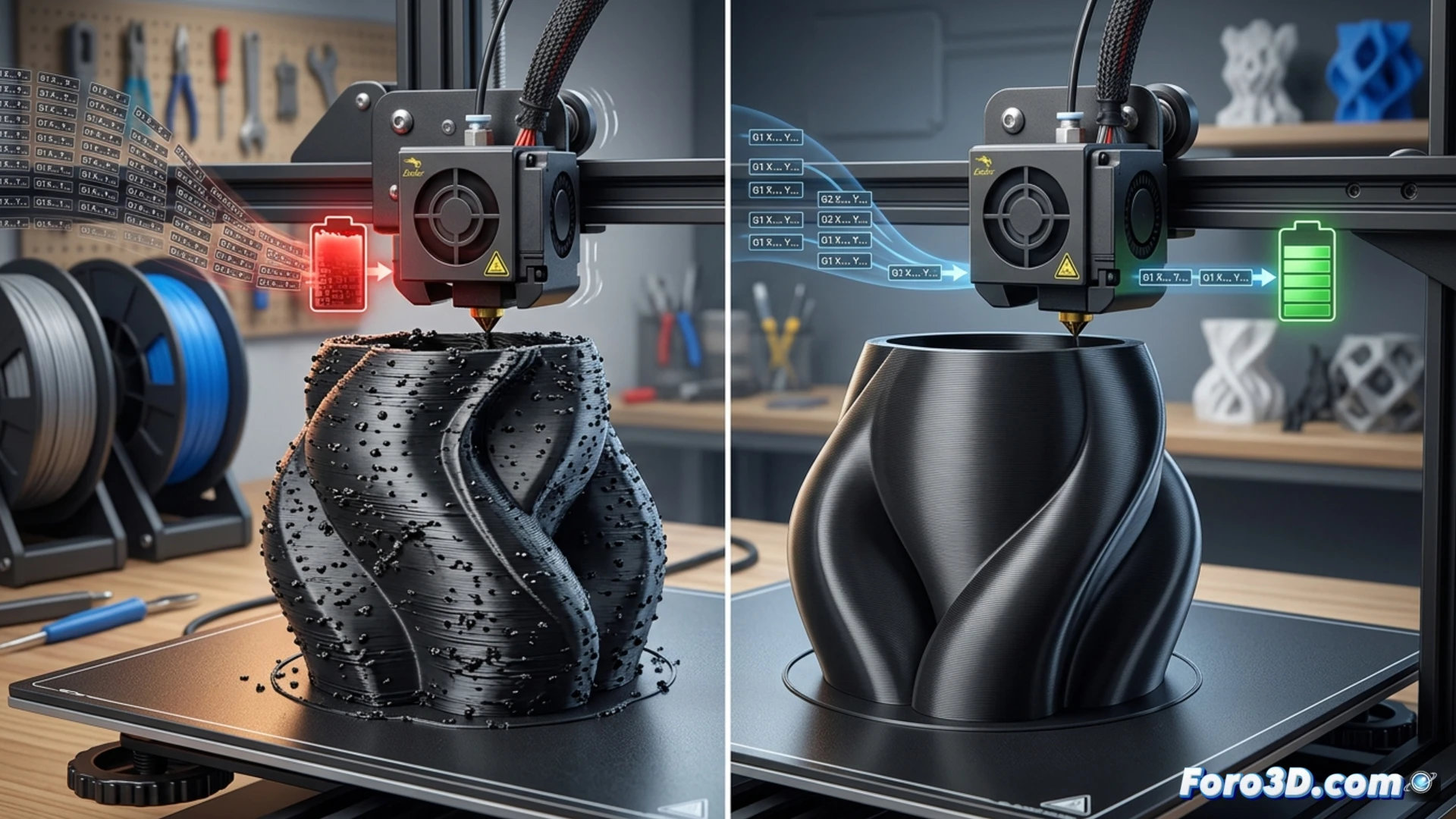
The technical cause: command buffer saturation 🔍
The origin lies in how 3D geometry is translated into instructions for the machine. Slicers convert perfect curves into thousands of tiny straight segments (G1 commands). In a very complex model, this generates a massive sequence of extremely short linear movements. The printer, with its limited memory and processor, cannot ingest them at the required speed. Its internal buffer fills up and it must briefly stop the motors to catch up, creating those pauses that materialize as grains on the surface. It is a communication bottleneck between the file and the electronics.
Two practical solutions: simplify the code ⚙️
The definitive solution is to reduce the number of commands. You can approach it from two fronts. First, using the Arc Welder plugin (for OctoPrint or as a standalone tool). This software post-processes the G-code, detecting sequences of G1 that form arcs and replacing them with a single G2 or G3 arc command, drastically reducing the number of instructions. The second option is preventive: in your slicer, look for the Maximum Resolution or Mesh Tolerance setting and increase its value (for example, from 0.01 mm to 0.05 mm). This will export longer straight segments in the curves, avoiding overload from the source.
How to eliminate grains and stuttering in the curves of your 3D prints without losing detail in the model?
(P.S.: don't forget to level the bed, or your print will look like abstract art)