A detail that brings a character to life is a subtle reflection in the eyes. This tutorial explains a method to generate a light spot on the cornea that always faces the camera, regardless of the animation angle. It's a useful technique for stylized characters or close-up renders, giving that impression of wetness and attention. We will achieve the effect using a simple node in the shading editor.
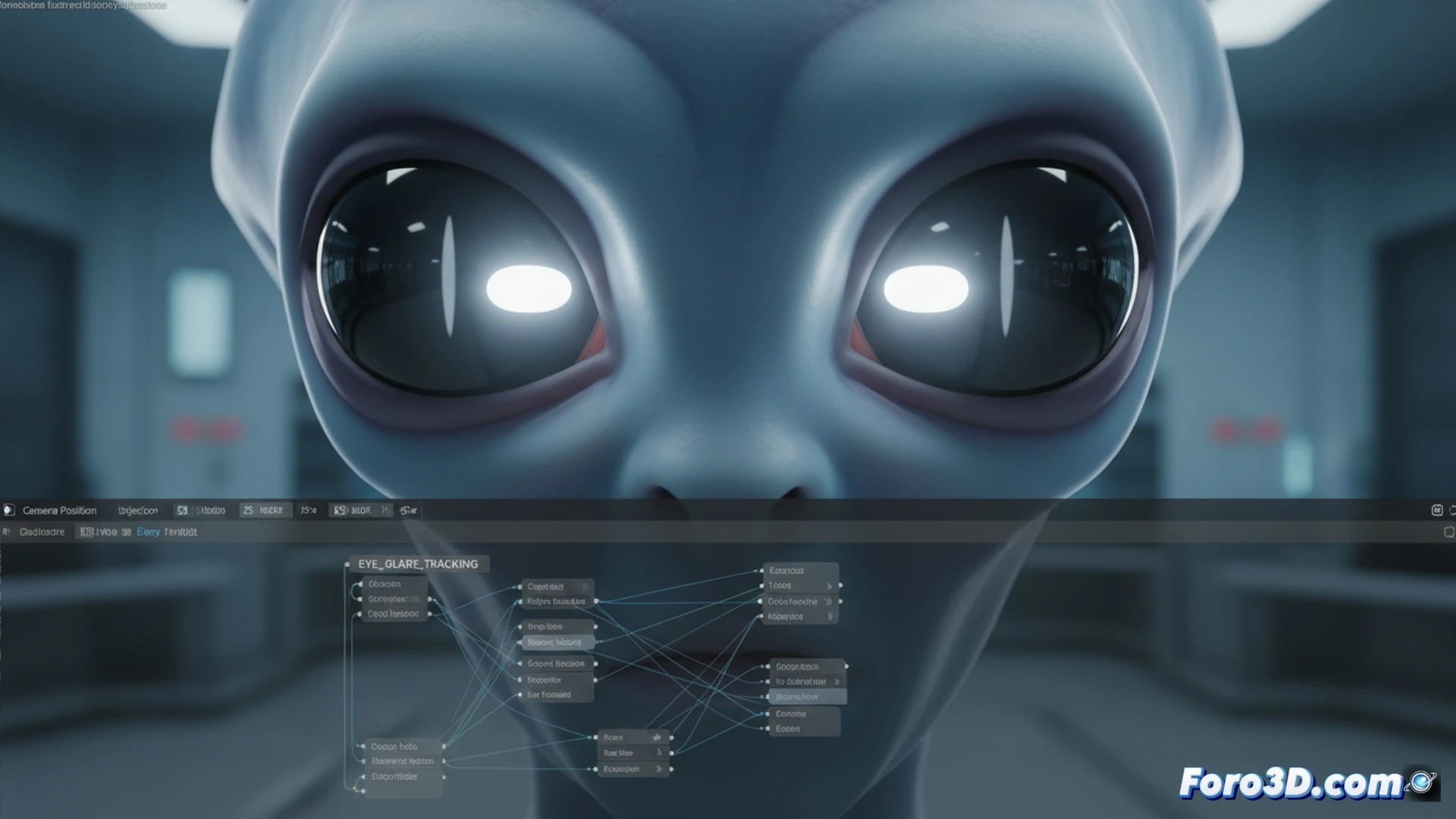
Implementation with the Geometry node and camera coordinates 👁️
The system is based on the camera direction. In the eye material's node editor, add a Geometry node and connect its View output to a Vector Math node (Normalize operation). This directional vector is used to control a Gradient Texture (Spherical type). By adjusting the gradient's scale and contrast, a bright spot is generated. Finally, it is blended with the base iris color using a Mix Shader, controlling the intensity with the emission strength.
When your characters stare at you... too much 👀
With this effect, your creations will watch you with unyielding attention. It doesn't matter if you rotate the camera 180 degrees or hide it behind an object; that piercing shine will always find you. It's ideal for giving them a slightly obsessive touch or to simulate that they've had too much caffeine. One small step for the Geometry node, one giant leap for the feeling of being stalked by your own 3D figures.