With the arrival of summer, at Foro3D we recommend staying in cool or air-conditioned places whenever possible. High temperatures not only affect people, they also put the performance of our equipment to the test. An overheated computer can reduce its lifespan and cause unexpected failures. That's why it's time to check your setup's ventilation and avoid surprises.
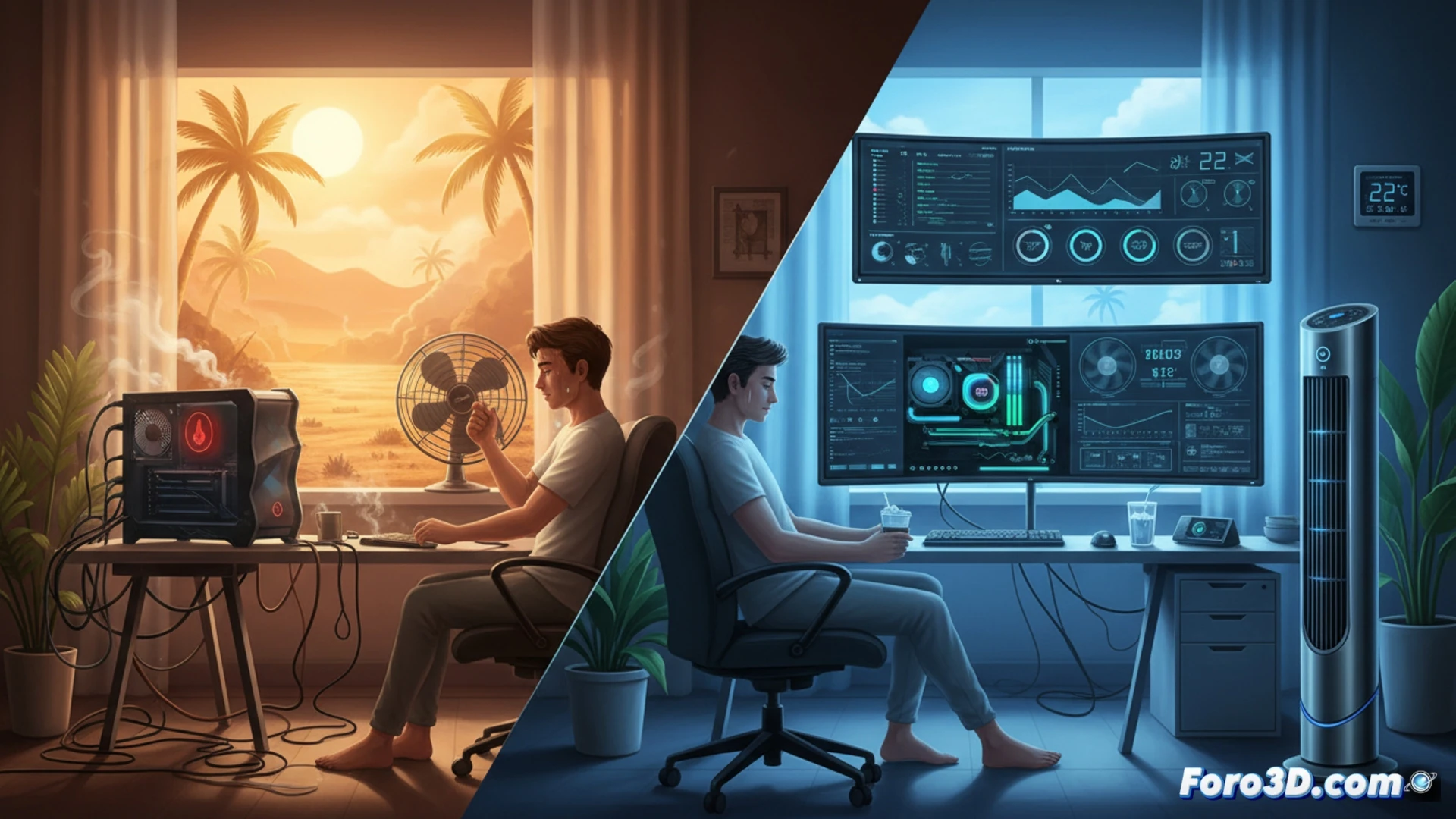
Active Cooling: Keys to Protecting Your Hardware from Heat 🌡️
Air or liquid cooling systems are essential for keeping CPU and GPU temperatures under control. Check that the fans spin without obstructions and that the airflow inside the case is efficient. Accumulated dust acts as a thermal insulator, so periodic cleaning with compressed air will make a difference. If your equipment suddenly shuts down, the problem is often degraded thermal paste or poor cable management.
The Classic Fan vs. Your PC's Air Conditioning 🥵
While you sweat in front of the monitor, your computer has its own climate control system. It's ironic that you pay more on your electricity bill so your PC stays cool while you melt. If the fan noise reminds you of a hairdryer, think that at least your machine doesn't complain. Next time, put a wet towel on your neck and let your gear enjoy the air conditioning you bought for it.