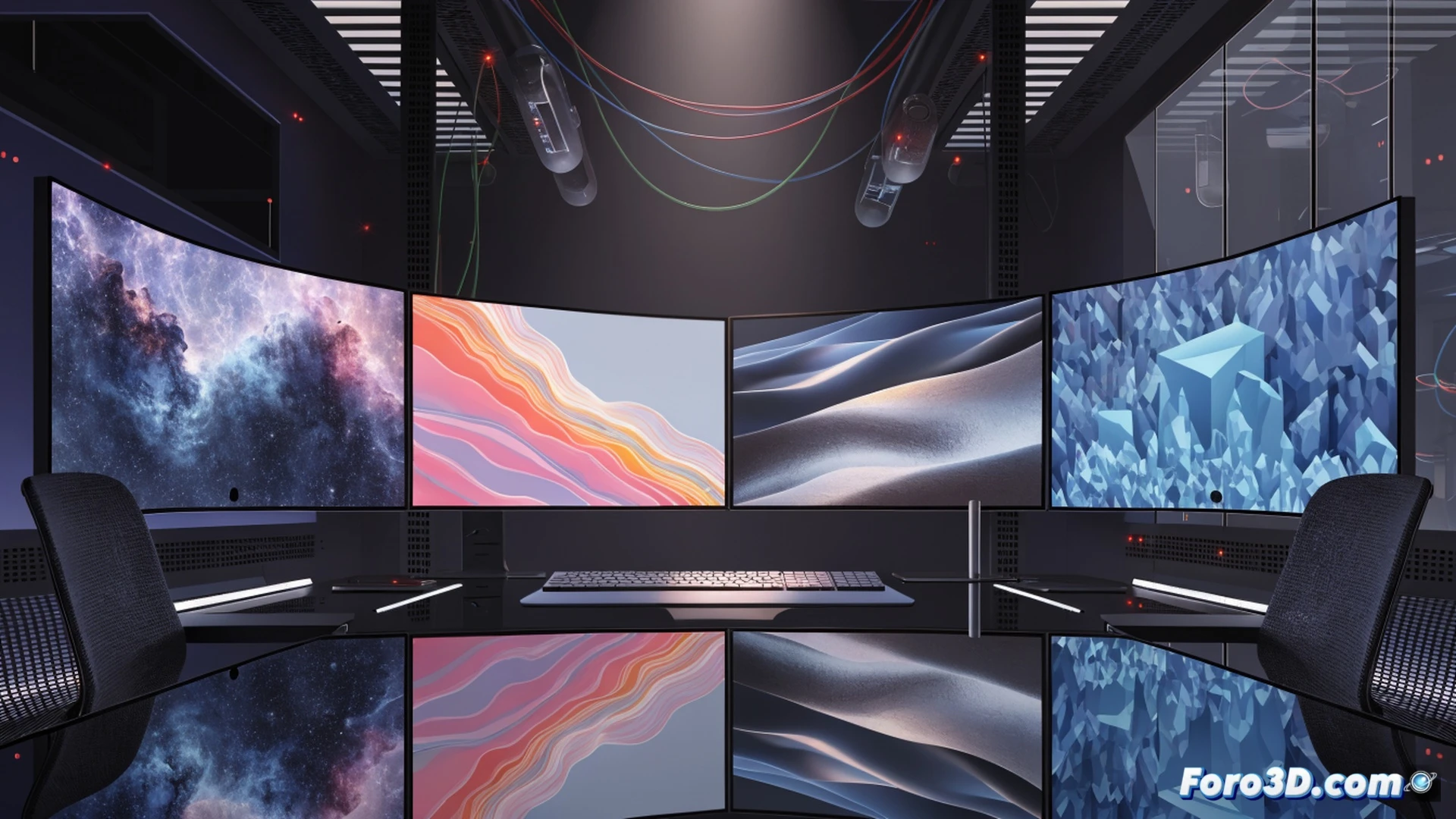
GNOME, the most widely used Linux desktop, has taken a step forward in customization. A developer has created experimental code that allows assigning a different wallpaper to each monitor. This previously absent feature responds to a frequent demand from users with multi-monitor setups, especially in work environments where each monitor serves a different function. Although not officially integrated, the advancement is already functional.
Experimental Code: How the Change in GNOME Works 🛠️
The developer implemented changes in GNOME's wallpaper manager, allowing each monitor to have its own image. The code, accessible in public repositories, modifies the wallpaper assignment logic. Still in the testing phase, it requires manual compilation and is not in the stable repositories. This means advanced users can try it out, while others will wait for its inclusion in future versions. The community has received the advancement with interest, as it resolves a technical limitation that persisted for years.
Goodbye to the Era of the Same Landscape on All Screens 🖼️
Until now, having two monitors meant seeing the same sunset repeated twice. An experience that, frankly, bordered on absurd when you work with one screen full of spreadsheets and the other with meme cats. Finally, GNOME allows each screen to have its own visual identity. Now you can put your family on one monitor and your work desktop on another, without anyone feeling offended. Well, maybe your boss if he sees you with kittens.