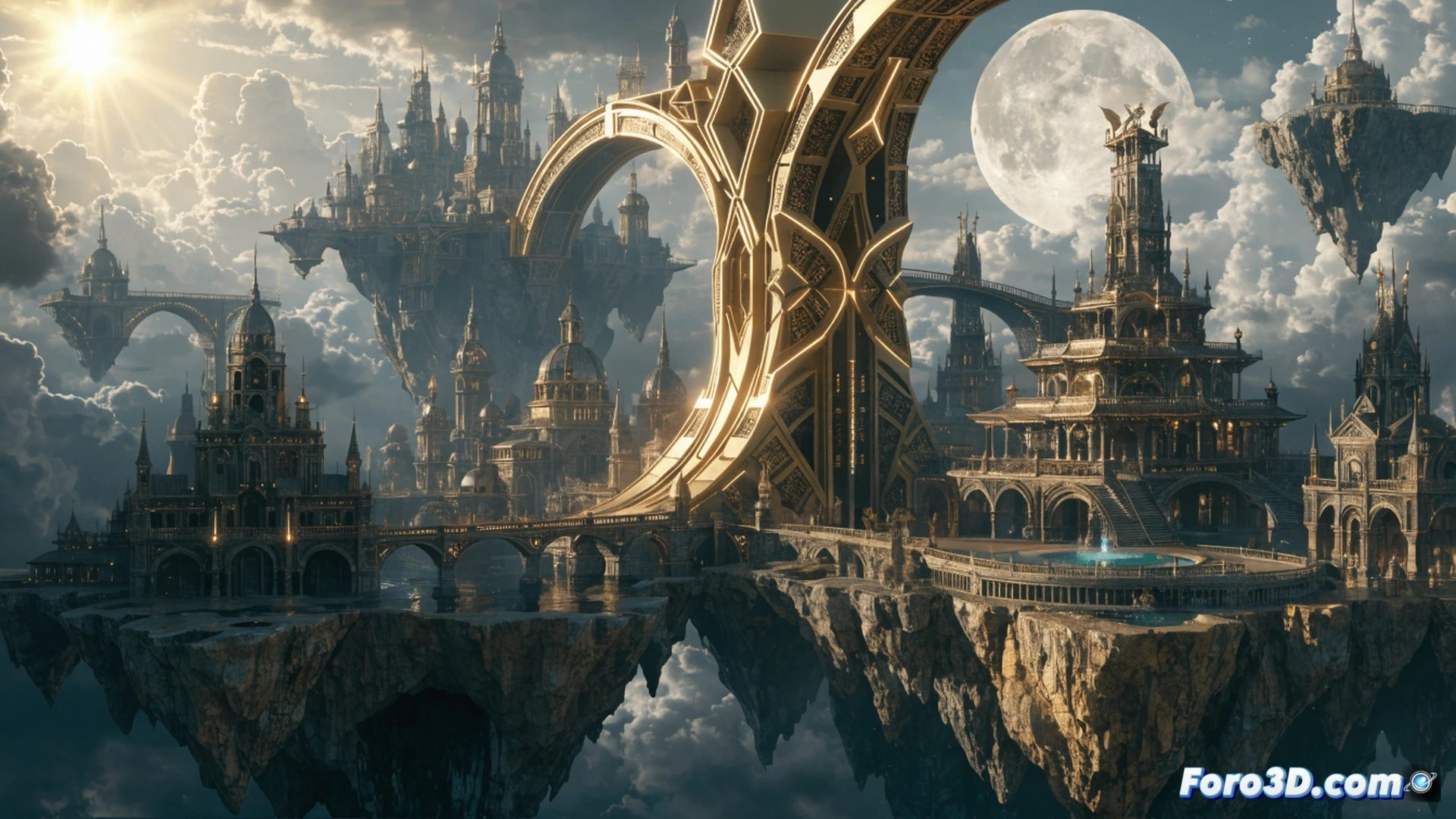
This tutorial explores how to create fictional worlds based on narrative design, using the city of Astravale as an example. The key is to define function, culture, and era before drawing. These elements guide the architecture and symbols, such as the sun and moon, which give meaning to the environment. For the designer, this shows that the visual aspect of a space directly impacts how we perceive its cultures and stories.
Technical workflow: from idea to coherent render 🎨
The process starts in Photoshop with a moodboard that sets the color palette and lighting according to the desired era. Then, in Blender, the key architectural elements are modeled, prioritizing shapes that reflect the building's function and Astravale's cultural values. The sun and moon symbols are integrated as repetitive motifs on facades and squares. The result does not seek photographic realism, but rather visual coherence that makes the world believable for the viewer.
The drama of designing a city without an internal GPS 😅
Sure, after hours of deciding whether the moon should be waxing or waning in the central square, one discovers that the citizens of Astravale don't even look at the sky. But that's the joke of narrative design: you can leave the maps at home, because no one will get lost if every corner tells a story. In the end, what matters is that the viewer feels they could live there, even if parking is still a mess.