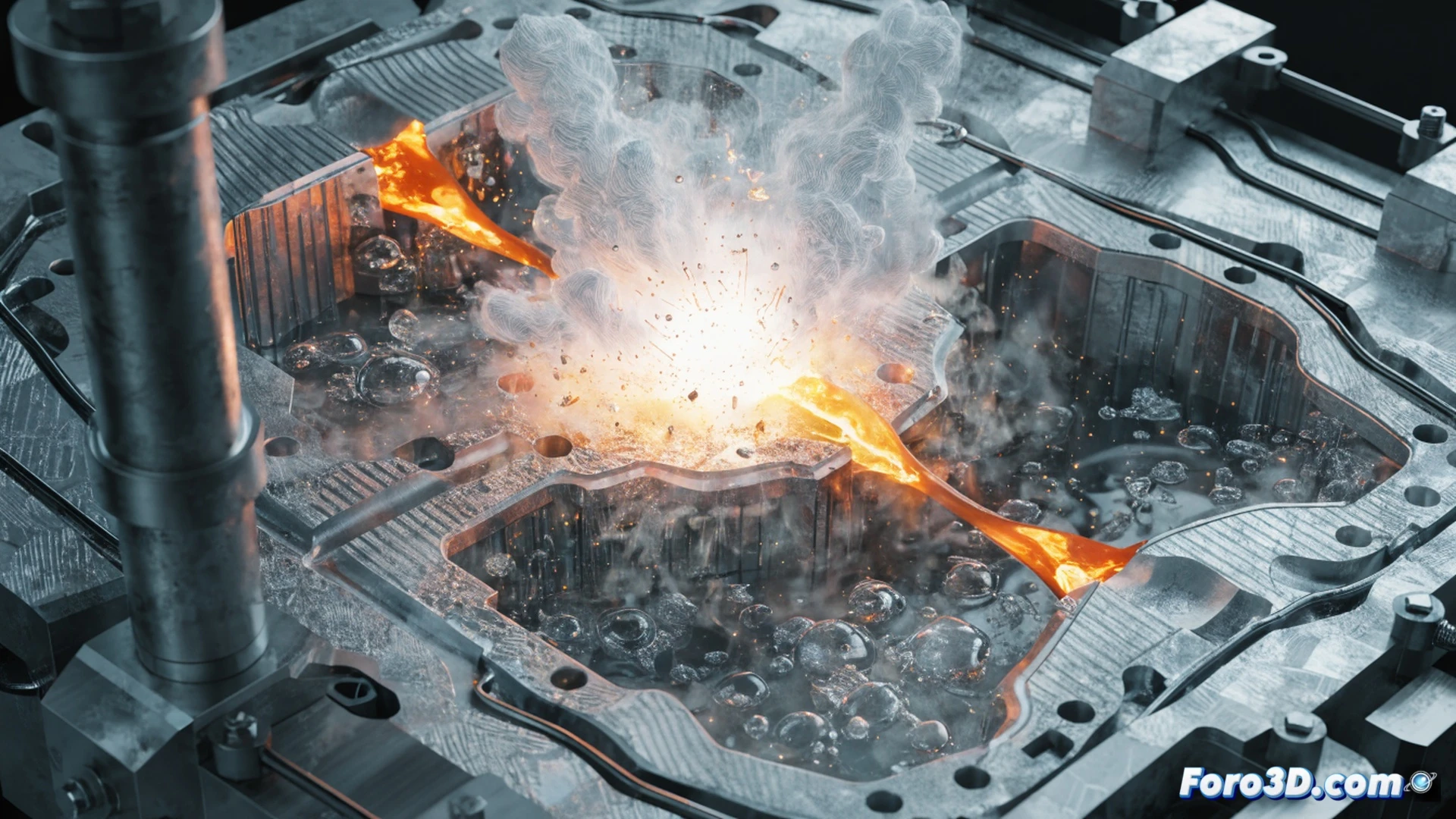
Injection molding is a key process in industrial manufacturing, but a common mistake like residual moisture in the mold can lead to serious accidents. Recently, at a production plant, a molding machine exploded when molten metal came into contact with water trapped in a 3D-printed mold. This incident underscores the importance of validating designs with tools like SolidWorks and Autodesk ReCap before production.
3D Pipeline: From SolidWorks to ReCap to Prevent Injection Failures 🔧
The workflow begins in SolidWorks, where the mold geometry is modeled and the distribution of molten metal is simulated. Then, Autodesk ReCap allows scanning and verifying the integrity of the actual mold, detecting potential voids or irregularities that retain moisture. Without these steps, trapped water vaporizes upon contact with high-temperature metal, generating a pressure explosion. The combination of CAD design and 3D scanning reduces this risk, but does not eliminate it if drying tests are omitted.
The Wet Mold: The Perfect Recipe for a Metal Volcano 🌋
Apparently, someone thought a 3D mold could be used directly after printing, as if water were an extra lubricant. The result was a fountain of liquid aluminum that decorated the warehouse ceiling. The moral is simple: if your mold has moisture, don't put it in the foundry unless you want to inaugurate a theme park attraction called Industrial Volcano. Of course, the firefighters arrived quickly, already trained in extinguishing burning metals.