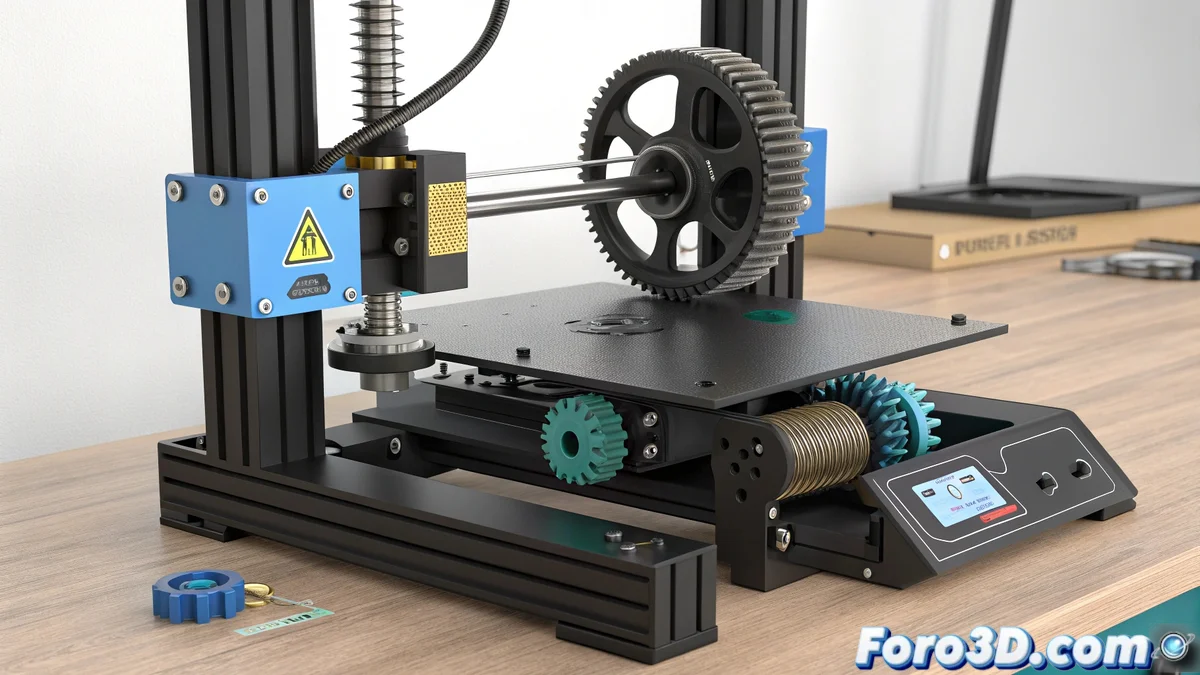
The Mystery of the Head That Sinks Mysteriously
One of the most frustrating problems in 3D printing occurs when the head descends unexpectedly during printing, even dragging the guide screws 🛠️. Contrary to what many think, the fault is rarely in the pendrive or the print file. The real cause lies in the fact that the Z-axis loses its alignment or the carriage develops play, causing the extruder to behave as if it has a mind of its own.
The Mechanical Causes Behind the Problem
This unwanted behavior generally originates from mechanical components that require attention. The most likely causes include:
- Eccentric wheels on the carriage or Z-axis that loosen over time
- Z-axis motors that do not move in unison and lose steps
- Misalignment that causes one side to lower more than the other
- Auto-leveling sensor with poor wiring contact
- Accumulated dirt on rods that generates resistance
When the eccentric wheels are not firm, the extruder can vibrate and end up descending progressively during printing 📉.
The Solution Lies in Mechanical Adjustment
The most effective way to solve this problem is through a complete mechanical review. The adjustment process involves:
- Adjusting the eccentric wheels for firm movement without binding
- Positioning the X-axis parallel to the bed by manually rotating both Z spindles
- Thoroughly cleaning and lubricating the Z-axis rods
- Verifying the synchronization of the Z motors
- Checking the auto-leveling sensor connections
These adjustments ensure that all components work in mechanical harmony 🔧.
Prevention and Regular Maintenance
Beyond the immediate solution, implementing a preventive maintenance protocol can prevent the problem from reappearing:
- Periodic lubrication of rods and spindles
- Monthly check of eccentric wheel tightening
- Regular cleaning of rails and guides
- Verification of electrical connections
- Periodic calibration of auto-leveling
The solution is to review all the mechanics and adjust the eccentrics for firm movement
Once maintenance is done, test with a freshly generated file from your slicer and consider using another pendrive to rule out reading errors. Because sometimes, the most complex problem has the most mechanical solution... and no plugin fixes a loose screw 😅.