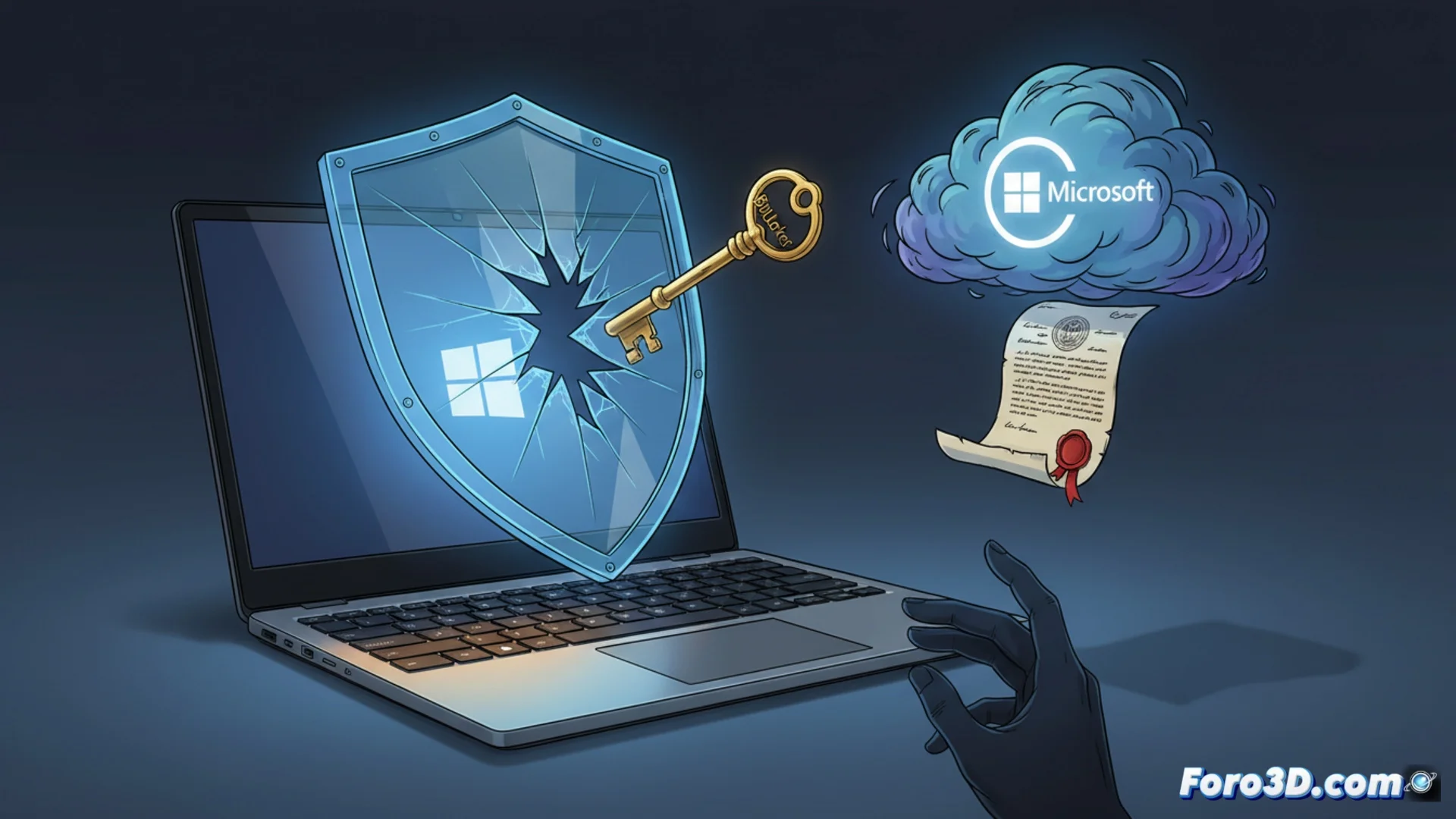
Windows 11 Links Your Microsoft Account and Stores the BitLocker Key
When setting up a computer with Windows 11, the system asks you to link a Microsoft account. This step, which many users complete without thinking, synchronizes your device with the company's cloud services. An immediate consequence is that a copy of the BitLocker recovery key is automatically stored on Microsoft's servers. 🔐
Microsoft Can Deliver Encryption Keys
The company has stated that it complies with legal requirements. If an agency like the FBI presents a valid court order, Microsoft provides the BitLocker keys it stores. This transforms full disk encryption, a tool designed to protect data, into a system with a backdoor controlled by the operating system manufacturer. Although the ability of authorities to request keys is not new, the automated process with online accounts makes it more direct and systematic. 🏛️
Consequences of this linkage:- BitLocker encryption no longer depends solely on the user.
- A third party (Microsoft) has a means to recover access to your hard drive.
- This third party must obey the laws of the country where it is headquartered.
Your hard drive is safe, as long as Microsoft does not receive an official document with a seal.
Alternatives to Maintain Control of Your Encryption
For users who prioritize absolute privacy, there are ways to avoid this scenario. The most direct option is to use a local account when installing Windows 11, without connecting a Microsoft profile. This allows manual management of BitLocker keys without uploading them to the cloud. Another route is to use open-source encryption software, where the user controls the entire key chain without depending on an external provider. 🛡️
Key recommendations:- Set up Windows 11 with a local account during installation.
- Manage and store BitLocker recovery keys in a secure place that you control.
- Consider alternative open-source encryption tools for total control.
The Balance Between Convenience and Privacy
The deep integration of cloud services in Windows 11 offers convenience, but at a cost to privacy. Full disk encryption now introduces a trusted third party into the equation. In the digital world, it is rare for absolute privacy and total convenience to go hand in hand. Users must be aware of these implications to decide how to configure and protect their systems. ⚖️