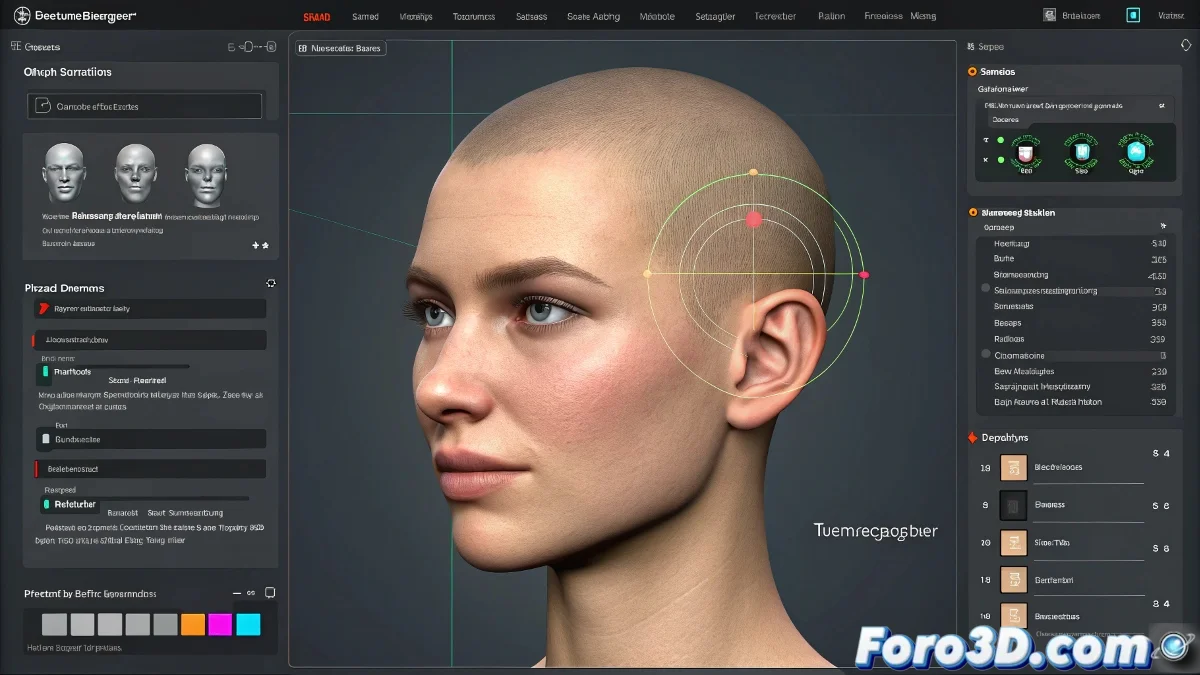
Tired of Preparing Morphs by Hand? This Plugin Changes Your Life
If you work with morph targets in 3ds Max, you already know how tedious it can be to duplicate models, make adjustments, and ensure everything fits in the Morpher modifier. This is where Transmographier comes in, a free plugin (for non-commercial use) that saves you hours of work.
What Does Transmographier Do Exactly?
Created by Peter Starostin, this plugin automates the most error-prone tasks:
- Correctly copies the base pose without losing transformations.
- Synchronizes the topology between originals and copies.
- Allows managing multiple versions of the same morph target.
- Avoids errors when connecting modified models to the Morpher.
In summary: it frees you from the repetitive part of the process and reduces the errors that occur when doing everything manually.
Ideal for Facial Animation and Blend Shapes
If you do facial modeling, Transmographier becomes essential. Its workflow is perfect for creating blend shapes in animation, VFX, or video game projects. Plus, it works well with tools like RPManager, making it a valuable piece for advanced pipelines.
Flexible License and Symbolic Price
The best part is that it's free for non-commercial use, and if you use it in professional production, it only costs 20 USD. A more than fair price for the amount of time it saves you.
Conclusion: Morphs Without Stress
After using Transmographier, going back to doing morphs by hand is like trying to sculpt stone with a ballpoint pen. It not only improves your efficiency: it improves your mood.
So now you know: if you work with morphs in 3ds Max, install Transmographier and start enjoying the process.