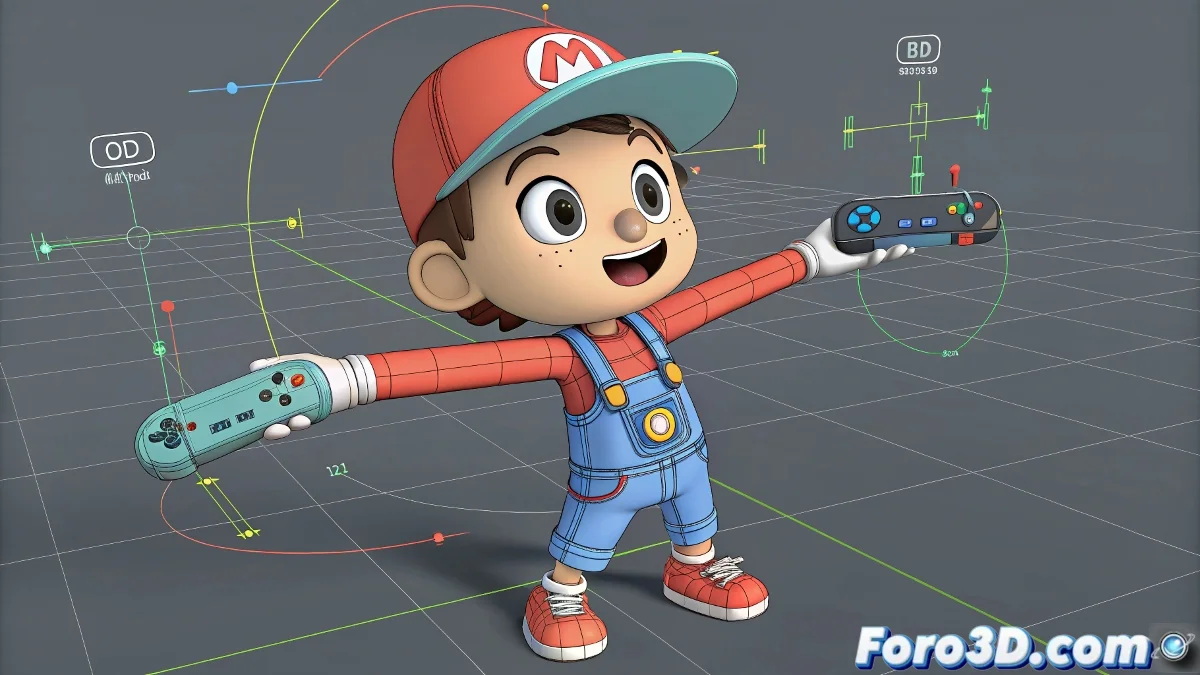
When Your 3D Arm Looks Like a Pretzel Instead of Anatomy 🥨
Nothing ruins an animation more than seeing your character's arm twisting like it's made of rubber. But don't worry, these tricks will help you tame those rebellious deformations and achieve clean movements.
Diagnosis: Why Is My Arm Doing Parkour?
The usual suspects are:
- Incorrect bone orientation
- Misaligned pivots that confuse 3ds Max
- Gimbal Lock causing trouble
- Undefined rotation limits
First Aid Kit for Deformed Arms
- Set up Euler XYZ controllers for ordered rotations
- Add twist bones to control torsion
- Check the bone hierarchy and their relationships
- Use Rotation Limits to avoid impossible twists
A good rig is like a good skeleton: you don't see it, but if it fails, the whole body does weird things.
Professional Tricks for Animators
- Study advanced free rigs to see real solutions
- Try simple expressions to control rotations
- Create visual controllers to manage torsion
Conclusion: Arms That Rotate, Not Suffer 🤹
With these adjustments, your character will be able to wave, shake arms, and perform all kinds of gestures without their limbs looking like they're from a horror movie. And remember: in rigging, sometimes less is more (less problems, more fluid animation).
Now go and make those arms move so naturally they could sign autographs... if they were real. ✍️