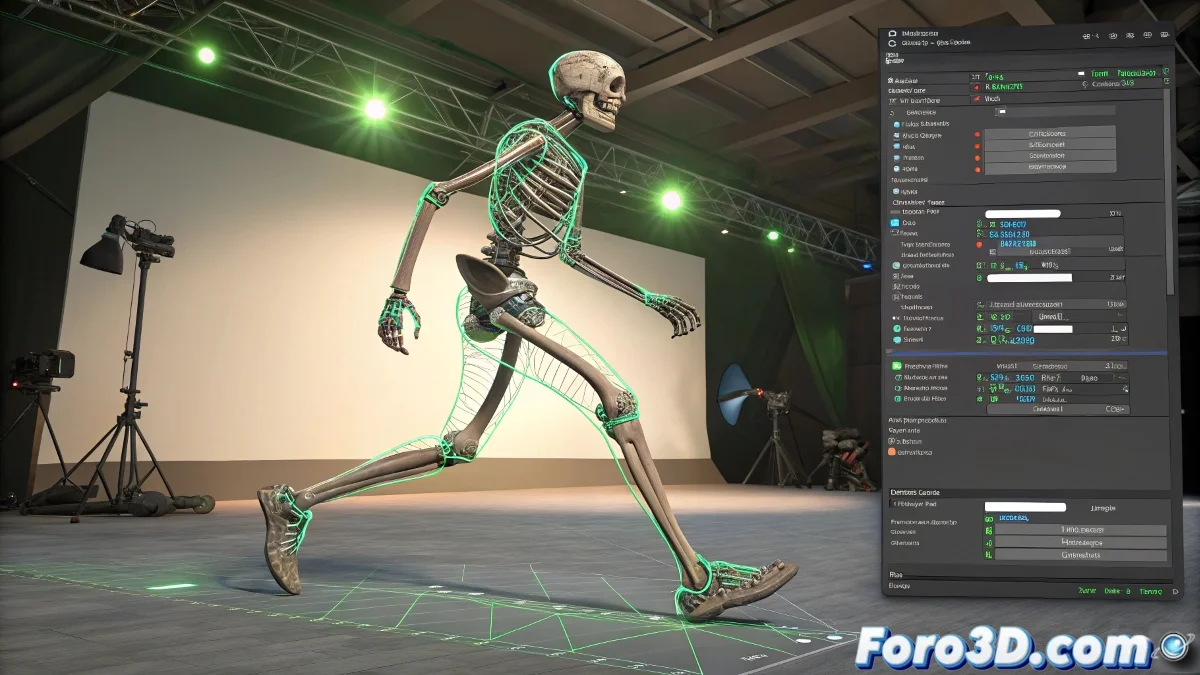
When MotionBuilder Plays Tricks on Your 3D Legs 🦵🤪
You've done the entire process correctly: green rig, approved retarget... but when playing the animation, your character's legs look like they're made of rubber. The culprit? MotionBuilder and its little technical betrayals that turn your walk cycle into a festival of unexpected deformations.
The Three Usual Suspects
Behind this crime against digital anatomy usually hide:
- Rebellious Axes: The bones have different orientations and MotionBuilder only looks at the names, not the logic
- Tricky Proportions: If your character has longer/shorter legs, the system does forced juggling
- Overly Perfectionist Skinning: A very tight skin weight amplifies any minimal error
"In retargeting as in life, what seems perfect in theory can be a disaster in practice"
Survival Kit for Deformed Legs
To rescue your animation:
- Compare bone orientations between both rigs (like a 3D CSI)
- Use Character Input Preview to diagnose where the problem starts
- Create an intermediate Control Rig as a diplomatic translator
- Manually adjust the problematic constraints
And if nothing works, you can always say it's an artistic style. After all, who hasn't seen rubber legs in some indie game? 🎮 At least you show that you know how to use MotionBuilder... even if it's to create unintentional monsters 😅.