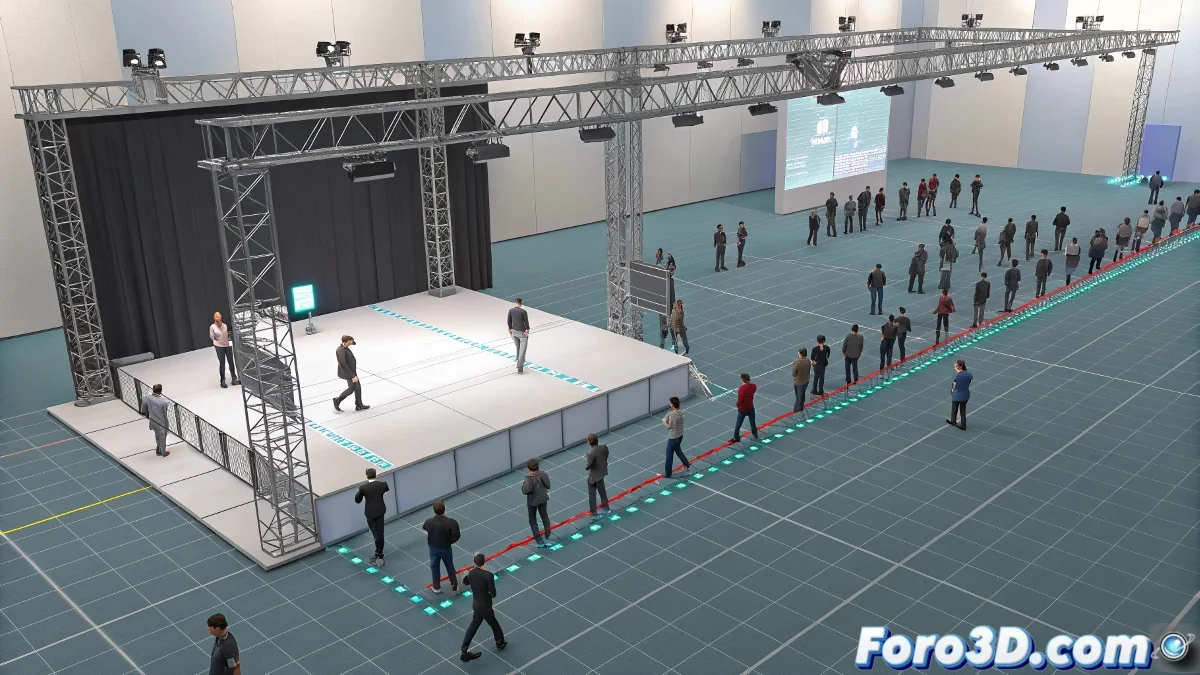
When 3ds Max 8 bipeds decide to rebel 🕺
Imagine this scene: you're religiously following the Crowd Simulation tutorials in 3ds Max 8, using the Biped Crowd. Everything is going smoothly when working with the swimming animation, where the bipeds obediently follow the delegates like ducklings behind their mother. But then... you decide to switch to a running animation. Fatal error! 😱
Suddenly, your characters abandon all logic and start spinning in circles like drunks leaving a tavern. The delegate, which should lead the group, now follows the biped like an obsessed fan. What the hell is going on here?
The mystery of the rebellious animations
The problem usually lies in the orientation of the root node of the biped. Some animations like runlop.bip contain turns or lateral movements that:
- Confuse the poor Crowd Simulation system
- Make the characters literally lose their way
- Turn your simulation into a chaotic dance reality show
The swimming animation works well because it's linear and predictable. But running animations can be as erratic as a cat with zoomies.
How to tame your bipeds
To avoid this unwanted choreography, try these tricks:
- Check the animation in the Motion Mixer to remove problematic turns
- Use animations specifically designed for Crowd Simulation
- Enable Follow Delegate Orientation to maintain order
- Verify that the root node is correctly aligned
When 3ds Max 8 decides to behave like this, remember it's not personal. It's just veteran software that sometimes feels artistic and wants to add its creative touch to your work.
And if all else fails, you can always say it was an experimental choreography. After all, what is digital art if not a series of happy accidents disguised as creative intent? 🎭
P.S. If your bipeds insist on dancing, at least put some music on. You might discover the next TikTok viral. 😂