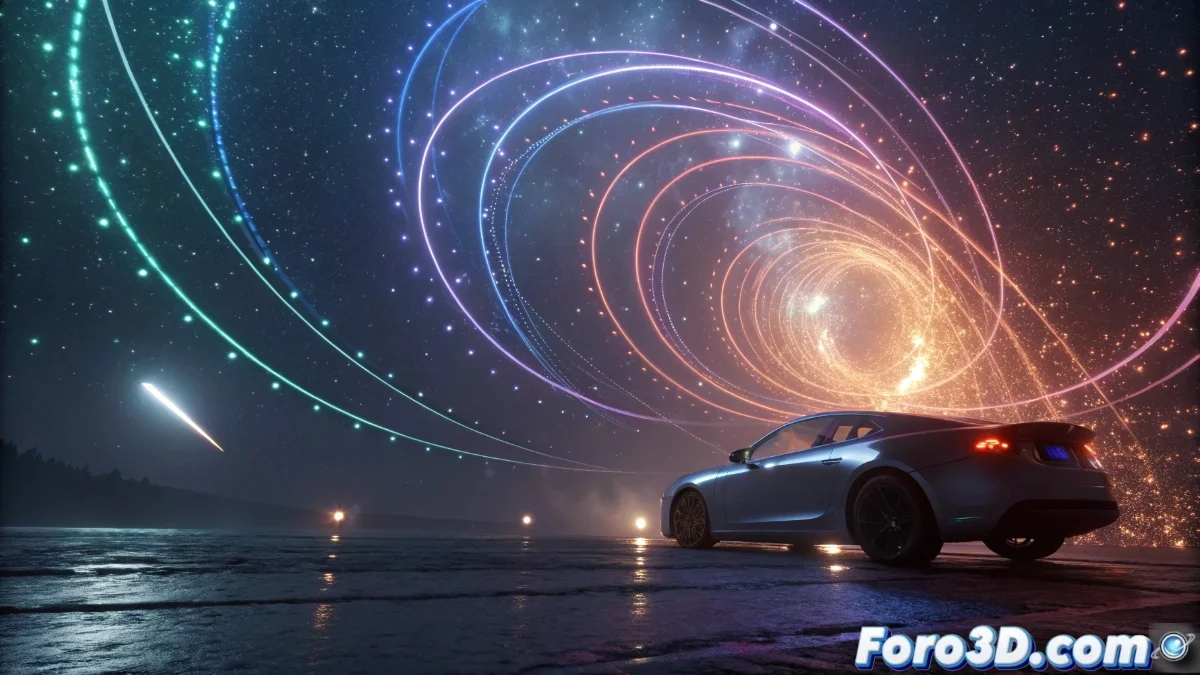
Transform Velocity in Unreal Engine 5: Setup Guide and Practical Cases
The Transform Velocity module in Unreal Engine 5 is a fundamental tool for dynamically altering the direction and speed of particles during their lifecycle. This component becomes indispensable when you need particles to adjust their path according to various coordinate spaces or external stimuli, allowing smooth transitions between local and global contexts. 🌪️
Essential Transform Velocity Module Setup
To implement Transform Velocity, start by adding the module to your particle system via the modules panel in Cascade or Niagara. Select the source and destination space for the transformation, such as from local to world or vice versa, which redefines how particles perceive their velocity. Adjust key parameters like the velocity scale to amplify or attenuate movement, and apply rotations or fixed directions if seeking more controlled results. This versatility allows you to design everything from believable wind gusts to sophisticated orbital trajectories. 🎮
Key setup steps:- Add the module from the corresponding panel in Cascade or Niagara
- Define source and destination spaces for velocity transformation
- Adjust velocity scale and rotation options to refine movement
Mastering Transform Velocity is like piloting a tornado with a joystick: a minimal adjustment can turn a breeze into controlled chaos, without leaving messy traces.
Practical Applications and Optimization Tips
In scenarios like explosion effects, Transform Velocity ensures debris scatters realistically by converting local velocities to global after the detonation. For atmospheric phenomena like rain or snow, you can start particles in world space and transform them to local so they follow a moving character. It's vital to test these adjustments in real-time with the Unreal Engine editor to perfect behavior without compromising performance, especially in sequences with thousands of particles. Remember that overuse can increase computational load, so balance complexity with your project's visual demands. ⚡
Common use scenarios:- Explosions with realistic debris dispersion via space conversion
- Weather effects like rain or snow that follow moving entities
- Complex orbital movements in advanced particle systems
Final Thoughts on the Module
Integrating Transform Velocity into your Unreal Engine 5 projects not only enhances the realism of particle effects but also offers unprecedented control over their dynamics. By experimenting with coordinate spaces and velocity adjustments, you can create impactful visual experiences while maintaining a balance between quality and performance. 🚀