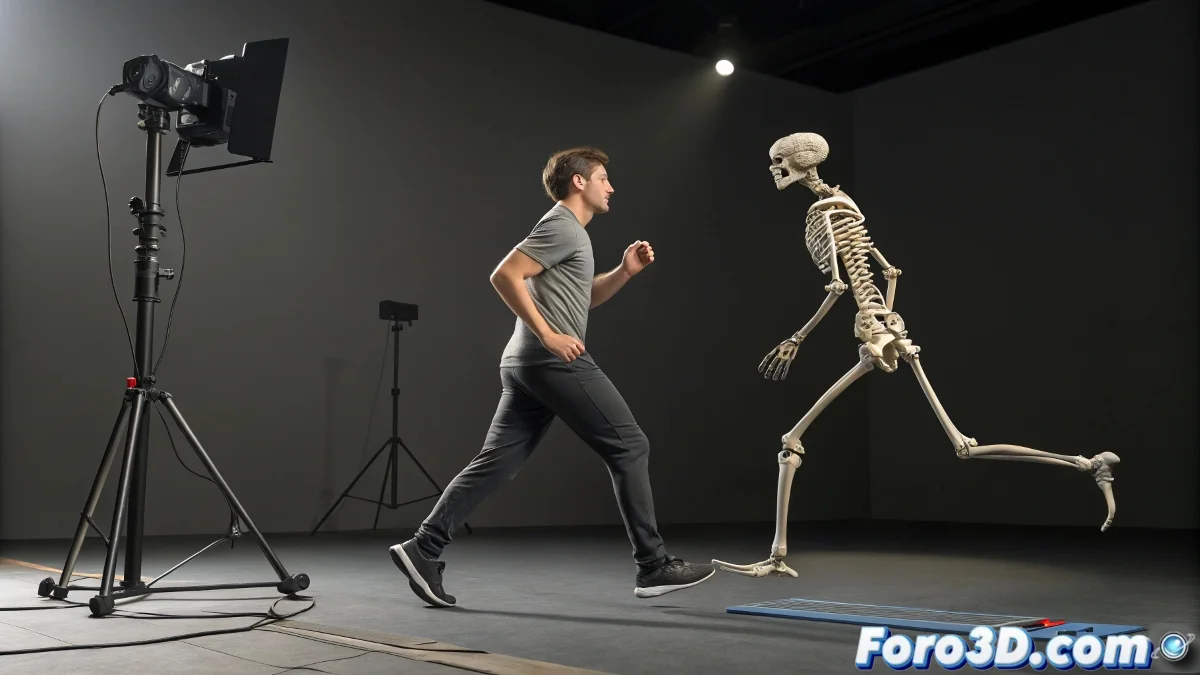
Transfer iClone Animation to Biped in 3ds Max Without Hassles
When motion is captured in iClone with Kinect, you get an animation applied to a specific skeleton of the software. The challenge arises when trying to bring that motion to a character in 3ds Max with a Biped structure, since the bones do not match directly in hierarchy or names. What a mess! 😅
The Usual Way: iClone, 3DXchange and Then Export
The most common workflow is to go through 3DXchange. From iClone, the animation is exported to 3DXchange and there it is converted to BVH format. However, iClone's BVH is based on its own standard skeleton, which is not the same as 3ds Max's Biped. This means that when importing that BVH directly to the Biped, the joints may not move correctly or may become completely misaligned. A real puzzle!
Practical Solution: Use Intermediate Skeleton or Retargeting
A useful option is to import the BVH to a generic skeleton in 3ds Max, such as one made with normal bones, and from there use retargeting tools to transfer the animation to the Biped. Another alternative is to use MotionBuilder, which allows mapping skeletons with quite a bit of control, although it involves an extra step. Some also prefer to first convert to FBX from 3DXchange and then do the retarget manually or with Max scripts. Technology to the rescue! 🤖
- Use an intermediate skeleton: Import the BVH to a generic skeleton in 3ds Max.
- Retargeting tools: Use Motion Mixer or Biped Convert to transfer the animation.
- MotionBuilder: Map skeletons with greater control and precision.
Tips So the Rig Doesn't Explode in the Attempt
Avoid importing the BVH directly into an empty Biped, because the bones don't align. Instead, use a bridge rig with proportions similar to the final Biped. Apply the animation there and then transfer it to the Biped carefully, using tools like Motion Capture Conversion in Max. Also make sure that both the BVH and the destination rig are in T-pose at the start to avoid crazy rotations. No one wants a character dancing out of control! 💃
- Avoid direct import: Do not import the BVH directly to an empty Biped.
- Use a bridge rig: Apply the animation to a rig with proportions similar to the final Biped.
- Initial T-pose: Ensure that both the BVH and the destination rig are in T-pose at the start.
After all this technical roundabout, you'll discover that the character walks... but backwards, with twisted legs and arms waving to the sky. Welcome to the wonderful world of retargeting, where everything makes sense until you click Play. 🎮