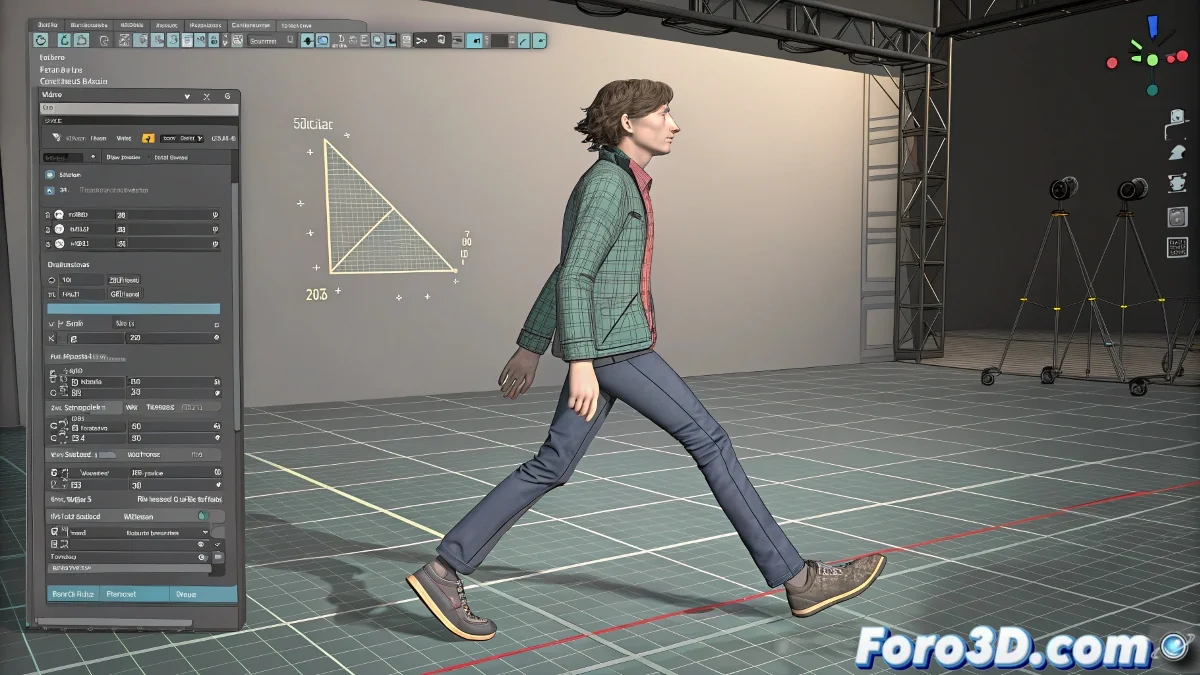
When Biped Decides It Doesn't Like Your Animation
You've created a perfect walk cycle with Multiple Steps, added a hand wave with love and detail, and when you try to go back to the walk... Biped erases everything as if nothing happened! 😤 It's not a bug, it's that Biped has the memory of a goldfish and needs you to guide it with a firm hand.
The Motion Mixer: Your Salvation
To prevent one animation from overwriting another, follow this workflow:
- Convert the automatic animation to manual keyframes
- Select the keyframes and save them as a Biped Clip
- Add the clip to the Motion Mixer on a new track
- Repeat the process with each additional animation
"The Motion Mixer is like a DJ for animations: it mixes, adjusts, and prevents everything from sounding bad."
Why Does Biped Behave This Way?
Tools like Multiple Steps are designed to generate movements from scratch, not to edit existing animations. It's like telling an actor: "Forget everything we rehearsed, start over". The solution is to work in layers and not rely on automation for everything. 🎭
Tips for Smooth Transitions
- 🔹 Adjust the blends between clips to avoid abrupt jumps
- 🔹 Use separate layers for upper/lower body
- 🔹 Save backup versions before applying major changes
And remember: if your character ends up waving like a short-circuiting robot, you can always say it's an artistic style. After all, in the 3D world, mistakes sometimes become the best effects. 🤖💥