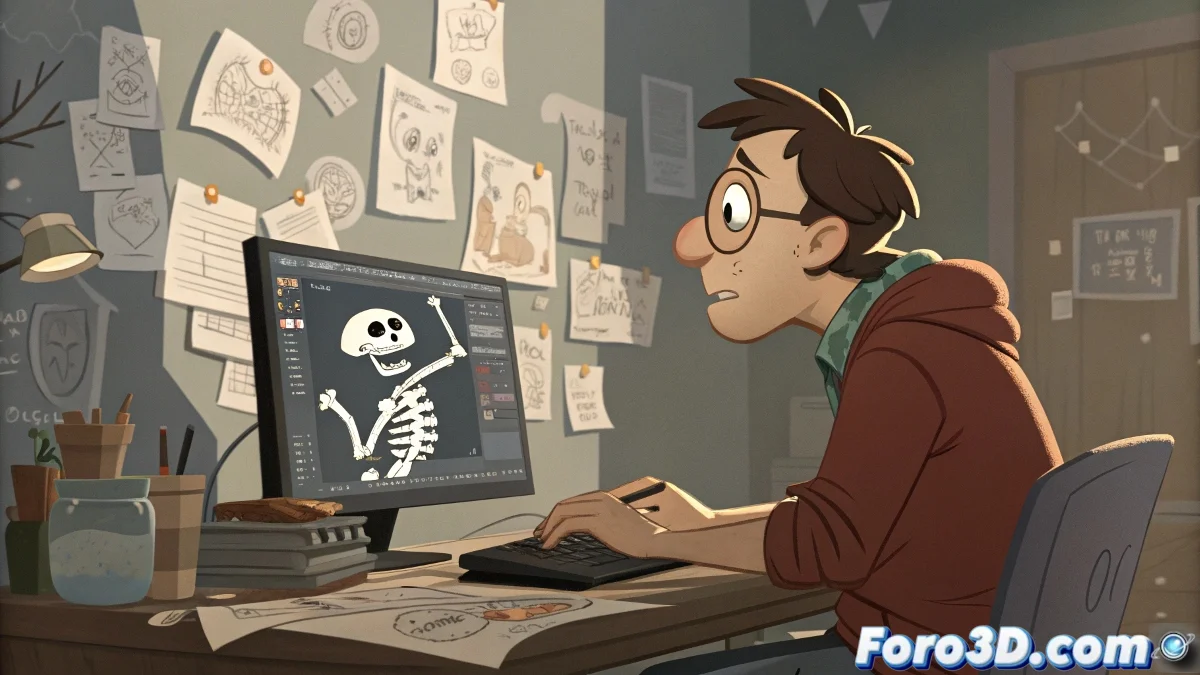
The Art of Making Your Bones Dance in Perfect Circles
Loop animation in 3ds Max without Character Studio is like trying to juggle invisible balls: you know it should work, but something always drops. 🎪 The dream of a perfect loop where the first and last frame match like soulmates seems simple, until you try to do it with manual bones.
The Drama of the Frame That Never Matches
The classic problem that turns animators into existential philosophers:
- You create an elegant walk animation
- You reach the last frame with pride
- You discover that your character now looks like a drunk stumbling
"Making manual loops is like combing your hair in a broken mirror: you never see the full result" - Anonymous animator after 12 hours of attempts
Techniques to Not Lose Your Sanity
Alternatives to the "savior helper" method that everyone uses but no one admits:
- Strategic Cloning: Duplicate your first frame to the end and pray it matches
- Mathematical Constraints: For animators who enjoy equations as much as art
- Motion Mixer: The tool that promises miracles but requires a PhD to use
The uncomfortable truth is that sometimes the helper shortcut isn't so bad, especially when the client wants changes for yesterday. 💼
At the end of the day, if your animation loop isn't perfect but the client doesn't notice... technically it's perfect, right? 😉