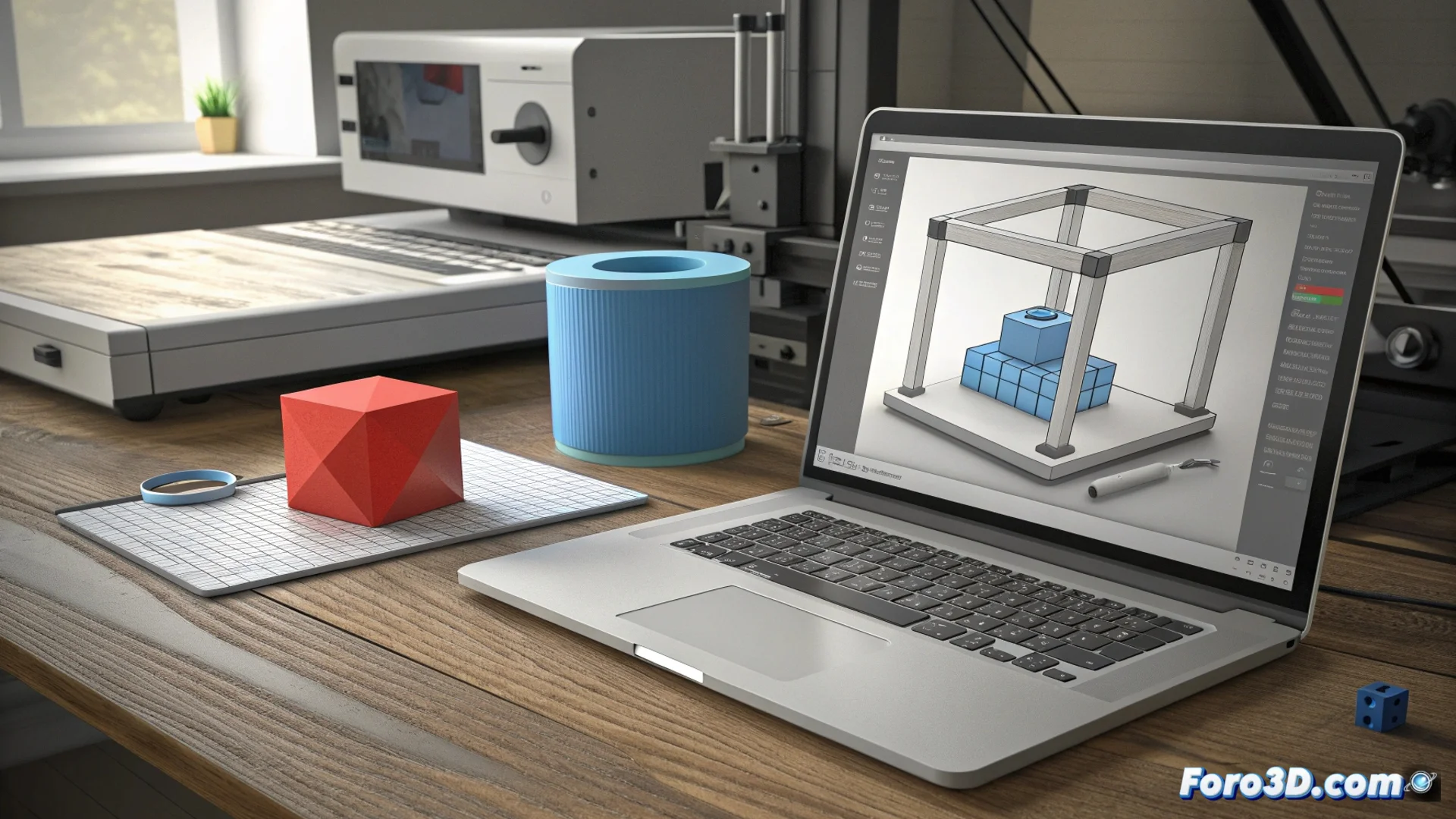
Tinkercad: 3D Modeling with Basic Shapes and the Hole Tool
Tinkercad is presented as a web application for 3D modeling that uses an intuitive drag-and-drop interface. Users start from a library of primitive shapes like cubes, spheres, and cones to build their designs visually, without requiring deep technical knowledge. 🧱
The Logic of Building with Basic Volumes
The process begins by placing prisms or cylinders from a side panel into the main workspace. Once there, these shapes can be freely manipulated: moved, scaled, and rotated to achieve the desired initial geometry. This approach allows composing complex models from simple elements, making learning accessible.
Main Features of the Workflow:- Shape Library: Offers a basic set of geometric solids as a starting point for any design.
- Direct Manipulation: Tools for transforming objects are visual and immediate, prioritizing usability.
- Compositive Approach: The model is built by adding and subtracting volumes, not by drawing sketches or profiles.
The Hole tool is the fundamental mechanism for turning a solid block into a functional piece.
The Power of the Hole Tool
To evolve beyond simple assemblies, Tinkercad includes the Hole function. This option converts any solid shape into an object with negative properties. When grouping a solid with a Hole object, the software automatically subtracts the geometry of the second from the first. This enables creating holes, slots, cutouts, and cavities with precision within the main model. 🕳️
Key Uses of the Hole Tool:- Create Holes: Generate holes that completely pass through a piece for screws or shafts.
- Define Cavities: Carve internal spaces, such as compartments in a box or a key holder.
- Trim Shapes: Give complex contours or surface details to a basic volume.
Preparing the Model for 3D Printing
Once the design is finished, the next step is to export the file. Tinkercad allows generating the model in STL format, the standard accepted by most slicing programs (slicers). It is vital to ensure that the geometry is manifold or solid: a closed volume, without loose faces or inverted normals, so that the slicer can process it without errors. A common error is leaving a hole that does not fully perforate the piece, creating a hidden cavity that the printer will uselessly fill, wasting filament. ✅