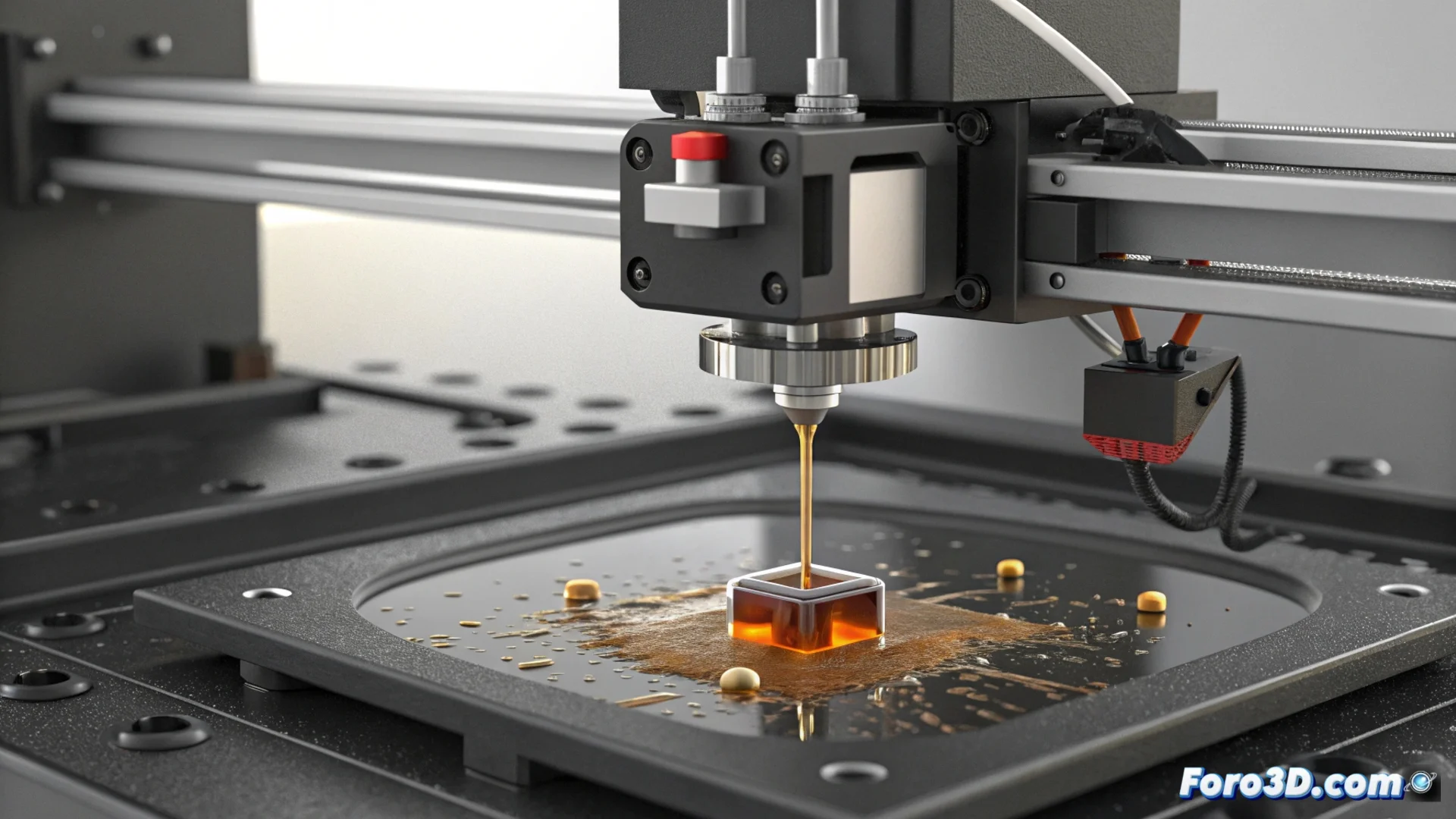
The Resin Level Sensor Fails Due to Cured Residues
The system that controls auto-filling in resin 3D printers relies on a sensor to measure the amount of liquid. When this component is covered with dried resin or splashes, its reading becomes distorted and the replenishment mechanism stops operating correctly. 🚫
Why the Sensor Stops Working
Whether ultrasonic, optical, or contact-based, the sensor needs a clean surface to perceive accurately. Small particles of solidified material floating in the vat or splashes when handling the resin adhere to it. This layer of dirt acts as a barrier, deceiving the system and causing it to misinterpret the real level in the tank.
Consequences of a Dirty Sensor:- The auto-filling system may activate continuously, spilling resin.
- Or, conversely, it may lock up thinking the tank is always full, interrupting the print.
- The print may fail due to incorrect material supply.
A sensor blinded by dried resin can doom your print to a slow desiccation due to lack of fresh material.
How to Restore the Sensor's Function
To solve this problem, it is necessary to clean the component carefully. First, turn off and unplug the printer for safety. Access the sensor according to the manufacturer's instructions. Use a lint-free cloth, moisten it slightly with isopropyl alcohol, and gently rub the sensitive surface to avoid scratching it. It is crucial to let it dry completely before reinstalling and turning on the equipment.
Steps to Verify the Repair:- Reinstall the sensor in its correct position.
- Perform a manual level test from the printer's menu.
- Observe if the sensor's response when emptying and filling the vat is immediate and accurate.
Preventing the Problem from Recurring
The most effective solution is to prevent the sensor from getting dirty. Maintaining a tidy and clean work environment is essential. Always covering the resin vat when not in use minimizes exposure to environmental dust and prevents accidental splashes. Regularly cleaning the tank edges and the area surrounding the sensor removes residues before they harden and become a problem. A