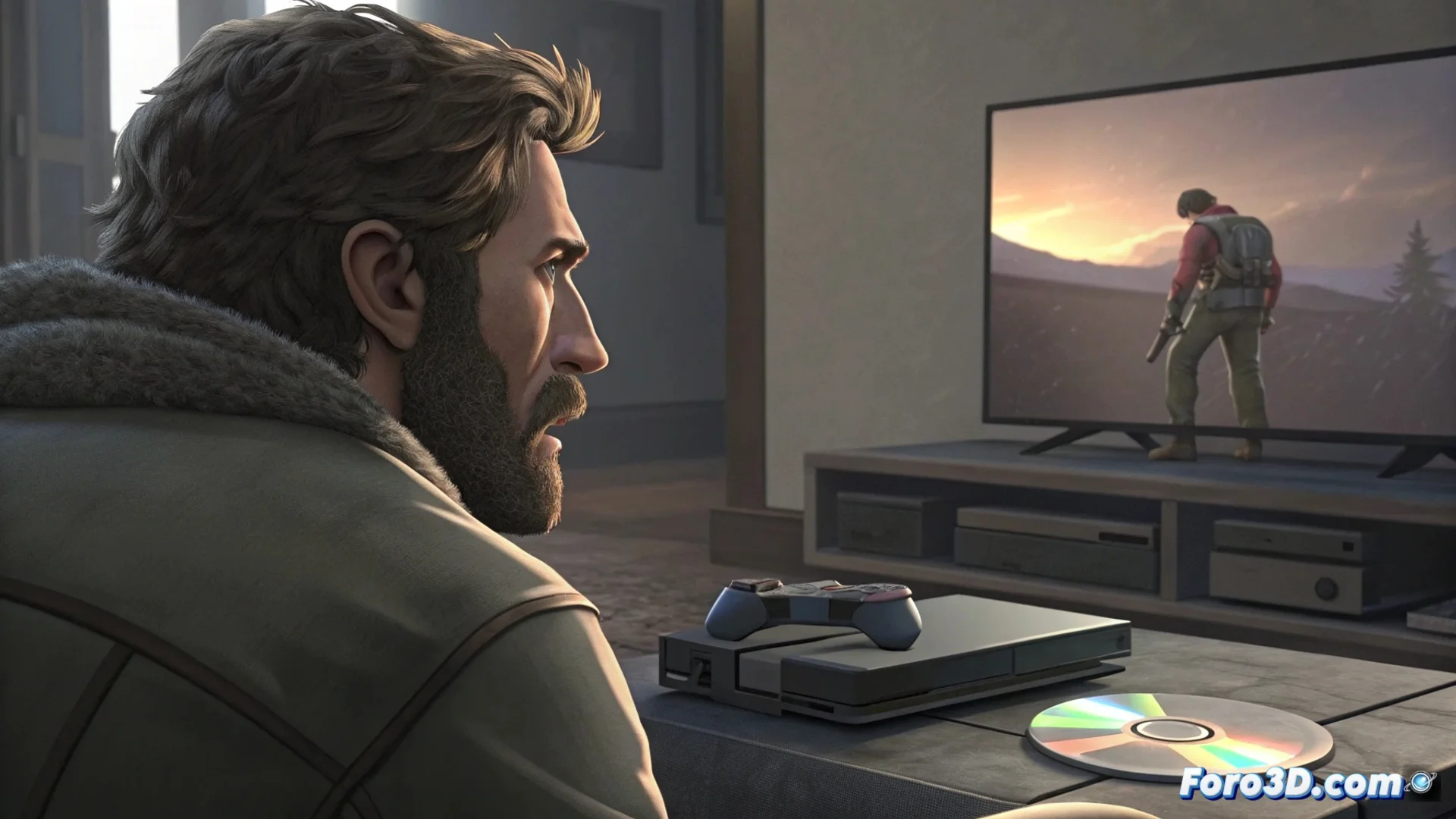
PS5 Gets Stuck Installing or Copying Games
A recurring issue affects some PlayStation 5 consoles when trying to install games, whether from the digital store or from a physical disc. The operation stops at a specific point or displays an error message that prevents completing the process. This frustrating behavior often originates from corrupted data, a malfunction in the console's internal storage, or an issue in the database that organizes the content. 🎮
Initial Procedures to Unlock the Installation
Before opting for more drastic measures, it is recommended to try basic solutions. A full system restart can clear background processes that interfere.
Steps to follow:- Turn off completely the PS5 from the power menu, unplug the power cable for several minutes, and reconnect.
- If the issue persists, access Safe Mode. To do so, turn off the console, hold the power button until you hear a second beep, and connect the DualSense controller via USB cable.
- In the Safe Mode menu, select the Clear Cache and Rebuild Database option. This process does not delete games or saved games, but it can resolve conflicts that prevent installation.
The console seems to enjoy watching a frozen progress bar more than you playing the title you've been waiting for.
Advanced Solutions When the Problem Persists
If the previous methods do not work, Safe Mode offers more powerful tools. It is crucial to proceed with caution and back up important data before continuing.
Options available in Safe Mode:- Reset PS5 Console: This option reinstalls the system software but allows preserving user data and installed games. It is a useful intermediate step.
- Reset PS5 Console and Delete All Data: Last resort option that returns the console to its original factory state, deleting everything. It is vital to have a backup in PlayStation Plus cloud or on an external hard drive.
- If none of the software solutions work, the cause could be a physical defect in the internal solid-state drive (SSD). In this case, contact Sony's official technical service for repair or replacement of the component.
Conclusion and Final Recommendation
Getting stuck installing games on the PS5 is an inconvenience with several layers of solutions. Start with the simplest actions, such as restarting and rebuilding the database, and escalate only if necessary to system reset. Always protect personal information with backups before taking drastic measures. If the hardware fails, professional assistance is the mandatory path. 🛠️