Fixing the HMS_0C00-0700-0001-000A Error on Bambu Lab: Uneven Bed
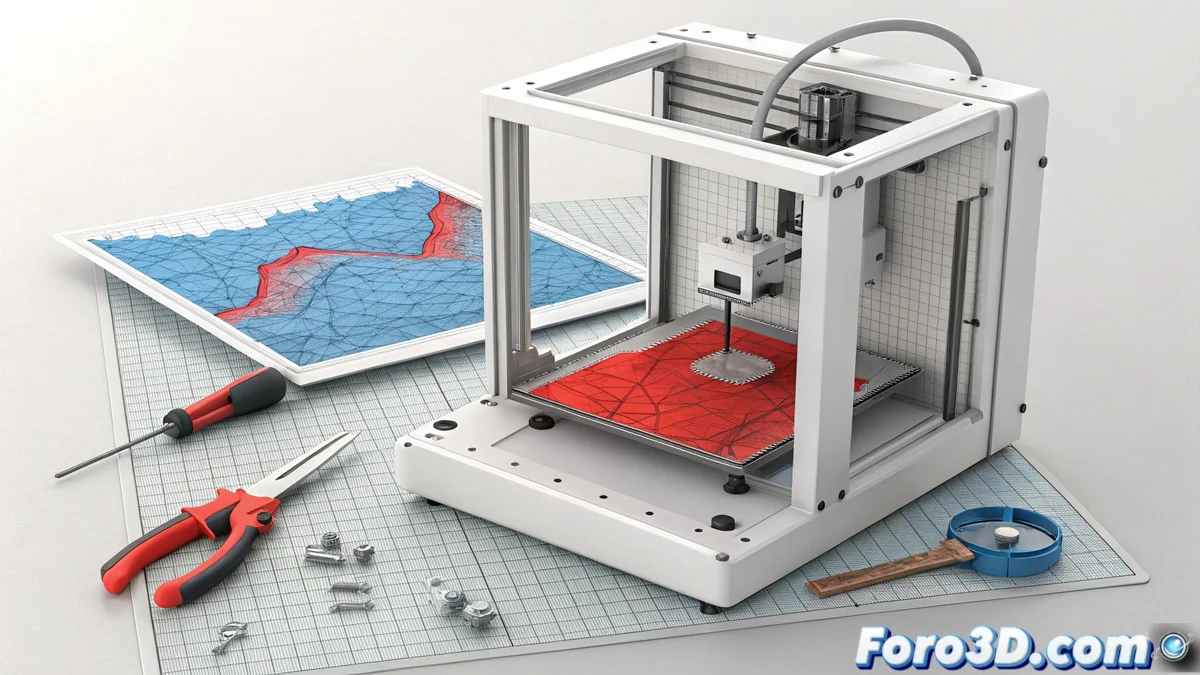
When your Bambu Lab printer displays the code HMS_0C00-0700-0001-000A, its Lidar system is alerting you to a serious problem. This error means that the sensor has detected an irregularity on the hot bed surface that is too large for the software to correct on its own. The firmware generates a height map that confirms extreme warping or tilting, stopping the process to avoid poor quality printing. 🚨
Deciphering What Causes the Leveling Failure
Before disassembling anything, it is crucial to rule out the simplest causes. The Lidar scanner is very precise and any residue on the bed can fool it.
Initial Steps for Diagnosis:- Thoroughly clean the surface: Remove any filament residue, liquid adhesive, or particles. Use isopropyl alcohol and a lint-free cloth to avoid leaving marks.
- Repeat automatic leveling: After cleaning, run the calibration process again from the printer's panel or software. If the error disappears, the problem was dirt.
- Inspect mechanical condition: If the code persists, the origin is almost always physical. Check if the bed has visible warping, if the Z-axis guides move with difficulty, or if the printer's overall structure appears twisted due to an impact or uneven tension.
The height map generated by the firmware is the key evidence: a constant slope or a localized bump indicate different types of mechanical problems.
Proceed to Adjust and Repair the Bed
If you confirm that the failure is mechanical, you will need tools and an orderly method. The solution involves reviewing and correcting the physical alignment of the components.
Corrective Actions to Apply:- Tighten frame screws: Check and adjust all screws, focusing on those securing the linear guides and the entire Z-axis assembly. A solid frame is the foundation for a level bed.
- Redistribute tensions on the bed: In some models, loosening and then re-tightening uniformly the screws that fix the hot bed to its moving carriage (the Y-axis) can help correct a slight tilt.
- Evaluate replacement under warranty: If the print bed shows clear and permanent deformation (concave or convex warping), contact Bambu Lab support. This is usually a defect covered by the manufacturer's warranty.
Final Considerations for a Lasting Solution
Fixing the HMS_0C00-0700-0001-000A error requires a systematic approach: first rule out, then diagnose, and finally intervene. Although for experienced users there is the option to manually level the bed with thickness gauges at its anchor points, this disables the Lidar's automatic compensation function, which is a key advantage of these printers. Patience and an Allen key are usually the best allies to restore your machine's original precision. 🔧