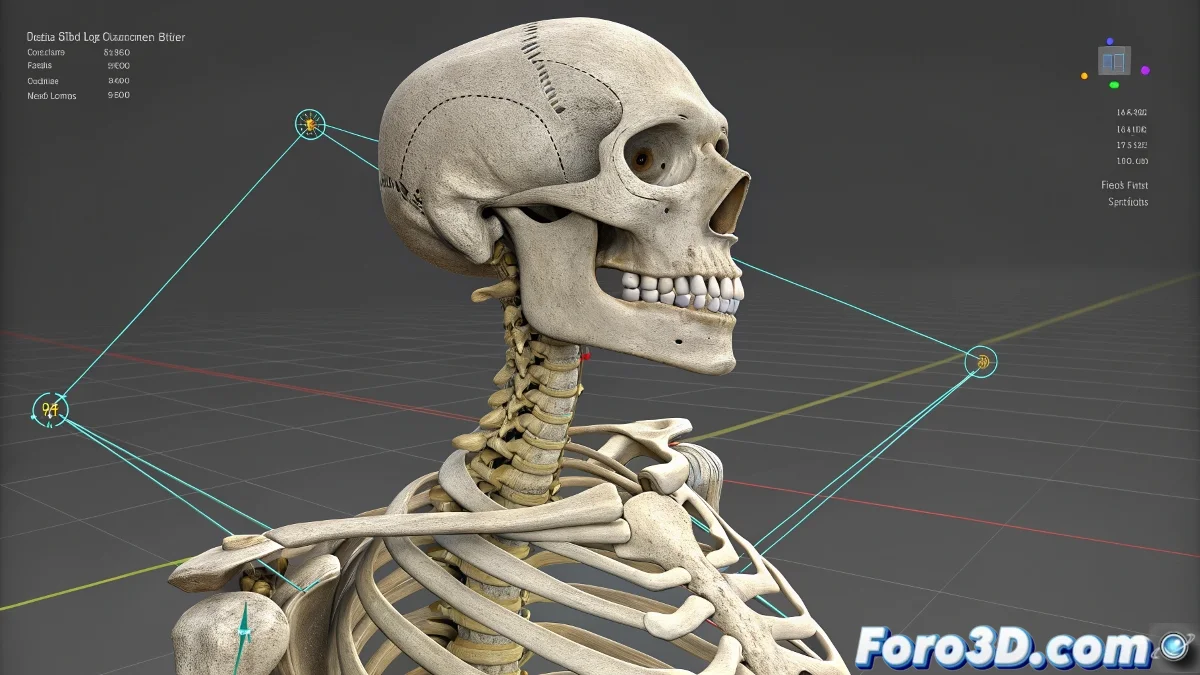
When Your Biped's Clavicles Decide to Dance to Their Own Beat
You've selected the clavicle, activated Local mode, and you'd swear that Z-axis is conspiring against you. Instead of rotating as it should, it seems to follow some kind of internal compass mysteriously connected to the spine. 🧭 No, it's not a hallucination: it's the "charm" of the Biped system.
The Harsh Reality of the Biped System
This behavior occurs because:
- Biped prioritizes deformation consistency over artistic control
- The clavicles are hierarchically linked to Spine3
- The local axes are more suggestions than rules in this case
"Biped is like that friend who helps you move, but insists on putting the furniture where he thinks it should go" — Anonymous animator after 3 hours of struggling with clavicles
Solutions to Tame the Rebellious Clavicles
Options from the quickest to the most professional:
- Animation Layers: Overlay corrections without affecting the base animation
- Spatial Helpers: Create dummies with the desired orientation and link them
- CAT System: Offers real control by local axes without hidden restrictions
- Custom Rig: The ultimate solution (but requires more setup)
Proven Production Trick
For emergencies:
- 📍 Create a Point Helper at the clavicle pivot
- 📍 Link its orientation to Spine3 (Parent-Constraint)
- 📍 Add Rotation Constraint to the clavicle pointing to the helper
- 📍 Animate the helper instead of the Biped bone directly
This method keeps the deformation stable while giving you animation freedom. It's not perfect, but it has saved countless midnight deliveries.
Why Don't They Fix This?
Biped was designed for:
- ✅ Fast human character animation
- ✅ Simple retargeting between characters
- ✅ Stability over flexibility
If you need absolute control, consider migrating to CAT or custom rigs. Though prepare to miss Biped's simplicity when you have to set up each bone manually.
And remember: if your character ends up with a shoulder in the ear, you can always argue it's an artistic style inspired by cubism. After all, in 3D animation sometimes technical limitations become creative opportunities... or at least that's what we say to justify the bugs. 🎨