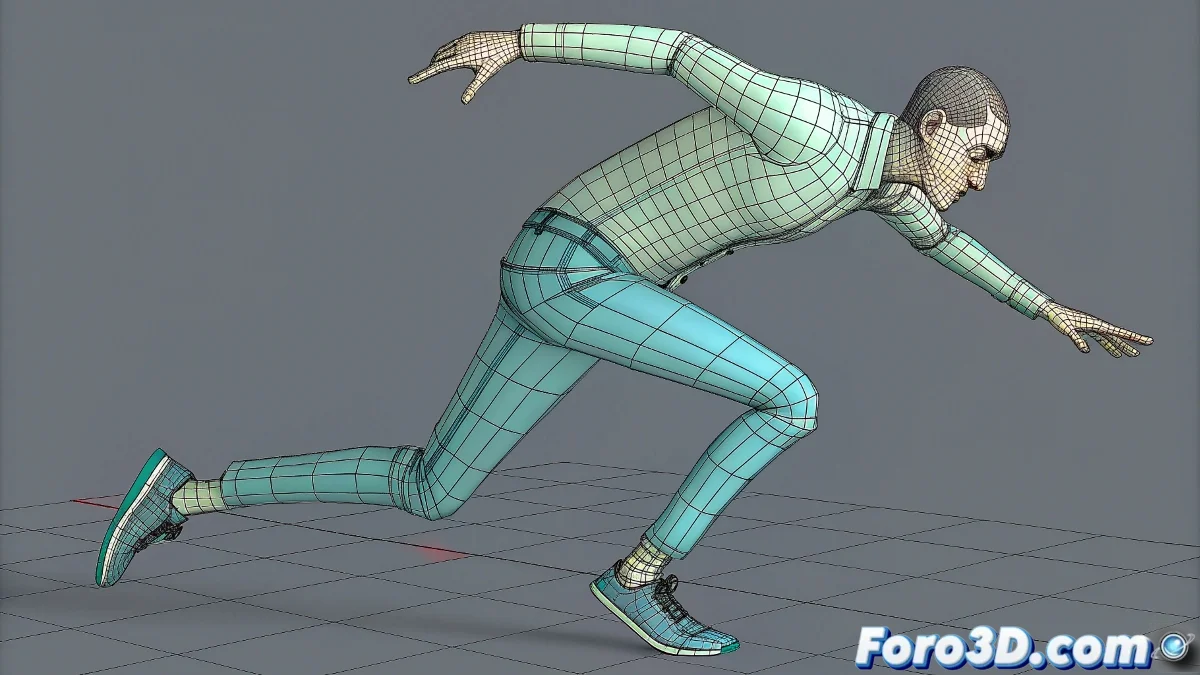
When bipeds develop digital epilepsy
The convulsing biped problem is a classic in Reactor that has caused more sleepless hours than failed renders. That characteristic shaking you describe, worthy of a low-budget horror movie, is usually the result of an imbalance between several physical parameters that interact counterproductively. The collision tolerance is just the tip of the iceberg of a deeper problem involving mass, friction, and collision properties.
Your observation about the different tolerance values is spot on: 0.1 is too high for human-scale characters, while 0.025 is in the correct range but may need complementary adjustments. The key is understanding that Reactor needs safety margins to calculate stable collisions, but these margins cannot be so large that they destroy the illusion of realism.
Optimal collision setup
For a 1.8m biped in a 3m room, the ideal Collision Tolerance values are between 0.02 and 0.04. Start with 0.03 and adjust based on behavior. However, the most important parameter that is often overlooked is the Collision Margin in the Rigid Body advanced properties. This value should be approximately half of the Collision Tolerance.
The quality of the collision mesh is crucial. Using Bounding Box or Bounding Cylinder for body parts can drastically reduce shaking, as it avoids irregular surfaces that confuse the physics engine. For the biped, consider using simple primitives for head, torso, and limbs.
- Collision Tolerance: 0.02 - 0.04
- Collision Margin: half of the Tolerance
- Simplified collision meshes
- Bounding primitives for key parts
A stable biped in Reactor is like a good marriage: it requires compromises and constant adjustments
Mass and physical properties tuning
Mass imbalance is one of the main causes of convulsions. A realistic humanoid biped should have the greatest mass in the torso and pelvis, with progressively smaller masses in the limbs. Use this approximate reference: pelvis 15kg, torso 25kg, head 5kg, thighs 10kg each, legs 5kg, arms 3kg.
Friction is your best ally against shaking. Values of 0.3 to 0.6 on contact surfaces prevent that infinite slipping that leads to vibrations. For the floor, consider higher friction (0.5-0.7) if it's a rough surface.
- Realistic mass distribution
- Friction between 0.3 and 0.6
- Low elasticity for surfaces
- Total mass coherent with scale
Solver configuration and simulation time
The Reactor solver parameters greatly influence stability. Increase Substeps to 3 or 4 for better precision, especially in complex falls. The Keys per Frame value can be increased to 10-15 for more detailed calculations, although this will increase simulation time.
The time step is also critical. For 30fps animations, a time step of 0.033 usually works well. If using 25fps, adjust to 0.04. Incorrect values here can cause numerical instabilities that manifest as shaking.
- Substeps: 3-4 for greater precision
- Keys per Frame: 10-15
- Time step according to framerate
- Max Iterations: 50-100
Advanced strategies for rebellious cases
When everything else fails, the dummy helper technique can save the simulation. Create a simple object (box or cylinder) that acts as the main collision for the biped, and make the biped follow this object using constraints. This provides a more stable collision while maintaining the appearance of the complex character.
Another effective strategy is using hybrid animation: simulate only the body parts that really need dynamics, and keep the rest with traditional keyframes. For example, you can simulate only from the pelvis downward during the fall, and manually animate arms and head.
- Dummy helper for stable collision
- Hybrid keyframe-dynamics animation
- Temporary gravity reduction
- Additional constraints for stability
Solving this problem will turn you into the official digital biped tamer, capable of making them fall with the elegance of a feline rather than the clumsiness of a 90s video game character. Because in the world of dynamics, even the most rebellious convulsion can be tamed with the right parameters 😏