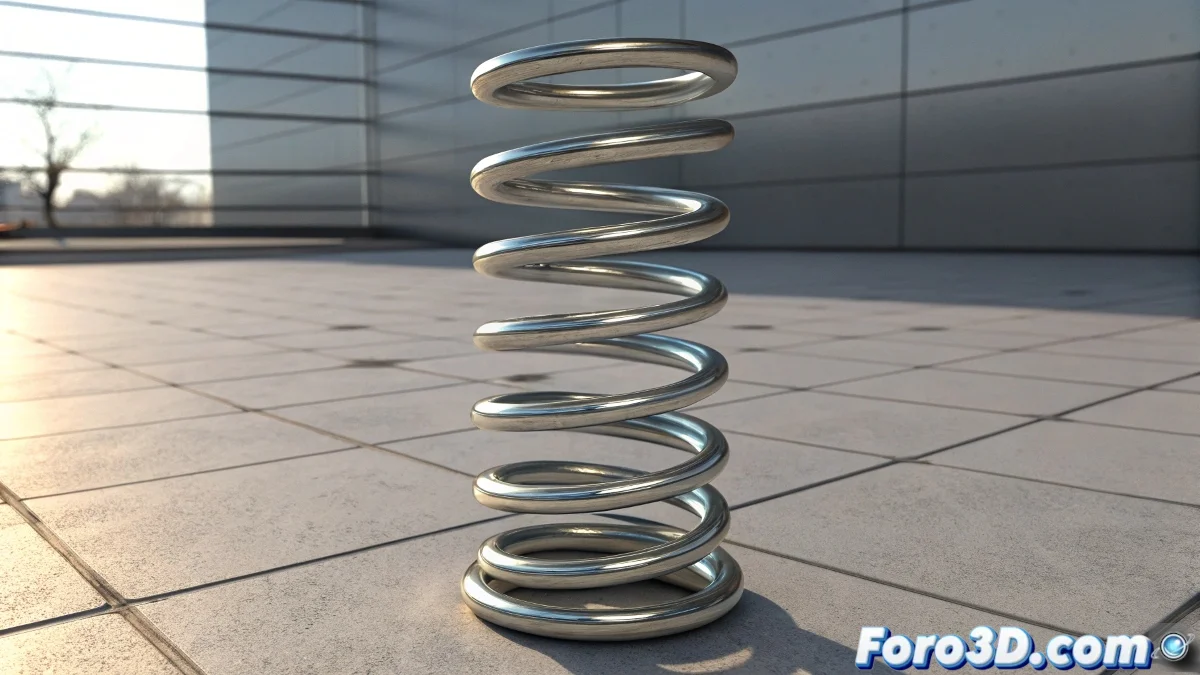
When Springs Decide Not to Bounce
Animating springs in 3ds Max is one of those challenges that seems simple until you try to achieve that organic and physical movement that characterizes real springs. The main problem is usually that artists try to animate manually what should be a procedural behavior governed by physical laws. The result is often that robotic movement that immediately reveals manual animation.
There are several approaches to animating springs, from the simplest using parameter controllers to complex simulations with Reactor or MassFX. The choice of the right method depends on the complexity of the effect you need and the level of realism you're seeking.
Basic Method with Parameter Controllers
For simple springs, the most direct approach uses the Waveform controller applied to the scale parameter or a Stretch modifier. Create your spring as a helix with enough segments to deform smoothly, then apply a Sine-type Waveform controller with amplitude and frequency adjusted to the desired behavior.
The advantage of this method is its simplicity and absolute control. You can preview the movement immediately and adjust parameters like oscillation frequency and damping using the controller curves. It's ideal for springs that need perfectly predictable behavior.
- Helix with enough segments for deformation
- Waveform controller on scale parameter
- Amplitude adjustment for maximum compression
- Frequency control for oscillation speed
A well-animated spring is like a good supporting actor: it supports the scene without stealing the spotlight
Advanced Animation with Reactor Spring
For realistic simulations where the spring interacts with other objects, Reactor Spring is the professional solution. Create two Rigid Bodies representing the ends of the spring, then add a Spring Constraint between them. The critical parameters are Stretch for stiffness, Dampening for damping, and Rest Length for the rest length.
This method faithfully reproduces the physics of real springs, including effects like overshoot and progressive damping. It's perfect for scenes where the spring must react to external forces like gravity or collisions with other objects.
- Spring Constraint between two Rigid Bodies
- High Stretch for rigid springs
- Dampening to control bounces
- Rest Length according to desired length
Technique with Modifiers and Expressions
For total artistic control combined with physical behavior, use the Stretch modifier with mathematical expressions. Apply Stretch to the helix and control the stretch factor with an expression that simulates damped harmonic motion. The basic formula would be something like: amplitude * exp(-damping*time) * cos(frequency*time).
This approach gives you precise mathematical control over every aspect of the movement while maintaining the ability to manually adjust any frame. You can even animate the expression parameters to create effects like springs that weaken over time.
- Stretch modifier with expression control
- Damped harmonic motion formula
- Parameter animation for special effects
- Combination with manual keyframes
Integration into Complex Scenes
When the spring is part of a larger mechanism, the linkage hierarchy becomes crucial. Use Link Constraint or Position Constraint to connect the spring ends to the objects it should join. Ensure the spring's pivot point is correctly located, usually at the geometric center.
For springs that must collide with other objects, consider converting them into Soft Bodies in Reactor. This allows them not only to compress but also to bend laterally under load, adding an extra layer of realism to the simulation.
- Proper hierarchy and constraints
- Correctly located pivot points
- Soft Bodies for lateral bending
- Collision detection with environment
Mastering these techniques will allow you to create everything from simple pen springs to complex vehicle suspension systems. Because in the world of 3D animation, even the simplest spring can become a work of digital engineering when animated with knowledge 😏