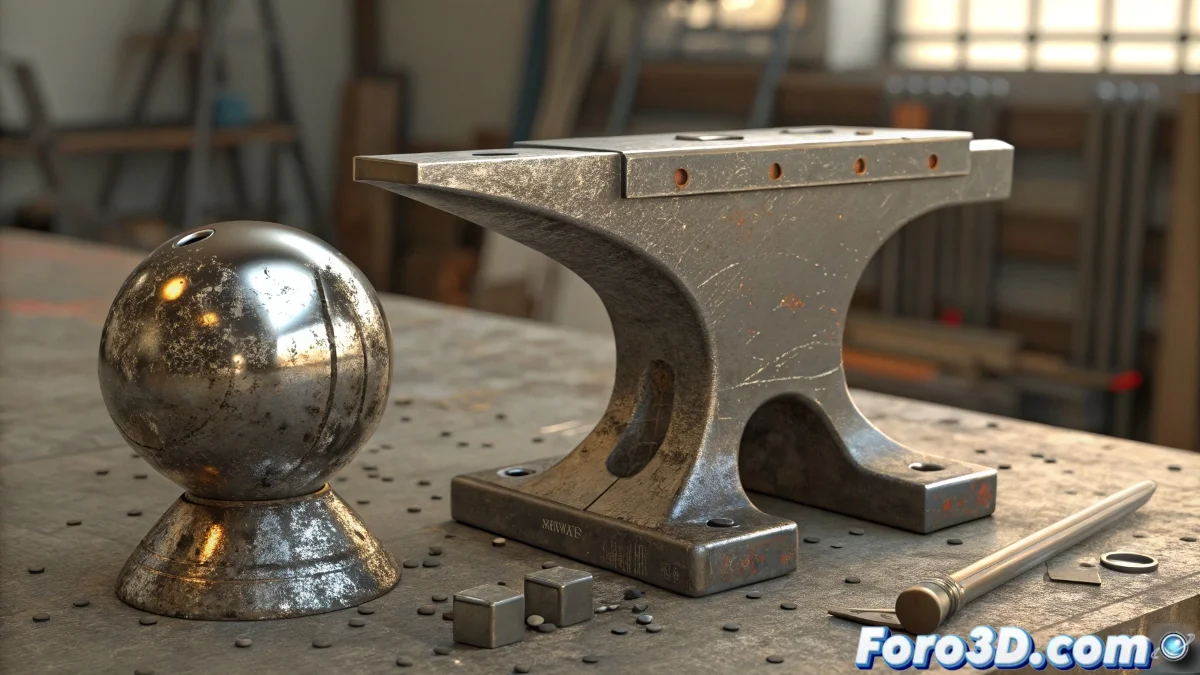
Techniques to Deform a Solid Object Like Metal in 3ds Max
If you're looking for an object to deform as if it were metallic, that is, with some rigidity but still reacting to impacts or pressure like a sheet of aluminum or lead, the ideal is not to use Cloth or mCloth, as both are designed to simulate soft fabrics like cloth. For this type of effect in 3ds Max 2025, it's much better to work with Soft Body Dynamics or with Vellum in Houdini if you're open to using other software, although Max already has quite powerful tools. Let's give your objects a metallic touch! 🔨
Recommended Method with TyFlow
The most modern and flexible way to do it within 3ds Max is using TyFlow, which is the spiritual successor to Particle Flow but with many more physical capabilities. TyFlow allows you to apply collision and deformation simulations to solid objects as if they were flexible metal. The perfect tool for realistic effects!
Process with TyFlow
The process would be something like this:
- Model the base object: Make sure it has good topology.
- Convert to tyMesh: Convert it to a tyMesh and set it up as a Soft Body.
- Adjust physical parameters: Configure stiffness, elasticity, and damping to behave like a malleable material.
- Use colliders: Use colliders to deform it, like a sphere hitting it or controlled pressure.
You can also use Phoenix FD or even Arnold Mesh Deformer if the goal is more visual than physical, but TyFlow gives you the perfect mix of control, realism, and speed. Explore all the options! 🌟
Tips for Adjusting Parameters
If your mesh ends up looking like a tortilla instead of a metal plate, you're probably using very soft cloth parameters. Unless you're animating armor made of kitchen paper, increase the stretch resistance and reduce the damping as if you were simulating a car hood after a meteorite hit. Adjust until you achieve the desired effect! 🚗💥
With TyFlow, every deformation can be a masterpiece of realism. And who said metal couldn't be flexible and realistic in the 3D world! ✨