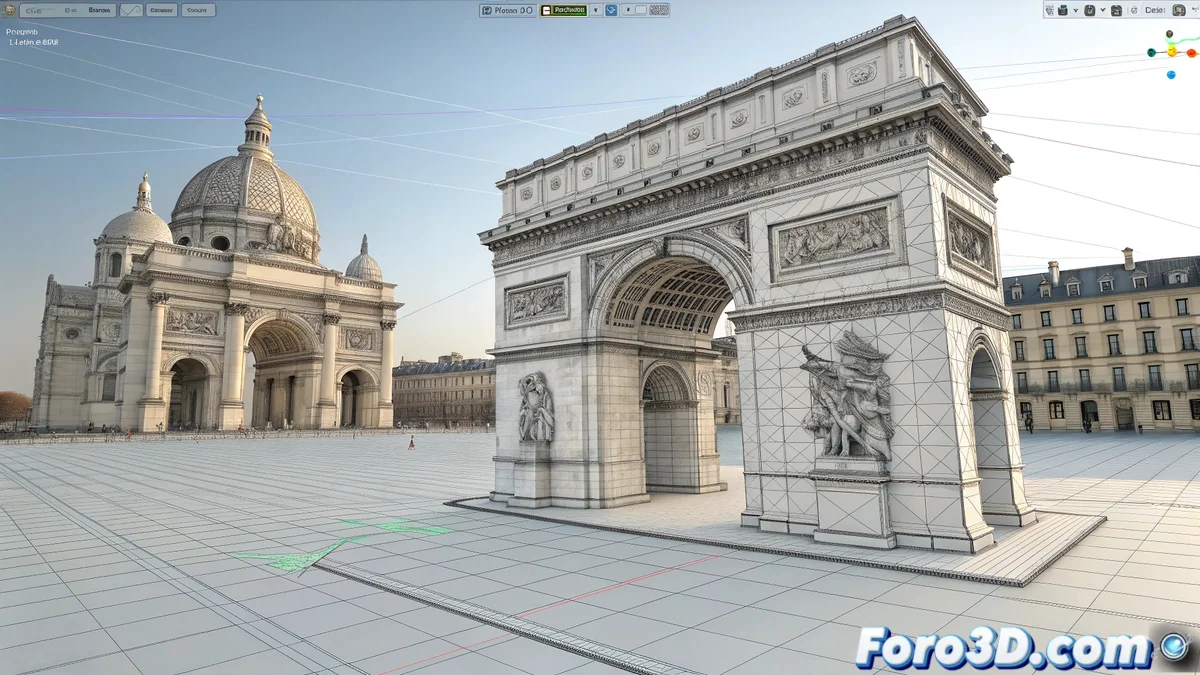
Turning a Flat Image into a Digital Sculpture
Recreating the complex topography of a historical frieze from a photograph is a common challenge in archaeological reconstruction or visual design projects. 🏛️ Maya, although it doesn't have a magical "photo to 3D" function, offers a set of tools that, when used strategically, allow for very convincing results. The choice between photogrammetry, displacement mapping, or manual modeling will make the difference between a simple flat texture and a three-dimensional element with real volume.
The Professional Route: Photogrammetry
When precision is critical and access to the frieze is available to take multiple overlapping photographs, photogrammetry is the ideal technique. 📸 Specialized software like RealityCapture analyzes the parallax between images to calculate depth and generate an extremely detailed 3D mesh. Once this model is imported into Maya, it's crucial to use tools like Quad Draw for retopology that simplifies the mesh and prepares it for animation or efficient rendering, preserving detail in normal maps.
Photogrammetry captures every crack and relief, but retopology makes it usable.
The Practical Solution: Displacement Mapping
For most cases where only a single frontal photograph is available, displacement mapping is the most viable solution. 🗿 The process begins in Photoshop, converting the image to grayscale and adjusting the levels so that white represents the highest point and black the lowest. In Maya, this map is applied to a subdivided plane. The key is to correctly adjust the displacement strength and subdivision level to avoid the result looking like a blurry relief.
- Manual reference modeling: Use the photo as an Image Plane to sculpt or extrude the main shapes.
- Coherent texturing: Project the original photo as a diffuse texture over the generated relief.
- Adaptive subdivision: Use subdivisions only in render to avoid overloading the real-time viewport.
An Integrated Workflow
Regardless of the method, final texturing is essential for credibility. The original photograph can be used as the base for the diffuse texture, projecting it onto the 3D model. 🎨 If the displacement map was created from the same photo, the alignment will be perfect. For highly eroded friezes, adding a roughness map that simulates the different stone porosities will add extra realism to the material in the render.
And if the displacement turns your Greek frieze into a cottony cloud, remember to reduce the subdivision before someone asks for autographs thinking it's a meringue sculpture. 🍰 Subtlety is the key to realism.