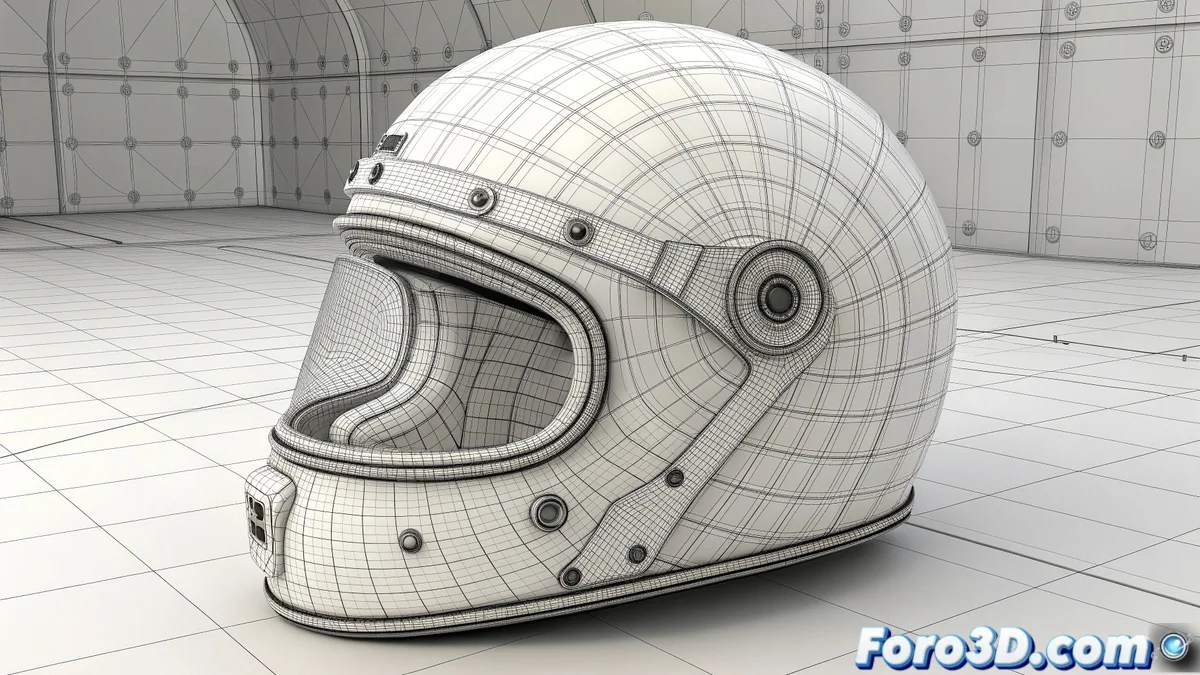
The Challenge of Clothing Curves with Polygons
In LightWave Modeler, creating surfaces from curves is a fundamental operation for organic and precise modeling. However, this seemingly simple task can become a source of headaches if the right tools are not used. 🌀 The result is often meshes with unwanted triangles, n-gons, or deformed faces that ruin the topology. Mastering techniques like AutoPatch and Loft is the key to generating clean surfaces ready for subdivision.
AutoPatch: The Solution for Well-Behaved Curves
The AutoPatch tool is ideal when you have curves that form a closed and defined perimeter. Its success largely depends on the quality of the base curves. 🧩 Before using it, it is crucial to ensure there are no duplicate vertices (using Delete Duplicate Points) and that the curves do not intersect chaotically. Adjusting the Segmentation parameters helps control the density of the resulting mesh, always prioritizing the generation of quads.
A clean curve is the best starting point for a flawless surface.
Loft and Bridge: Precision and Control
For situations that require more control, the Loft command (specifically Patch Surface) is a powerful option. It allows creating a surface between two or more guide curves, generating a uniform and predictable mesh. 🌐 When only two edges need to be joined, the Bridge tool is incredibly effective. By selecting the polygon or point rings, Bridge creates a tubular connection between them, allowing you to define the number of subdivisions for perfect geometry flow.
- Prior Cleaning: Always eliminate duplicate vertices before any surface operation.
- Subdivision Adjustment: Both in Loft and Bridge, controlling the number of segments is key to density.
- Post-Smoothing: Apply Set Polygon Smoothing to give an organic appearance to the generated surface.
Workflow for Optimal Results
The correct sequence of operations makes the difference. Start with the best possible quality curves, clean them, and then choose the most suitable surface tool for the case. 💡 For organic shapes, Loft is usually more flexible. For closing holes or connecting parts of a model, Bridge is unbeatable. After generating the surface, review the topology and apply smoothing to ensure a result ready for rendering or animation.
When LightWave generates a bumpy surface, they are not digital mischievous spirits; they are simply curves that don't get along with each other. 👻 A bit of mediation with the right tools is usually enough for them to make peace and form a perfect mesh.