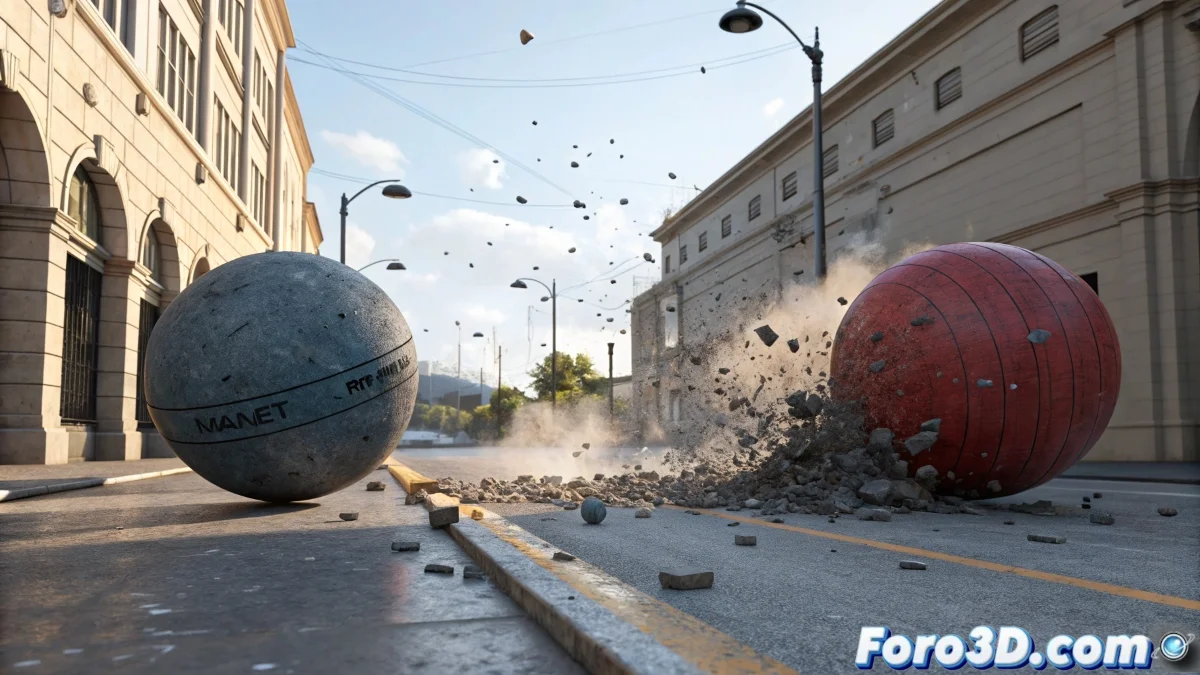
The Chaotic World of Collisions in 3ds Max 💥
When objects in 3ds Max start phasing through each other like ghosts in a low-budget horror movie, it's time to call in physics. The MassFX system comes to the rescue to prevent your 3D creations from behaving as if the laws of nature were merely a suggestion.
MassFX: The Digital Traffic Cop
This integrated physics engine allows you to turn any object into a rigid body that respects the basic rules of the universe:
- Gravity that makes things fall (how novel!)
- Collisions that prevent annoying "clipping"
- Basic interactions between objects
For the magic to work, both colliding objects must be configured as rigid bodies. Otherwise, they'll keep behaving like ghosts in a digital haunted house.
When Basic Isn't Enough
MassFX is ideal for simple simulations, but if you need something more advanced, alternatives exist:
- Specialized plugins for complex effects
- Particle systems for more organic interactions
- External physics engines for cinematic results
At the end of the day, working with physics in 3ds Max is like teaching a toddler not to throw plates on the floor: it requires patience, proper setup, and accepting that sometimes things will go flying anyway. 🚀
Remember: if your objects keep phasing through each other after all this, you can always say it's abstract art... or an aesthetic glitch. 😎