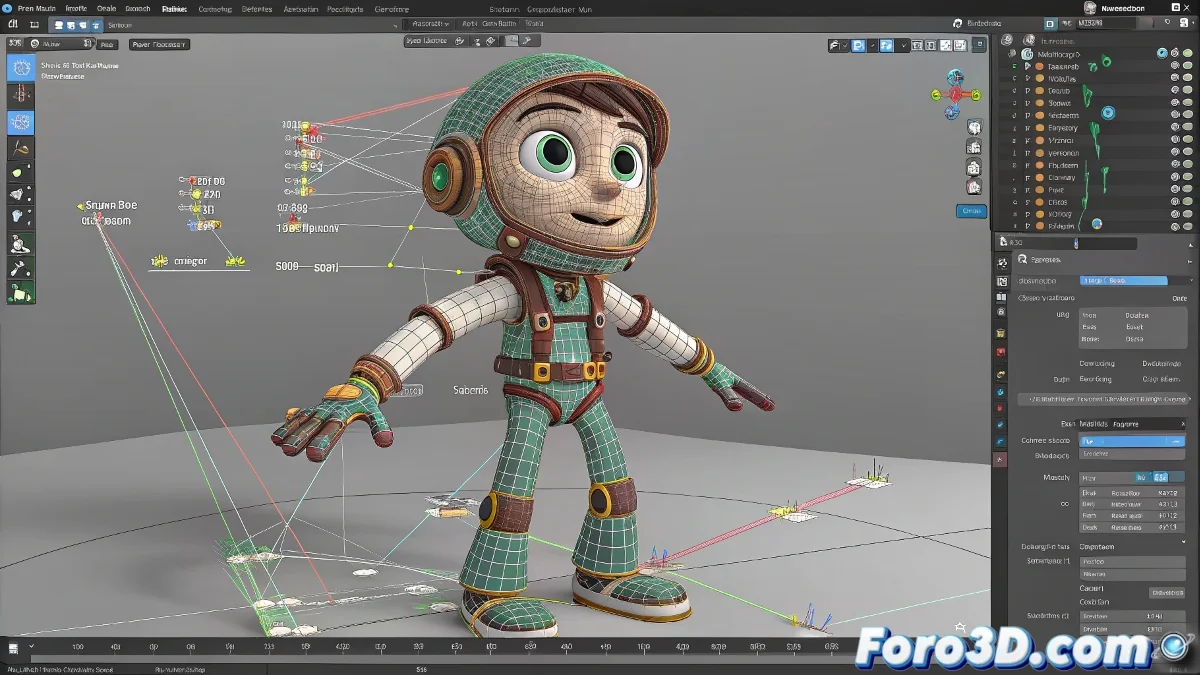
The Art of Taming Patches in Animation Master 🎪
Rigging in Animation Master is like trying to dress an octopus in a suit: those pesky patches behave like rebellious tentacles. Unlike other 3D software, here you don't work with traditional meshes, but with a patch system that can turn your character into a deflated balloon if you don't control them properly.
Secrets for Successful Rigging
To prevent your character from looking like it's melting when you move it, follow these tips:
- Build a solid bone structure as a backbone
- Assign influence weights with surgical precision
- Simplify the topology to avoid grotesque stretching
In Animation Master, each patch is like a small child: it needs clear boundaries (of influence) to behave well.
When Technology Is Not Enough
Although the software lacks advanced tools like its bigger cousins, with patience you can achieve good results:
- Fine-tuning of bone-patch connections
- Trial and error (more error than trial at first)
- Many, many saves of intermediate versions
And if all else fails, remember that strange deformations can pass for "artistic style"... at least until the client notices. 🎨
In the end, mastering rigging in Animation Master is like learning to cook without recipes: it requires intuition, several initial disasters, and the ability to sell any result as "that's how I planned it from the beginning." 😉