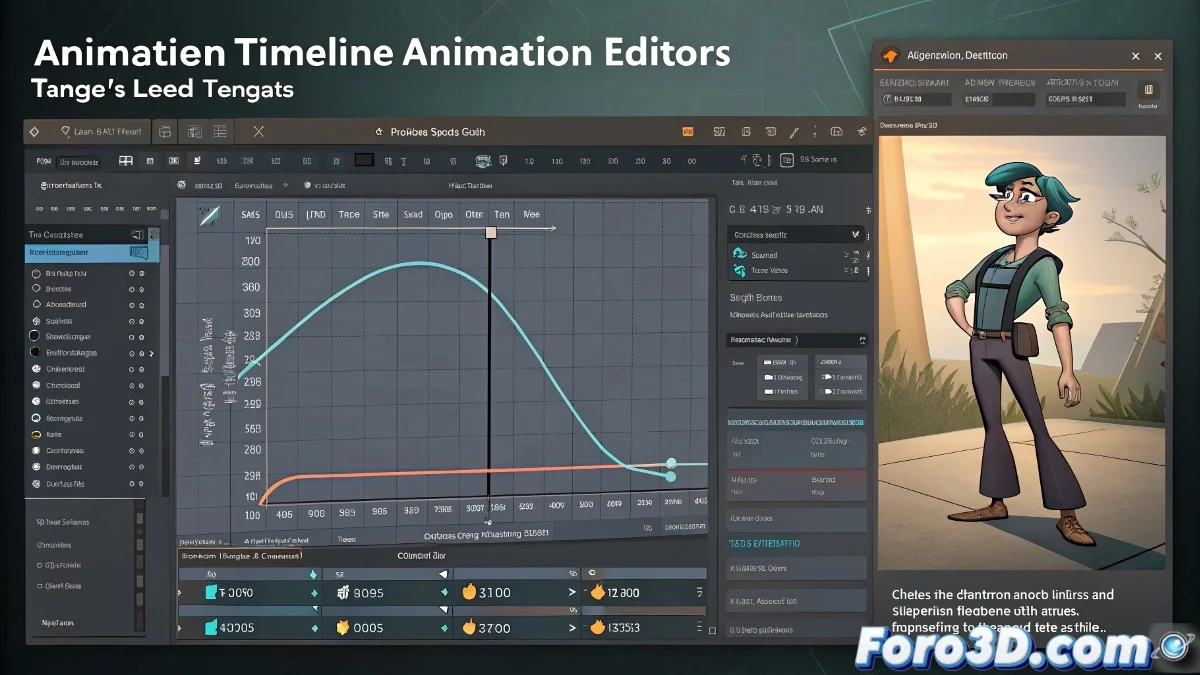
When Maya Says "No" to Stretching Tangents Like in Cinema 4D 😤
If you've migrated from Cinema 4D to Maya, you've noticed that animation tangents behave like a strict teacher: all rules and restrictions. In C4D, stretching tangents is as easy as stretching gum, but in Maya it seems like you need written permission. 😤
The Big Secret: Weighted Tangents
Maya, by default, works with locked and weighted off tangents, which means you can only adjust the angle, but not the length. It's like being given a steering wheel without an accelerator pedal. To unleash that control, follow these steps:
- Open the Graph Editor.
- Select the problematic keyframes.
- Go to Curves > Weighted Tangents and activate it.
Voilà! Now you can stretch the tangents as if you were in Cinema 4D. ✨
Bonus: Break the Chains (of the Tangents)
If you want even more control, activate Break Tangents to manipulate each side of the curve separately. Maya doesn't make it easy, but with these tricks, you'll regain the fluidity of C4D:
- Weighted Tangents: To adjust length and angle.
- Break Tangents: To independent input and output.
- Free Tangent Weight: To move them without restrictions.
"Maya isn't difficult, it just has personality." — No one, before migrating from Cinema 4D.
Permanent Setup (So You Don't Repeat This Drama)
If you don't want to activate Weighted Tangents in every project, go to Windows > Settings/Preferences > Preferences, find the Animation tab, and check Default in/out tangent type: Weighted. This way Maya will start with tangents ready to stretch. 🎉
In the end, it all comes down to understanding that Maya and Cinema 4D are like two chefs: one follows strict recipes and the other cooks by eye. But with these settings, at least you'll be able to animate without Maya putting obstacles in your way. And if something goes wrong, you can always blame the rig. 😏