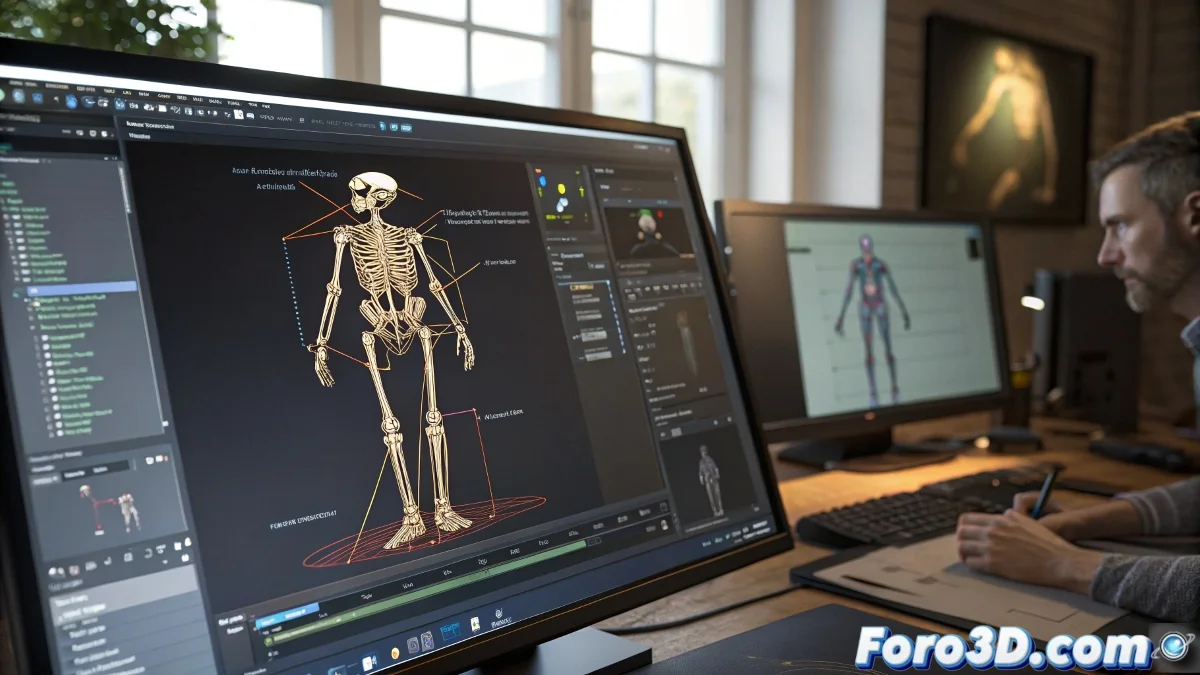
When Your 3D Model and Its Skeleton Decide to Go Separate Ways
In the fascinating world of 3D animation, few things are more disconcerting than exporting your precious model from 3ds Max to MotionBuilder and discovering that the skeleton has decided to go partying while the model stays home. 🎭 It's like your character is having an existential crisis: "Am I a model or a bunch of disorganized vertices?"
The Mysterious Case of Misalignment
This phenomenon occurs because 3ds Max and MotionBuilder have very different ways of understanding transformations:
- Rebellious Pivots: Those reference points you swore were centered
- Confusing Hierarchies: Like a digitally dysfunctional family
- Hidden Transformations: The secrets your model was keeping that now come to light
The result is a character that looks like it came out of a horror movie, with its skeleton trying to escape. 💀
How to Reconcile Your Model with Its Skeleton
To avoid this digital drama, follow these therapy steps for 3D models:
- Reset XForm: Like a reset button for your model's existential crisis
- Convert to Editable Poly: Because sometimes you have to go back to basics
- Verify Pivots: Make sure they're where they should be, not wherever they please
- FBX Export Options: Those little checkboxes that can save your life
In the 3D world, a well-aligned model is like a unicorn: everyone talks about it, but few have seen it
If after all that your character still looks like an extra from The Walking Dead, you can always say it's a artistic style. After all, in 3D art there are no mistakes, just "creative interpretations of anatomy". 🎨
And remember: when the skeleton and the model don't get along, it's not a bug, it's a personality feature. At least that's what I tell my clients. 😅