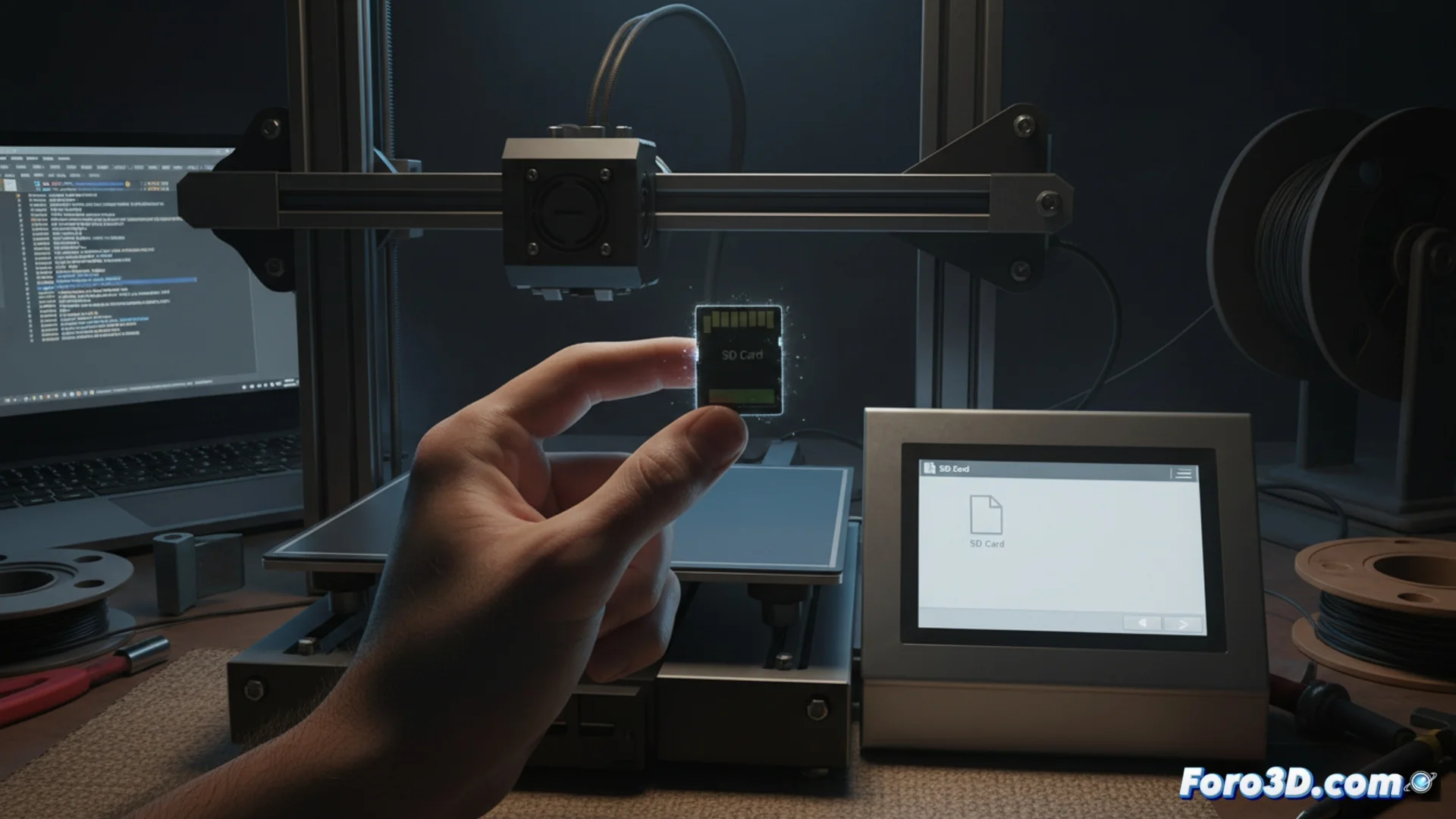
Solutions when your 3D printer does not read the g-code file from the SD card
It is a common situation: you insert the memory card into your 3D printer, but the G-Code file you saved does not appear in the print list. 😐 Don't worry, this issue has specific causes and, fortunately, quick solutions you can apply. Generally, the origin lies in how the card is prepared or how you named your file.
Prepare the SD card with the correct format
The first aspect you should check is the file system of your memory card. Most 3D printer controllers are designed to work with the FAT32 format and may have problems interpreting others like exFAT or NTFS. An incompatible format is a direct barrier for the firmware to access the content.
Steps to format safely:- Connect the SD card to your computer using a reader.
- Back up any important data you have stored, as the process will erase everything.
- Use your operating system's formatting tool. Explicitly select FAT32 and a standard cluster size, such as 4096 bytes.
A clean format eliminates possible errors in the card's structure that prevent files from being read correctly.
Choose a filename that the firmware can process
The firmware of many 3D printers has limitations in handling long or complex filenames. If the name is too long or uses special characters, the machine may simply ignore it when listing the card's contents. 😮💨
Rules for naming your G-Code file safely:- Keep the name short, ideally under 15 characters.
- Use only English alphabet letters (no accents, ñ's or diacritics) and numbers.
- Completely avoid spaces, special symbols like &, %, /, #, ! or parentheses.
- Use underscore (_) or hyphen (-) to separate words.
Conclusion and final verification
In summary, if your printer does not detect the G-Code file, check these two fronts: ensure the card is formatted in FAT32 and change the filename to a simple one, like part_01.gcode. Many times, impatience makes us think there is a major failure, when the solution is as straightforward as optimizing these basic details that the firmware needs to function without issues. ✅