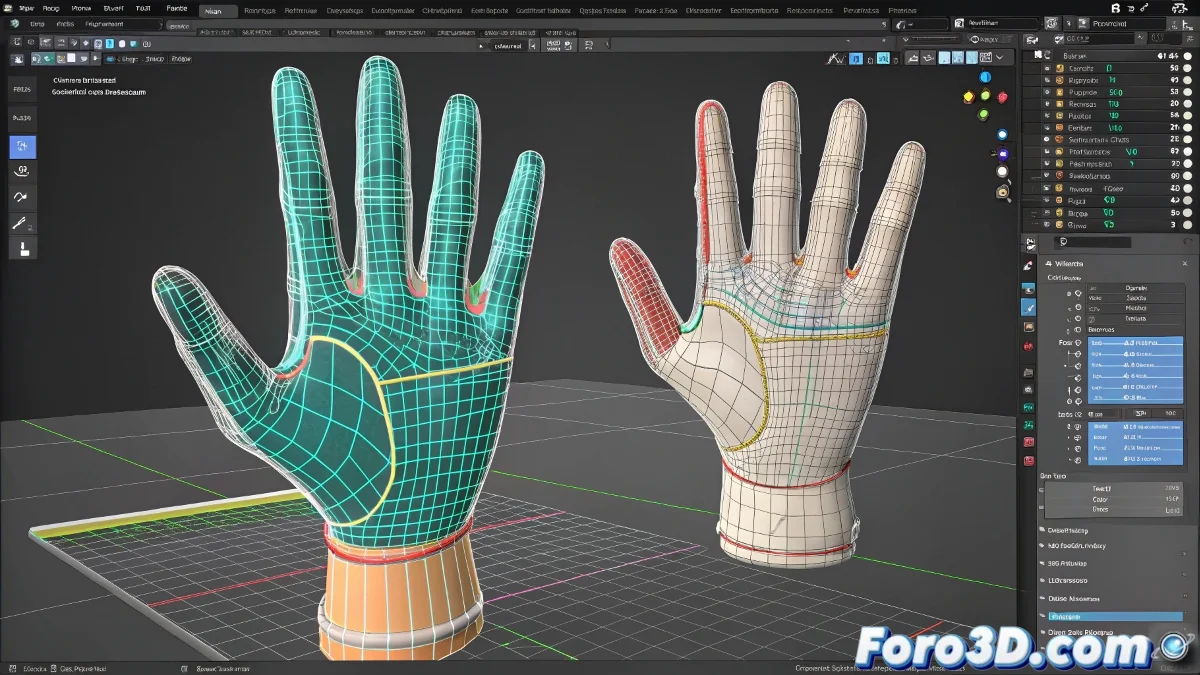
When Copying Weights Between Hands Becomes Mission Impossible
Transferring Skin weights between identical meshes in 3ds Max should be as simple as copying a text file... but in reality, it's more like trying to clone a cat 🐱. For some mysterious reason, even though the hands are perfect twins, the weights always find a way to behave like rebellious teenagers.
The Frustrating Dance of the Vertices
The theoretically simple process turns into a three-act drama:
- Weight extraction: Where everything seems to go well (error number one)
- Perfect positioning: Because half a millimeter difference equals a cosmic disaster
- Magical import: Where some vertices decide to go partying instead of obeying
"Skin Utilities is like that friend who promises to help you move but arrives when you've already finished" - Anonymous 3D Artist after the third cup of coffee
Tricks to Tame the Chaos
To minimize the headache, some veterans recommend:
- Using meshes cloned from the beginning, like digital Siamese twins
- Playing with the Match by name and Match by position options as if they were magic switches
- Mentally preparing to manually adjust at least 15% of the vertices (unwritten law of 3D)
At the end of the day, working with Skin Utilities is like dancing tango: it requires patience, practice, and accepting that sometimes your feet will be stepped on. 💃
And remember: if everything fails, you can always say it was a deliberate artistic style... no one will be able to prove otherwise. 😉