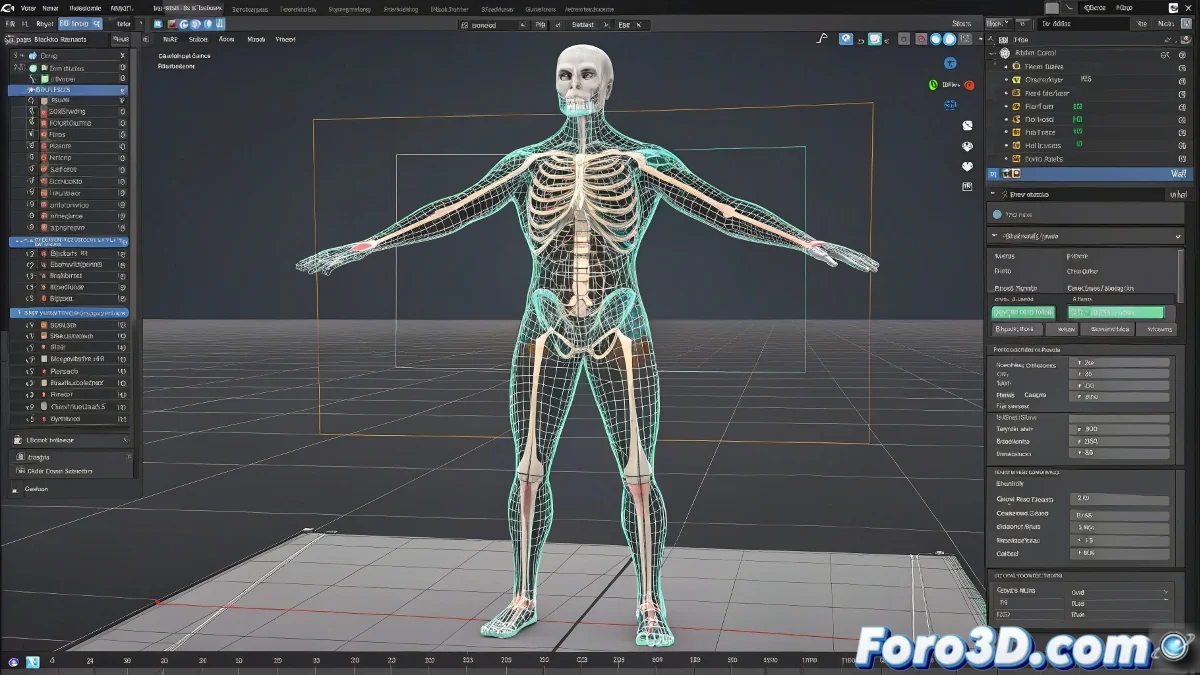
When the Skin Modifier Decides to Play Hide and Seek with Your Weights
Nothing like spending hours meticulously adjusting vertex weights in Skin, only to reopen the file and discover your character now deforms like a wet rag doll. 🎭 It's as if 3ds Max has a particularly cruel sense of humor, saving your settings in a parallel dimension every time you close the project.
The Mysterious Case of the Disappearing Weights
This phenomenon generally occurs for three main reasons:
- Renaming bones after applying Skin (like renaming your dog after 5 years and expecting it to respond the same)
- Transferring files between different versions of 3ds Max
- Modifying the hierarchy of the CAT bone system
"The Skin modifier has the memory of a goldfish: if you blink, it forgets everything" - Famous quote from some frustrated 3D artist at 3 AM
Antidotes for This Digital Plague
To prevent your weights from vanishing like money on Steam during sales:
- Use Skin Utilities to export/import weights as if they were secret recipes
- Save Envelopes separately (think of it as backups for your sanity)
- Keep the modifier stack cleaner than a famous streamer's room
And remember: if CAT and Skin were a real couple, they'd be in couples therapy for communication issues. 🐱💻
With these tips, at least you'll be able to blame your own mistakes instead of the software... well, almost always. 😅