When Bip Files Decide to Dance Without Warning 🕺
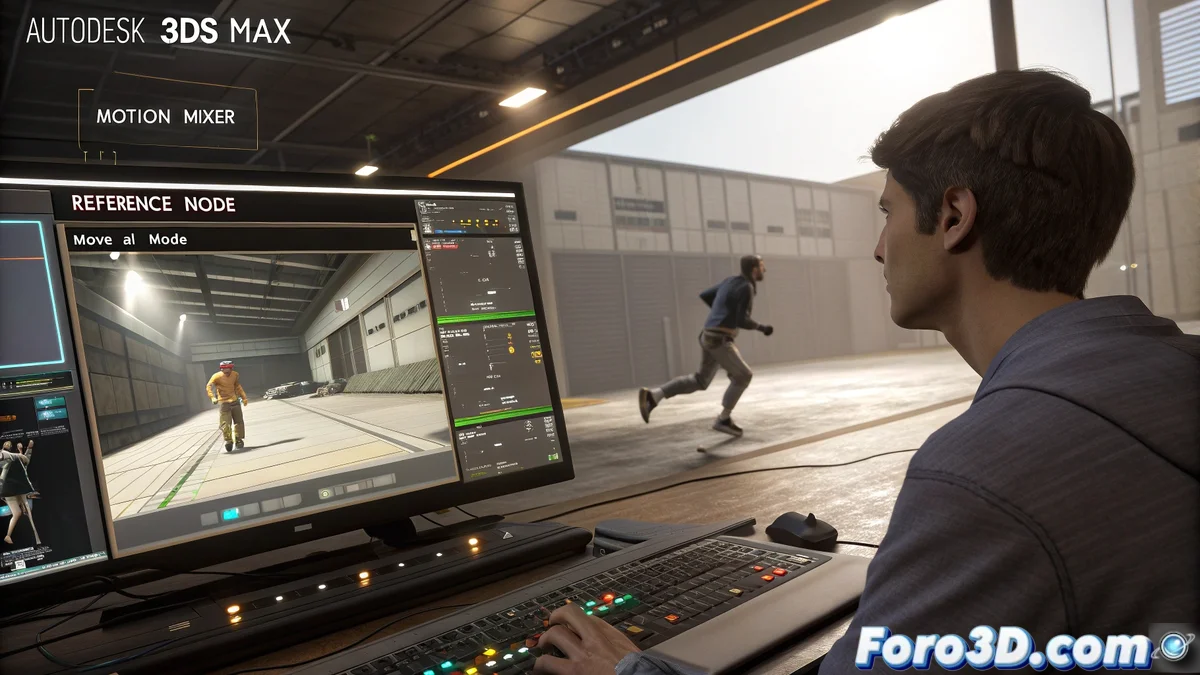
Merging animations in 3ds Max should be as simple as making a sandwich, but sometimes bip files behave as if they have a mind of their own. The result: a character that jumps on the Z axis as if on an invisible trampoline. The culprit? The global positions of each animation, which don't always match.
The software doesn't understand subtleties: if one animation starts at Z=0 and the next at Z=15, your character will make an Olympic-worthy jump.
Solutions to Make Everything Fit (Without Unplanned Choreography)
To prevent your creation from becoming an unintentional meme, there are foolproof tricks:
- Reset the Z axis: Remove the displacement on that axis from the Motion Mixer or with scripts. Goodbye jumps!
- Use a reference bip: Like an anchor, this file will keep the others in place. 🚢
- Align manually: Yes, it requires patience, but it avoids surprises like "Why is it flying now?".
Tools like Workbench can help, although if you prefer not to dive into code, stick with visual methods. That said, be careful with Move All Mode: it seems useful, but it only masks the problem. It's like putting perfume on a sweaty sock… it doesn't solve anything. 💨
Technical Moral with Humor
The next time your animations rebel, remember: 3ds Max is a tool, not a wizard. If you don't give it clear instructions, your character will dance cha-cha-chá when you just wanted it to walk. And although the software is powerful, it still doesn't include the "fix my mistakes with one click" option. What can you do! 😂