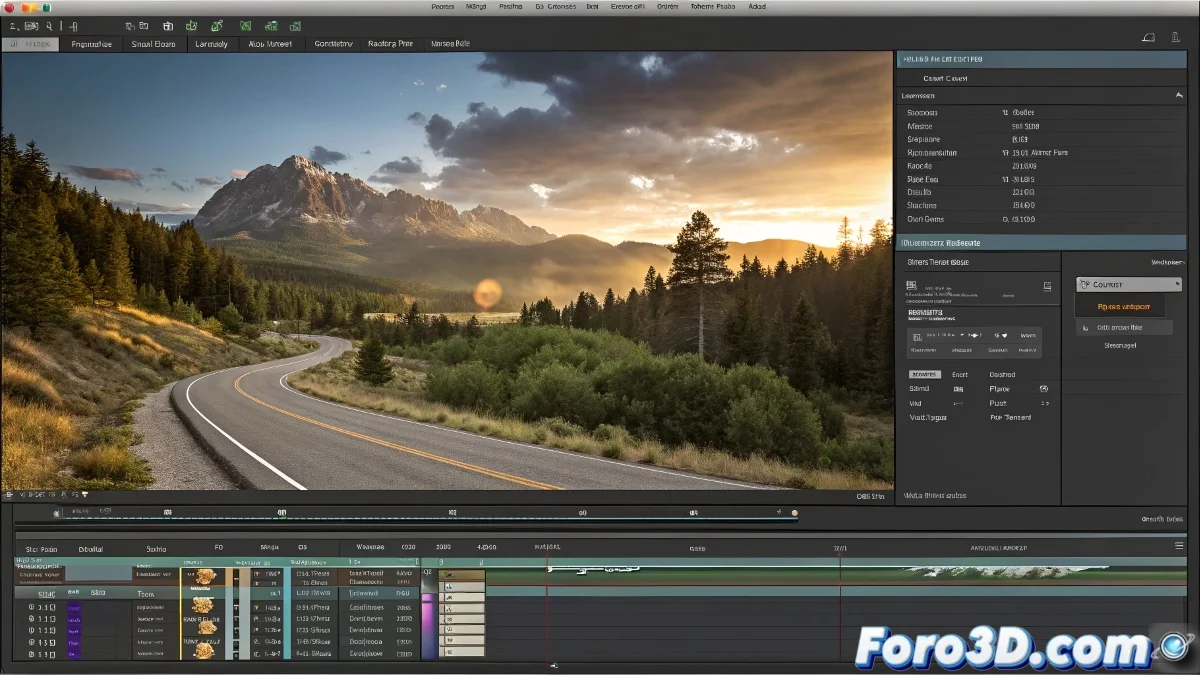
When After Effects CS5 Decides Your Video Only Deserves 5 Seconds of Fame ⏱️✂️
You import a 3-minute video into After Effects CS5 and... surprise! Now it's an involuntary 5-second TikTok. Don't worry, it's not personal, it's just CS5 being CS5. But we have the solution so your footage can regain its dignity and full duration.
"After Effects CS5 and I have a love-hate relationship: I love what it can do, but I hate when it decides to trim my projects like discount coupons" — Frustrated Editor.
Steps to Recover Your Precious Seconds
- Adjust the composition duration:
- Go to Composition > Composition Settings
- Change the duration to match your video
- Or even better: create it from scratch with the correct duration
- Interpret the footage correctly:
- Right-click on the video in the Project panel
- Select Interpret Footage > Main
- Verify that the duration is correct
Formats That Play Well with CS5
If the problem persists, try with:
- .mov with ProRes or Animation codec
- .mp4 with H.264 (but not always reliable)
- Image sequences (.tga, .png) for maximum compatibility
Additional Trick for Smarties
If everything fails:
- Create a new composition with the correct duration
- Drag your video directly into it
- AE usually behaves better with this method
Remember: After Effects CS5 is like that absent-minded friend who always cuts conversations halfway. With patience and these tricks, you can make it listen to you fully. 🎬💔
P.S.: If after all this it still trims your videos, you can always update to a newer version... or accept that your masterpiece will be a 5-second microfilm.