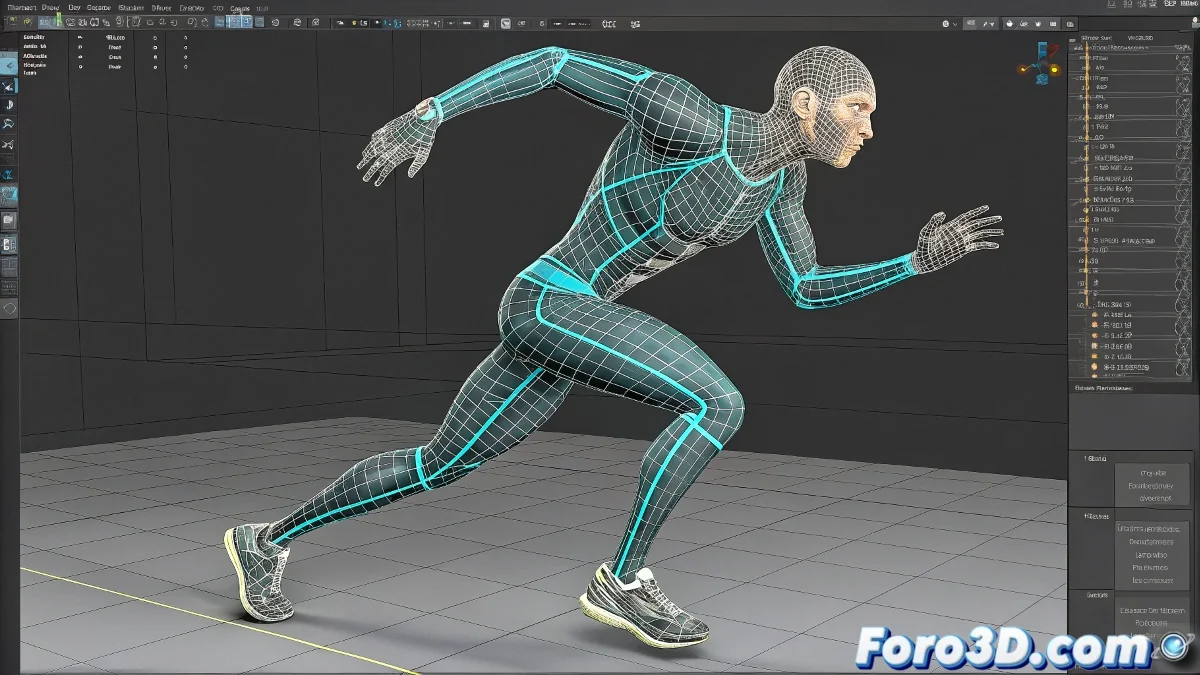
When Your Character in 3ds Max Decides to Turn into a Human Corkscrew
Ah, the Physique modifier... that tool that promises perfect binding between mesh and skeleton, but sometimes turns your characters into abstract modernist sculptures 🌀. Nothing like seeing your model's arm rotate 720 degrees for no apparent reason to brighten your day.
The Mysterious Case of the Rebellious Envelopes
Behind every catastrophic deformation, there usually are:
- Overexcited Envelopes: Like teenagers at their first dance
- Crossed Influences: When bones don't respect personal space
- Incorrect Linking Orders: The classic "who's who" of the vertices
Using Physique without adjusting is like playing Russian roulette with your character's anatomy.
First Aid Kit for Deformations
To save your model from its existential crisis:
- Check the envelopes as if looking for a needle in a haystack
- Adjust influences manually (yes, vertex by vertex)
- Consider migrating to Skin for chronic problems
- Try Skin Wrap or specialized plugins
The final irony is that you spend hours setting up Physique to save time, and end up losing double fixing its whims 🤹. But don't fear, with these tips you'll be able to tame this wild modifier... or at least convince it that your character isn't a giant corkscrew.
Remember: in the world of rigging, sometimes less is more. Unless you're making an animation about rubber characters, in which case... keep going!