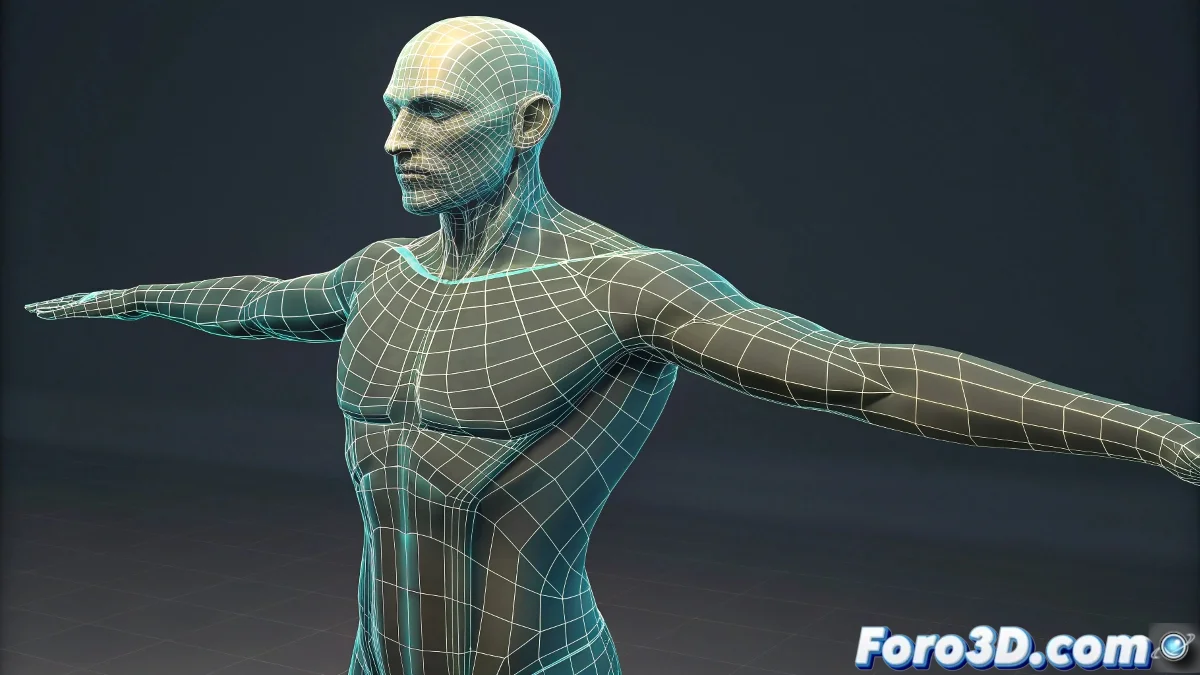
When Your Character Develops a Double (and It's Not the Evil Twin) 👯
Nothing more disconcerting than animating peacefully and discovering that your character has cloned its limbs without permission. But don't worry, before thinking about digital exorcisms, try these proven solutions. Your rig will return to normal faster than 3ds Max takes to crash! 💥
"In rigging as in life: duplicates cause problems, clear hierarchies bring peace of mind"
Clone Hunt: Finding Those Duplicate Bones
To eliminate ghost rigs:
- Check the Scene Explorer - Look for suspicious names like "Bone_01_copy_final_v3"
- Try Select by Name - Sometimes duplicates hide in unexpected places
- Verify connections - A controller without proper parenting is like a rebellious teenager
Deformations: When Vertices Misbehave
To tame your rebellious mesh:
- Open the Paint Skin Weights Tool (your magic wand against deformations)
- Look for "orphan" vertices (those that don't know which bone they belong to)
- Apply Normalize Weights like group therapy for your vertices
Remember: a misassigned vertex can turn your animation into a horror movie. 🎃
Prevention: The Best Antivirus for Rigging
Keep your workflow clean:
Freeze transformations - Like setting boundaries for a hyperactive child
Clean the history - Because no one needs 50 unused modifiers
Make frequent backups - Your future self will thank you
And if all else fails, remember: you can always say it's an innovative artistic effect... though between us, we know the truth. 😉 With these tips, your next rig will be as clean as the renders from a YouTube tutorial (on its best day).