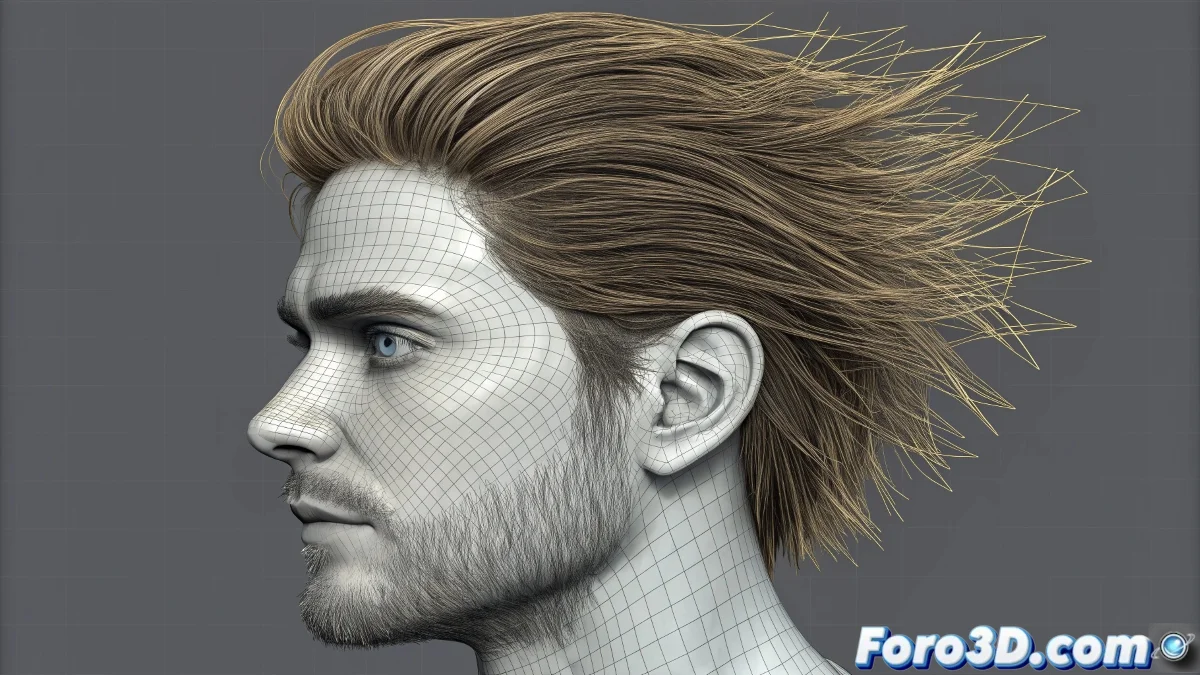
When your hair prefers to be a ghost instead of colliding 👻
You've created the perfect hairstyle with splines, applied Hair and Fur enthusiastically, but when you activate dynamics... nothing! Your hair passes through objects like a spirit. You're not the first to face this problem, and there's a solution.
Why do splines ignore collisions?
The Hair and Fur dynamics system needs something real to collide with:
- Splines are just lines - No thickness or volume to calculate collisions
- Require surface - The physics engine needs normals and contact area
- Technical limitation - Not designed for complex physical simulations
"Using splines for collisions is like trying to collide with an idea: conceptually possible, physically impossible" - Simulation Technician
3 solutions that really work ✨
1. Conversion to geometry (the most reliable)
- Apply Renderable Spline or Sweep Modifier
- Adjust the thickness to give real volume
- Convert to editable mesh (Editable Poly)
- Now apply Hair and Fur with collisions active
2. Intermediate mesh (to preserve splines)
- Create a simple base surface (scalp)
- Apply Hair and Fur here
- Use your splines as Guides for the hairstyle
- Simulate with collisions on the real mesh
3. Alternative Hair and Fur modifier
- Try Ornatrix or Yeti
- More advanced systems with better spline handling
- Greater control over collision properties
Optimal collision setup
Once you have your geometry prepared:
- Enable Collisions in the Dynamics rollout
- Adjust Friction (0.2-0.5 for realistic friction)
- Test with Static Collisions first
- Use simple deflector objects for testing
Persistent problems and solutions
- 🚫 "Still passing through objects": Increase Collision Margin on deflectors
- 🐌 "Simulation too slow": Reduce Hair Segments for testing
- 💥 "Hair explosion": Check scene scale (common problem)
Remember: working with hair in 3D is like grooming a cat... it requires patience, the right tools, and accepting that sometimes the best thing is to start over. But when it finally works, it was worth every frustration! 🐱