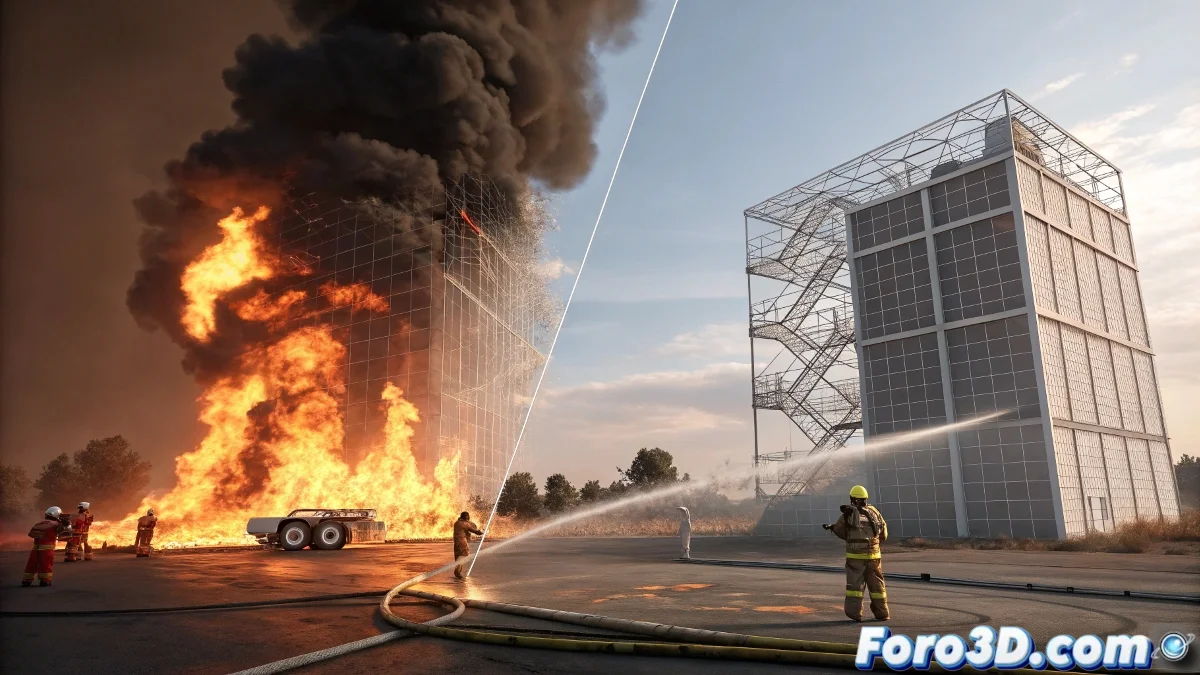
The mystery of invisible fire in FumeFX
This problem is more common than you think among new FumeFX users. You've set up your simulation, everything looks correct in the preview, but when rendering only the smoke appears while the fire decides to stay anonymous. It's like having a thermal ghost in your scene.
Fire in FumeFX depends on a specific combination of simulation parameters, materials, and render settings. When any of these elements is missing, the fire simply doesn't render, even though the simulation is calculating it correctly.
In FumeFX, invisible fire is like a magician who only does tricks when no one is watching
Essential fire material configuration
The most frequent problem is in the FumeFX material. You need to explicitly configure the fire and smoke channels separately, as they don't render automatically.
- Open the material editor: press M to open materials
- Create FumeFX material: search for FumeFX in the material list
- Configure fire and smoke: assign colors and intensities to both channels
- Adjust opacity: fire needs specific opacity values
Critical simulation parameters
In the FumeFX container itself, there are settings that control whether fire is generated and with what intensity. Incorrect values here can result in fire that's too weak to be visible.
The Fuel parameter is particularly important for fire. If it's zero or very low, even with high temperature, the fire won't generate properly 😅
- Fuel amount: minimum 1.0 for visible fire
- Temperature: values between 2.0-5.0 for good development
- Fire ramp: configure curve that allows bright fire
- Simulation quality: increase if the fire looks pixelated
Lighting configuration for fire
Fire in FumeFX depends on lighting to be visible. Unlike smoke which is more opaque, fire needs specific lighting or self-illumination.
If you're using V-Ray, you need to ensure that global illumination is configured correctly and that the fire materials have adequate light emission.
- Enable GI: global illumination necessary for realistic fire
- Use lights with shadow: for better contrast and visibility
- Configure emit light: in the FumeFX material activate light emission
- Adjust exposure: the fire might be there but too bright/dark
Step-by-step solution for diagnosis
If you can't find the specific problem, follow this systematic method. Start from the most basic and advance in complexity.
Create a simple test scene with a default source and basic configuration. This will help you determine if the problem is in your specific scene or in the general configuration.
- Step 1: Create new scene with cube as simple emitter
- Step 2: Apply FumeFX material with default configuration
- Step 3: Simulate a few frames and render
- Step 4: Gradually adjust parameters until you see the fire
Specific configuration for V-Ray
If you're rendering with V-Ray, there are specific settings that may be affecting fire visibility. V-Ray handles volumes differently from the default render.
Volumetric materials need specific configuration in V-Ray and sometimes the default parameters are not optimal for fire.
- Use V-Ray Volume Grid: instead of the standard FumeFX material
- Configure emission: for the fire channel in the volume grid
- Adjust step size: lower values for better quality
- Verify lights inclusion: that lights affect the volume
Verification of common errors
These are the specific problems that usually cause the fire not to render. Check each one in your scene.
The viewport preview sometimes shows fire that doesn't render because it uses a different configuration. Don't rely solely on what you see in the preview.
- FumeFX material not applied to the container
- Fire channel with zero or very low opacity
- Render settings with volumetric effects disabled
- Incompatible version of FumeFX with your renderer
After applying these solutions, your fire should appear gloriously in the render... although you'll probably now have to deal with it being too bright, but that's a much more fun problem 🔥